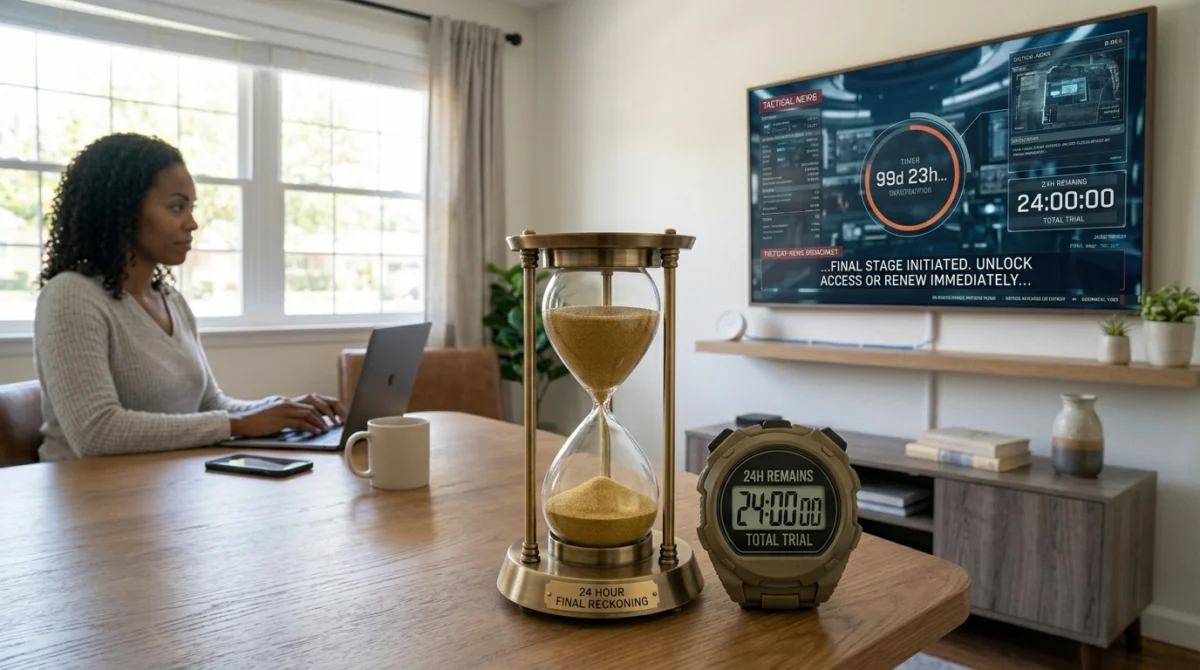
A free IPTV trial sounds like an easy decision. No payment, no risk, just access to test before you commit. The reality is that most people do not get much value from their trial because they do not know what to check during it. Browsing a channel list for a few minutes tells you almost nothing useful, which raises a fair question: is a trial even worth bothering with?
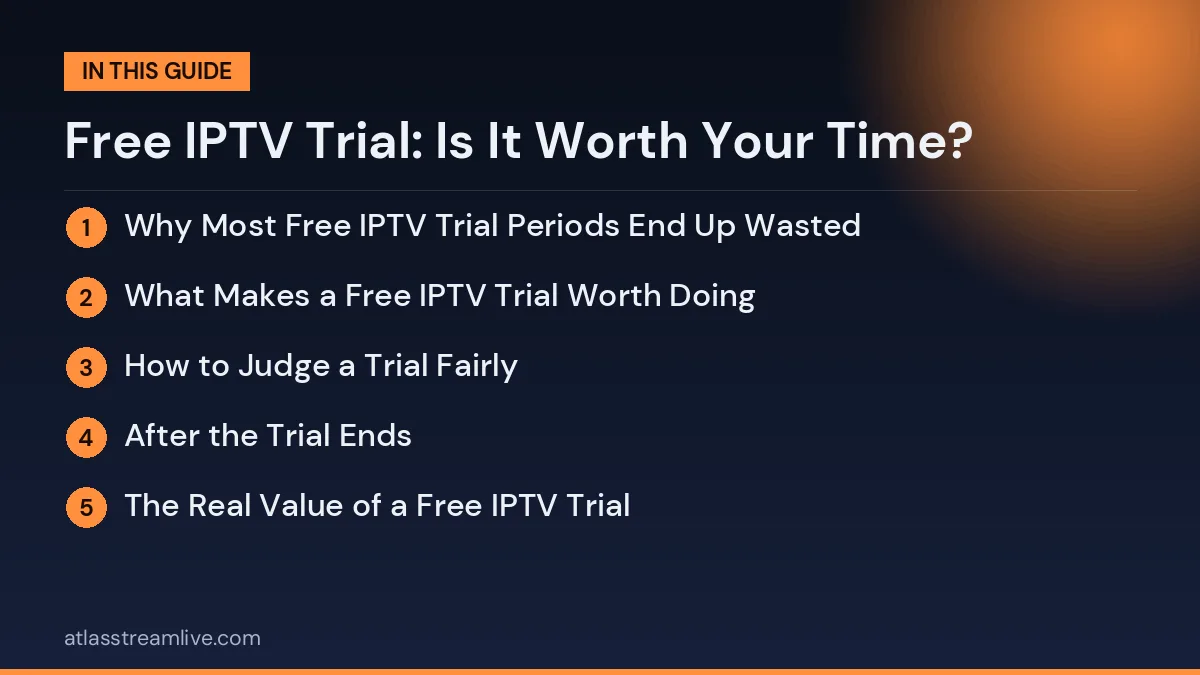
Why Most Free IPTV Trial Periods End Up Wasted
Is a free IPTV trial worth your time? Used properly, it is the most reliable way to judge a service before paying.
The typical pattern goes like this. Someone signs up for a trial, opens a few random channels, watches a couple of minutes of each, and on that brief impression either subscribes or moves on. That approach does not reveal much about how the service will perform once you rely on it day to day, particularly at the moments that matter most, like a live match or a busy weekend evening.
Want to test it on your own TV first? Try AtlasStream Live free for 24 hours on your Firestick, Smart TV or phone. No payment needed.
A trial is only as valuable as the conditions you test it under. Used properly, it can save you from months of frustration with a provider that looks fine on the surface but struggles under real demand.
What Makes a Free IPTV Trial Worth Doing
The most important thing is testing during a period of high demand rather than a quiet moment. If you are considering IPTV mainly for football, watch a real live match during your trial window. This is when server limitations tend to show up, and it is the kind of information you cannot get from a provider’s marketing page. Our guide to watching football without buffering explains what to look for.
Check the specific channels you will use regularly rather than scrolling the full list out of curiosity. A large advertised channel count means little if the channels you care about do not work reliably.
How to Judge a Trial Fairly
A free IPTV trial is only useful if you test it fairly. Many people open the app for a few minutes, watch one channel and decide. That tells you very little. A fair test covers the times you actually watch, the devices you actually use and the channels you actually care about. If you mainly watch in the evening, test between 7 pm and 10 pm. If you watch football, test during a live match. If the family uses a bedroom TV and a tablet, try those too.
Keep a simple note on your phone during the trial. Write down the time, the channel and what happened: smooth, short buffer, long freeze or no picture. Also note how long channels take to open and whether the guide matches the programme on screen. This takes only a few seconds each time, but at the end you will have a clear, honest picture rather than a vague feeling.
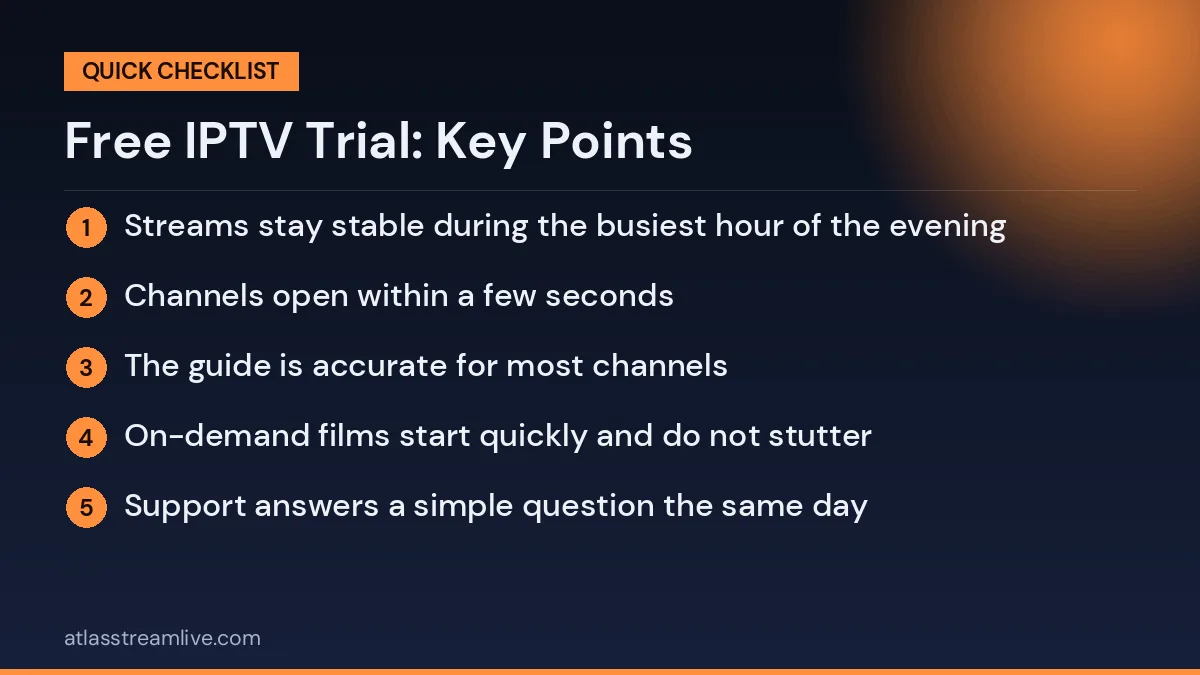
What a good trial result looks like
- Streams stay stable during the busiest hour of the evening
- Channels open within a few seconds
- The guide is accurate for most channels
- On-demand films start quickly and do not stutter
- Support answers a simple question the same day
If most of these boxes are ticked, the trial has done its job and you can decide with confidence. If several are not, it is better to look elsewhere than to hope things improve after you pay.
After the Trial Ends
When the trial finishes, take a day before deciding. Look at your notes and think about whether the service fitted your normal routine. If you are unsure, ask support about anything that worried you, such as a channel that buffered or a missing guide. Their answer is part of the test. Choose a short plan first if you are still uncertain, then move to a longer plan once you are confident.
Test on the device you plan to use day to day, whether that is a Smart TV, a Firestick or a phone. Performance can differ noticeably between devices on the same subscription, so your main device matters more than whichever is easiest to set up first.
The Real Value of a Free IPTV Trial
A free IPTV trial is worth your time when it answers questions you cannot answer any other way. Reviews, adverts and channel lists tell you what a provider claims. Only a trial on your own TV and your own internet tells you what you will actually get.
| Question | Can a trial answer it? |
|---|---|
| Does it work on my TV and device? | Yes |
| Is it stable on my broadband in the evening? | Yes |
| Are my channels included and watchable? | Yes |
| Is support helpful? | Yes, if you contact them |
| Will it stay reliable for a year? | Only partly, which is why a short first plan helps |
When a Free IPTV Trial Is a Waste of Time
A trial is wasted when it is taken at the wrong time or tested in the wrong way. Common examples include:
- Starting a trial late at night and letting it expire before the next evening.
- Testing on a phone when you will mainly watch on the living room TV.
- Only browsing the channel list rather than watching for a while.
- Never contacting support, so you have no idea how they help.
- Testing while someone else at home is downloading large files.
Avoiding these simple mistakes is often the difference between a useful trial and a meaningless one.
How Long Should a Free IPTV Trial Be?
Most trials last 24 hours, and that is usually enough if you plan properly. The most important part is one full evening, because that is when demand is highest and problems appear. A longer trial can be pleasant, but a well-planned day tells you more than a week of occasional browsing.
The Costs of Skipping a Trial
Some people skip testing and buy a long plan straight away because it looks cheaper per month. If the service turns out to be unstable at peak times, or does not work well on their TV, they are stuck with months they cannot use. Even a twelve-month plan at a low monthly price is poor value if you stop using it after a few weeks. Twenty-four hours of testing is a small investment compared with the risk of paying for something that does not suit your home.
What to Watch During Your Test
Live sport or news
Live events are the hardest content to stream, especially when lots of people are watching at once. A football match, rugby game or live news broadcast during the evening is the best stress test available.
A film or series episode
On-demand content tests a different part of the service. Start a film, skip forward a few times and check that playback resumes quickly.
Channels you watch every week
Do not just browse. Open the twenty or thirty channels your household actually watches and check that each one plays smoothly.
The programme guide
Scroll through tonight and tomorrow. Listings should match what is really on, for your region, in UK time.
Judging the Result Fairly
If you see problems, find out where they come from before you decide. Try another streaming app on the same device. If it also stutters, your connection or Wi-Fi is the likely cause, and the same issue would affect any service. If other apps are smooth but this one is not, the service may be the problem. This simple comparison prevents you from rejecting a good provider because of a weak router, or accepting a weak provider because you happened to test on a quiet morning.
Using Support as Part of the Test
Support is often the deciding factor once you are a paying customer. During your test, send a real question, such as how to set up favourites in your app or why a channel is missing from the guide. Note how long the reply takes, whether a real person answers, and whether the advice actually works. A provider that is helpful before you pay is far more likely to be helpful afterwards.
Who Benefits Most From Testing First
- People switching from cable or satellite who want to know if streaming can replace their old setup.
- Households with slower broadband who need to see if their connection copes.
- Sport fans who need stability during live events.
- Families who want to check parental controls and children channels.
- Older viewers who want to be sure the app is simple enough.
Preparing Your Home Before You Start
A little preparation makes the test far more accurate:
- Update your streaming device and install the player app first.
- Run a speed test in the evening on the same network as your TV. The free Speedtest tool works well.
- Connect with an Ethernet cable if the Wi-Fi near the TV is weak.
- Ask others at home to pause large downloads and game updates during your test.
- Start in the afternoon so the 24 hours cover a full evening.
Warning Signs During a Trial
- A card is required and billing starts automatically unless you cancel.
- Only a handful of channels are available, so you cannot judge the real service.
- No reply from support during the whole trial.
- Pressure to buy a long plan before you have finished testing.
- Login details change repeatedly without explanation.
Any one of these is worth noting. Several together are a good reason to look elsewhere.
From Trial to First Plan
If the test goes well, start with a one-month plan rather than jumping straight to twelve months. A single day cannot show you how a service performs across different weeks, sports and holidays. A short plan gives you that longer view with very little risk. Use the same email address you tested with, so your line and favourites carry over without setting everything up again.
Small Details That Make a Big Difference
Beyond stability and channels, a few smaller features decide whether a service is pleasant to use every day. Check them while you can:
- Start-up time. How long does the app take to open and show the channel list?
- Search. Can you find a channel or film quickly by typing its name?
- Favourites. Is it easy to save and reorder the channels you watch most?
- Subtitles. Do they appear on the films and channels you need them for?
- Catch up. Can you watch something that aired yesterday evening?
- Parental PIN. Can you lock categories that are not suitable for children?
None of these show up in a channel count, but together they shape your experience every single evening.
Keeping a Simple Record
Write a few lines as you test: the time, the channel, whether it buffered, how long the guide took, and how support responded. It takes a minute and makes the final decision much easier. If you test more than one provider, these notes let you compare them fairly instead of relying on a general impression.
Is It Worth It? The Honest Answer
Yes, for almost everyone. A planned day of testing costs nothing and can save you from paying for months of a service that does not suit your home. The key is to treat it as a real test: run it at your busiest viewing time, on your main device, with the channels you actually watch, and with at least one message to support. Do that, and the result will give you a clear, honest answer you can trust.
Comparing Several Services Fairly
If you are choosing between two or three providers, test them in the same week and in the same way. Use the same TV, the same connection and the same evening hours. Watch the same channels and ask each provider the same support question. Then compare your notes side by side. This approach removes most of the guesswork and stops you being swayed by whichever service you happened to test on the quietest night.
Getting Others at Home Involved
The person who signs up is rarely the only one who watches. Ask family members or housemates to try the service while it is available. A sport fan will notice different things from a film lover, and children will quickly tell you whether their channels work. Because most tests allow one screen at a time, take turns rather than watching on several devices at once.
Thinking Beyond the First Day
A good test answers the big questions, but some things only become clear over weeks: how the service copes with major sporting events, whether the programme guide stays accurate, and how support handles more complicated problems. That is why a short first plan is the natural follow-up. It extends your test into real everyday use without locking you into a long commitment, and it gives you the confidence to choose a longer plan later.
Handled this way, the whole process becomes calm and low-risk, and the decision you reach is based on real evidence from your own home.
Don't Skip the Support Test
Sending a genuine question to customer support during your trial reveals more than most people expect. Response time and helpfulness while a provider is trying to win you as a customer gives a realistic preview of what to expect once you are paying and need help.
Is a Free IPTV Trial Worth Your Time Overall?
Yes, but only if you use it to test the things that matter rather than just confirming the app opens and channels load. A properly used trial, tested at busy times on your own devices with a real support question along the way, takes perhaps an hour or two of effort spread across the trial window. That is small compared with the frustration of finding out a service does not hold up after you have already paid for a month or longer. For a fuller checklist, see what to check in a free IPTV trial and how an IPTV UK free trial works step by step.
How the AtlasStream Live Trial Fits In
AtlasStream Live offers a free 24-hour trial, and you do not need a credit card to request it. That is a short window, so plan your testing before you start: pick the channels you care about, decide which device you will use, and choose a time when you would normally be watching. You can request it on the free trial page or by messaging us on WhatsApp.
Making Your Free IPTV Trial Count
A free IPTV trial is worth your time precisely because it costs nothing and can save you a wasted subscription. The value comes entirely from how you use it, so approach it with a plan rather than casual curiosity. Run through the checklist above with any provider before making a decision, ours included.
Frequently Asked Questions
Is a trial really free?
A no-card trial is completely free. Nothing is charged, and it simply ends after the stated time.
Can I test on more than one device?
Usually one at a time. Test your main TV first, then try a phone or tablet later in the trial.
What if the trial goes badly?
Check whether the problem was your connection by testing another app. If other apps work well, the service may not suit you, and there is nothing to cancel.
Want to test it yourself? Request your free 24-hour trial.
Already sure? See plans and subscribe → · from £15, no contract.