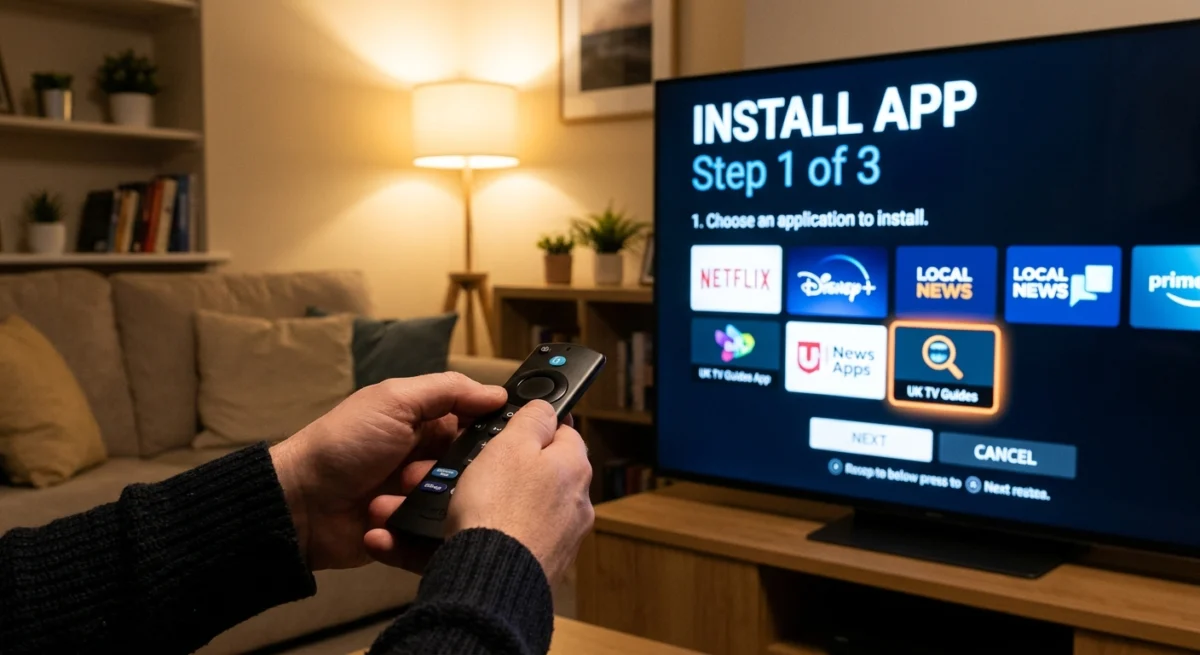
Step 1 — Order
Step 2 — Get your credentials
Step 3 — Pick your player app
- Strong IPTV — the standard choice on supported Samsung and LG Smart TVs.
- IPTV Smarters Pro — the most common cross-platform option, works almost everywhere.
- TiviMate — a favourite for Android TV and Firestick power users.
- SIPTV — a simple alternative for Smart TVs.
Step 4 — Enter your credentials & test
Setup & Apps tips for a smooth first stream
Good Setup & Apps habits make your first stream much smoother. Before you start, make sure your device has a stable internet connection. Where you can, use an Ethernet cable for a TV box or Firestick, or sit close to your router if you rely on Wi-Fi. HD and 4K channels need a faster, steadier connection than standard definition, so run a quick speed test if you notice buffering.
Keep your credentials safe and enter them exactly as we sent them. The most common setup problem is a small typo in the username, password or server address, so paste the details instead of typing them whenever you can. Most player apps ask for the same three things: a username, a password and a server address, so once you have them you can switch between apps easily.
Which Setup & Apps combination suits your device?
If you are on a Samsung or LG Smart TV, start with Strong IPTV. Android TV and Firestick users often prefer TiviMate for its clean layout, while IPTV Smarters Pro is a safe choice when you want one app that runs on phones, tablets and boxes alike. If you would like to understand the technology behind these players, the overview of Internet Protocol television on Wikipedia is a good starting point.
Common Setup & Apps problems and quick fixes
If channels do not load, double-check your credentials and restart the app first. If the picture freezes, restart your router and try again, or move closer to it. If an app is not available in your device store, simply choose another one from the list above.
Still stuck? Message our support team on WhatsApp at any time and we will go through your setup and apps with you, step by step.