More Canadian households are replacing traditional cable and satellite packages with live TV over the internet. This IPTV Canada 2027 guide explains what to check before you sign up: which devices work best, how much internet you need, how data caps can affect streaming, and how to plan for sport that starts at different times from coast to coast. You can see our Canadian page at IPTV Canada and request a free 24-hour trial whenever you are ready.
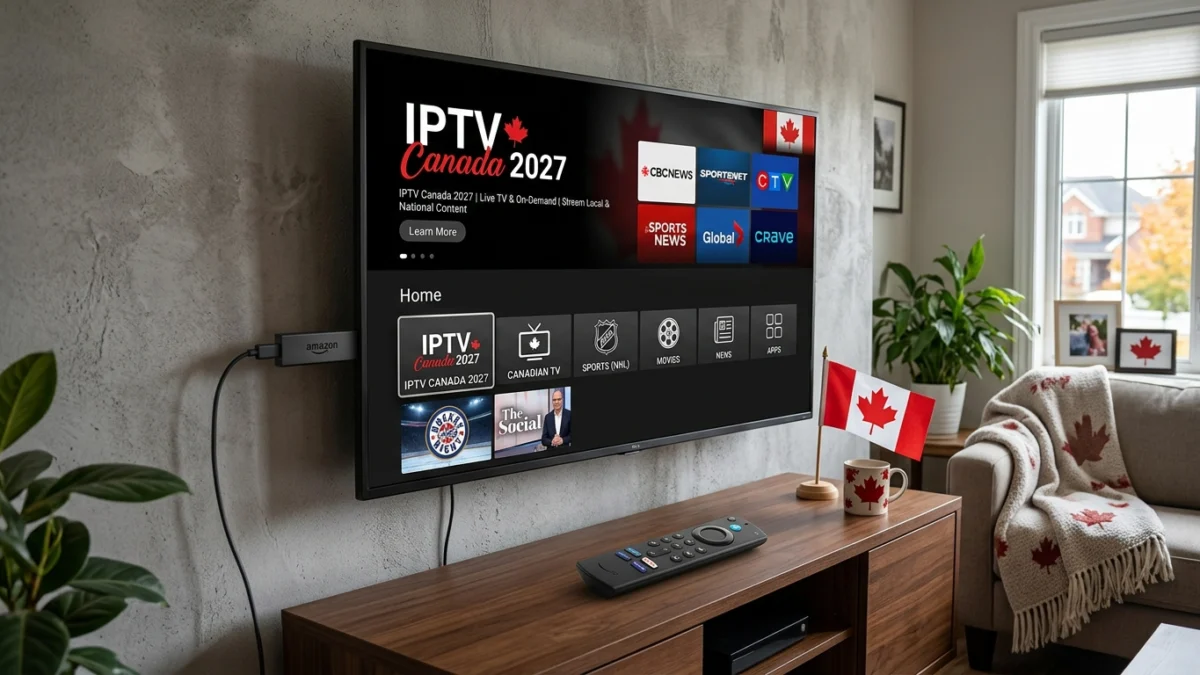
What IPTV Means for Canadian Viewers in 2027
IPTV delivers television through your internet connection rather than through a cable box or a dish. In Canada that usually means a live TV app on a streaming stick, Smart TV or set-top box, often with catch-up and on-demand content as well. Many viewers like the flexibility: no installer visit, no equipment rental and the same account on several screens at home.
Because quality depends on your own connection and on the provider, it makes sense to test a service on your own setup before you commit to a longer plan.
The Best Devices for IPTV in Canada
| Device | Best for | Notes |
|---|---|---|
| Fire TV Stick 4K Max | Most households | Fast, affordable, widely available in Canada |
| Google TV Streamer | Families and sport | Ethernet port and smooth menus |
| Apple TV 4K | iPhone households | Excellent picture and AirPlay |
| Android TV box | Power users | More storage and ports |
| Smart TV app | Simple setups | Depends on the TV brand and age |
Avoid the oldest and slowest sticks. A newer device opens menus and changes channels faster. Our install and setup guide shows the steps for each device.
Internet Speed and Data Caps
Plan on about 15 Mbps for each HD stream and about 25 Mbps for each 4K stream, plus headroom for other devices at home. Providers such as Rogers, Bell, Telus and Cogeco offer plans that are fast enough for most households, but speeds are usually measured under ideal conditions, so test in the evening on the device you actually watch from.
Data caps deserve a second look. As a rough guide, an HD stream can use around 3 GB an hour and a 4K stream around 7 GB an hour. If your plan has a monthly cap, check it before you start streaming all day, or choose an unlimited plan.
Choosing a Service You Can Trust
The IPTV market has reliable providers and risky ones. Look for real support that replies before you pay, clear information on what each plan includes and an honest trial so you can judge picture quality and stability yourself. Be wary of any provider that promises everything for almost nothing or that asks for payment in ways you cannot verify.
Atlas Stream Live offers a free 24-hour trial, so you can test on your own device and internet connection first.
Hockey and Live Sport Across Time Zones
For many Canadians, sport means hockey, but the calendar is much wider: the NHL season and playoffs, the NBA, the CFL in summer and autumn, MLB, MLS and international tournaments. Canada has several time zones, so a game that starts at 7 p.m. in Toronto starts at 4 p.m. in Vancouver. Check start times for your own location and do not assume the broadcast time shown on a listing is local.
Before an important game, connect your main TV by Ethernet if you can and restart your device about an hour earlier so you are not troubleshooting at puck drop.
English and French Viewing
Canada is a bilingual country, and many households want both English and French content. Check what languages and channels are included in a plan, and test them during the trial rather than assuming. If someone at home prefers French-language viewing, make sure they test that part too. Support can usually tell you what to expect before you pay.
Picking the Right Plan Length
If you already know a service works well for you, a longer plan usually costs less per month. If you are new, start with the trial and then a shorter plan, and move up once you are happy. Our subscription page shows the current options, and support can help if you are unsure which one fits your household.
Setting Up Your Home Network
A few improvements at home matter more than any app setting. Connect your main TV by Ethernet if you can. If you rely on Wi-Fi, keep the router in the open, use the 5 GHz band for streaming and avoid placing the TV behind thick walls. Restart your router now and then, and avoid heavy downloads while watching live sport.
Common Mistakes to Avoid
Choosing on price alone: a very cheap service that buffers every evening is not a bargain. Skipping the trial: always test on your own device and connection. Ignoring data caps: heavy 4K viewing can use up a monthly allowance quickly. Using weak Wi-Fi: most buffering problems start at home. Leaving setup to the last minute: test your setup a day before an important game.
IPTV vs Cable and Satellite in Canada
Cable and satellite offer a familiar box and one bill, but they often include contracts, equipment rental and price rises after promotional periods. IPTV is more flexible and portable, but it needs a good internet connection and a little setup time. Many Canadians keep their internet provider and replace only the TV service. Compare the total yearly cost and the ease of cancelling before you decide. If you have family in the UK, our comparison of IPTV in Canada and the UK explains the main differences.
IPTV Canada 2027 Checklist
- Test your internet speed in the evening
- Check your monthly data cap, or choose an unlimited plan
- Use a recent streaming device and connect the main TV by Ethernet
- Start with a free trial and test English and French content if you need both
- Check game start times for your own time zone
- Pick a plan length that matches how sure you are
- Set up favourites and parental controls
IPTV Canada 2027: Frequently Asked Questions
Is IPTV legal in Canada?
IPTV is just a delivery technology, and many services are fully licensed. Choose a provider you trust and check what its plans include. We cannot give legal advice, so check the rules that apply to you.
What internet speed do I need?
Around 15 Mbps per HD stream and 25 Mbps per 4K stream, plus headroom for other devices at home.
Will IPTV use up my data?
Streaming uses data, roughly 3 GB an hour in HD and 7 GB an hour in 4K. Check your plan for a cap.
Can I try before I pay?
Yes. You can request a free 24-hour trial on our trial page.
Which device is best?
For most homes, a Fire TV Stick 4K Max or Google TV Streamer is a good balance of price and speed.
Getting Started Today
If you are ready to try IPTV in 2027, begin with the free 24-hour trial, follow the setup guide for your device, and then compare the options on the subscription page. Viewers in the United States can also read our IPTV USA 2027 guide.