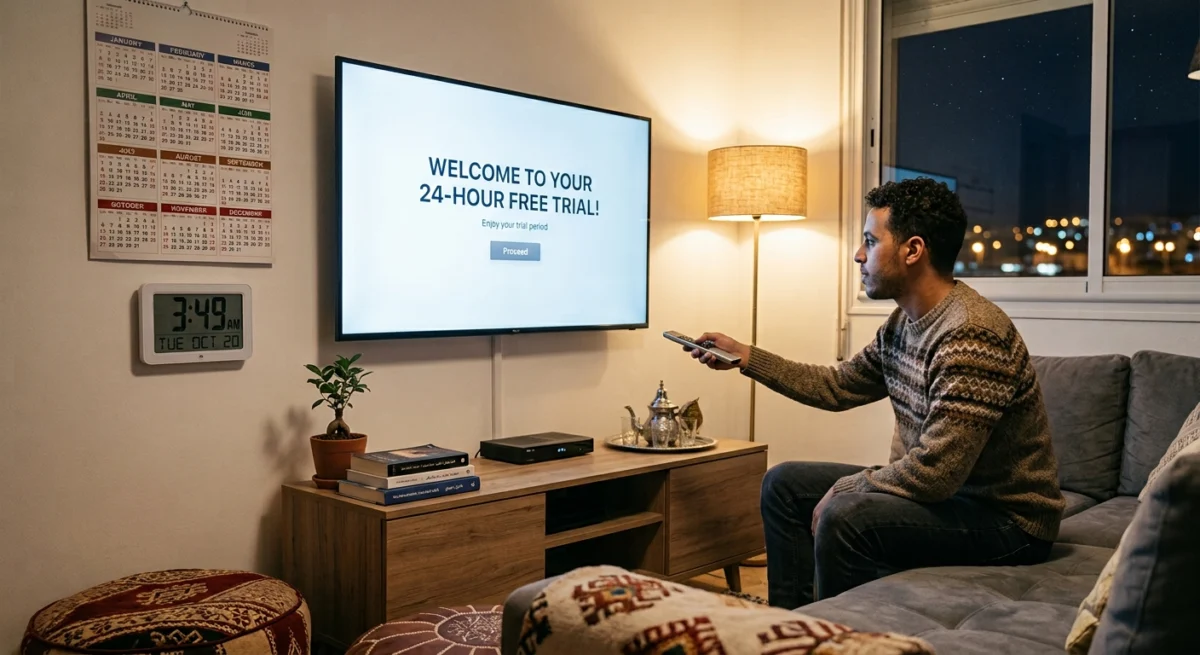
An IPTV free trial UK 2026 viewers can take is the quickest way to see whether a service suits modern UK homes, devices and broadband.
Everyone wants to try before they buy, and with IPTV it is one of the smartest things you can do before handing over any money. The problem is that not every free trial is worth your time. Some give you a proper window to test everything. Others give you a handful of channels and a choppy stream, and you only find out the full service is different after you have paid.
Want to test it on your own TV first? Try AtlasStream Live free for 24 hours on your Firestick, Smart TV or phone. No payment needed.
Why a Free Trial Matters With IPTV
With a service like Netflix you know roughly what you are getting. IPTV is different. Quality varies a lot from one provider to the next, and you cannot judge it from a channel count or a spec sheet. A long list of channels says nothing about how many of them work well on a normal UK broadband connection.
The only way to know is to test on your own connection, on your own device, at the times you actually watch. That is what a trial is for.
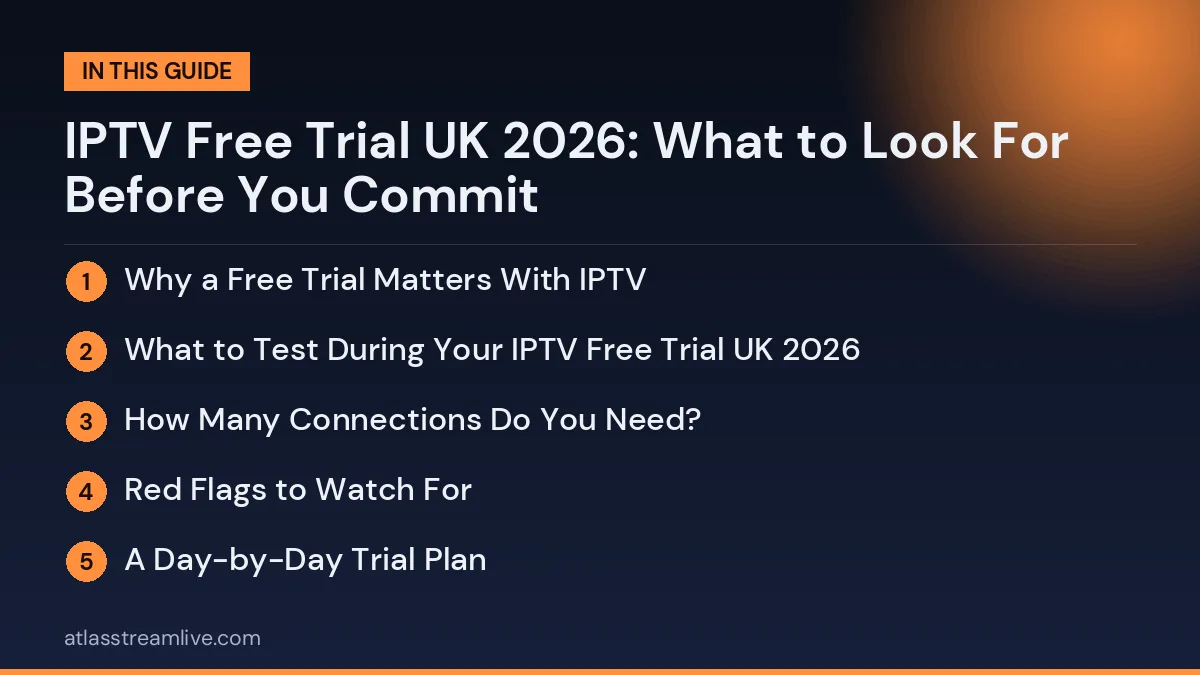
What to Test During Your IPTV Free Trial UK 2026
Most people click around the channel list and call it done, which tells you very little. Test at busy times, such as a weekend match day or a Sunday evening. If the stream holds up then, that is a good sign. If it struggles on a quiet afternoon, think twice.
Check the channels you actually watch rather than the whole list. Test every device you plan to use, because a service can run well on a Firestick and feel sluggish on a Smart TV, or the other way round. Test the programme guide too: it is what you will use every day, and a slow or out-of-date guide gets frustrating quickly. Our full checklist is in what to check in a free IPTV trial.
How Many Connections Do You Need?
Before you start, think about how many people in your household will watch at the same time. Plans are often based on simultaneous connections: a partner in the living room and you on a phone is two. Some providers include several connections, and others charge extra for each one. During your trial, check whether a connection limit applies and what happens when you reach it, since some services handle it gracefully and others drop the stream without warning.
Red Flags to Watch For
No test period at all is a bad sign. Reputable services are usually willing to let you try before you pay.
If the trial does not match the paid service, ask about it. Reduced channels or lower quality in a trial make it a poor guide to what you will get. A direct question such as whether the trial runs on the same service as the paid plans is reasonable.
A Day-by-Day Trial Plan
If your IPTV free trial UK 2026 lasts 24 hours, split it into short, focused tests. In the first hour, install the app, enter your details and add your favourite channels. In the evening, between 7 pm and 10 pm, watch live channels on the main TV and note any buffering. Late in the evening, test on-demand films and series, checking how quickly they start and whether subtitles work. The next morning, test on a second device such as a phone or bedroom TV, and send support a simple question to see how quickly they reply.
If the trial is longer, such as 48 or 72 hours, add a live sports event and a weekend afternoon. These are the busiest times for streaming services and the best test of reliability. At the end, review your notes and decide calmly.
Trial notes template
| Time | Device | Channel or content | Result |
|---|---|---|---|
| 8 pm | Living room TV | Live news | Smooth / Buffered / Failed |
| 9 pm | Living room TV | Live sport | Smooth / Buffered / Failed |
| 10 pm | Tablet | On-demand film | Smooth / Buffered / Failed |
Mistakes to Avoid During the Trial
The most common trial mistakes are testing at quiet times, using only one device, forgetting to check the guide and not contacting support. Some people also test on weak Wi-Fi far from the router and blame the service, when the real issue is the home network. Test with the same setup you will use every day, at the times you really watch, and you will get a fair, useful result. If you change something during the trial, such as moving to Ethernet, note it so you can compare before and after.
If you cannot reach anyone for help during the trial, think about what support will be like after you have paid. Our guide to trial versus paid subscription goes into this in more detail.
What a Proper IPTV Free Trial UK 2026 Should Include
A useful trial gives you enough time to test properly, with 24 hours as a sensible minimum, and as much of the real service as possible. It should be available without payment details upfront. If a provider asks for card details before giving you access to a free trial, think about why, and read about payment methods before you proceed.
What Is Different About an IPTV Free Trial UK 2026 Viewers Take
Testing a service in 2026 is not the same as testing one a few years ago. Home technology, broadband and consumer rules have all moved on, and your trial should reflect that.
More homes have full fibre
Full fibre broadband now reaches a large share of UK homes, which makes 4K streaming far more realistic. If you have it, test 4K channels and films properly during your trial. If you do not, focus on stable HD.
Newer Wi-Fi standards
Many recent routers and streaming devices support Wi-Fi 6 or newer, which handles busy homes with lots of connected devices better. If you have upgraded recently, check that your TV device is actually connecting at its best speed.
More capable streaming sticks
Current 4K streaming sticks and boxes handle large playlists and programme guides much better than older models. If your device is several years old, it may be the weakest link in your test.
Stronger consumer protection on reviews
UK law now specifically bans fake reviews, which the Competition and Markets Authority enforces. Reviews are still worth reading carefully, but your own trial remains the most reliable test.
An IPTV Free Trial UK 2026 Checklist
| Check | Why it matters in 2026 |
|---|---|
| 4K playback on a full fibre line | More homes can now support it |
| Performance on Wi-Fi 6 or Ethernet | Modern networks should be tested at their best |
| App support on current devices | Older apps may not be updated for new models |
| Programme guide accuracy | Still one of the most noticeable daily details |
| Support response time | The best indicator of future help |
| Safe card payment and clear terms | Scams targeting TV deals remain common |
Planning Your 24 Hours
- Afternoon: request the trial, install the app, enter your details and browse.
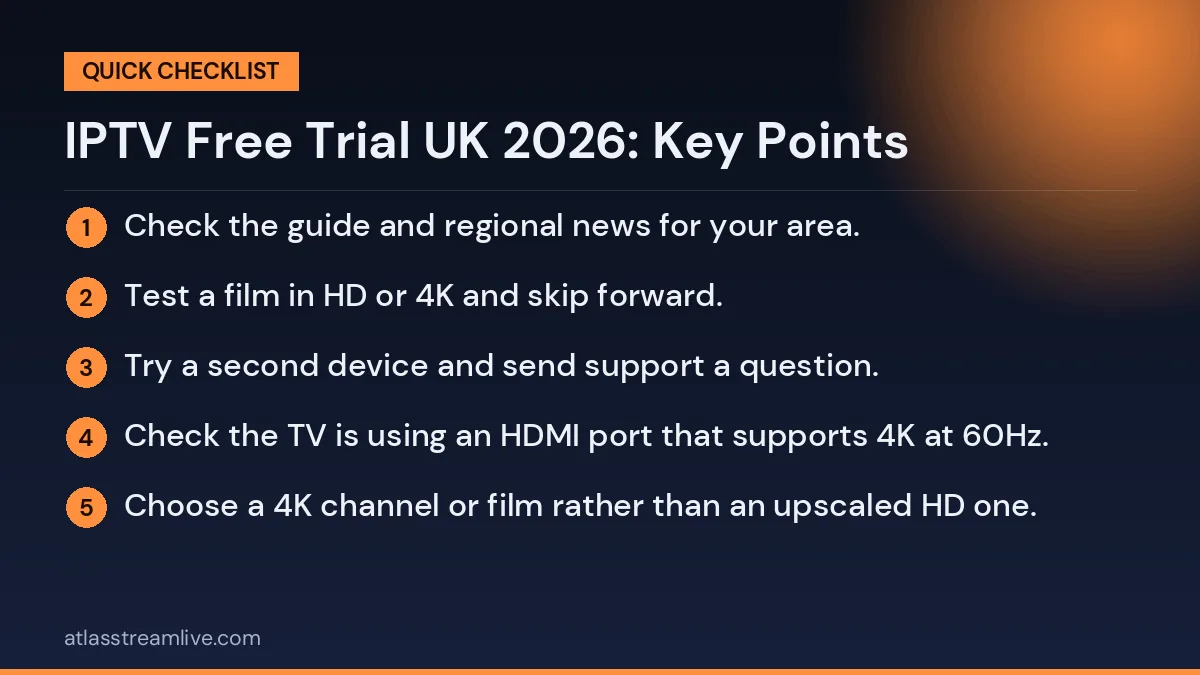
- Early evening: check the guide and regional news for your area.
- 7pm to 10pm: watch live for at least 30 minutes, ideally live sport, and switch between channels.
- Late evening: test a film in HD or 4K and skip forward.
- Next morning: try a second device and send support a question.
Testing 4K Properly
4K looks spectacular when everything lines up, but every part of the chain must support it: the TV, the streaming device, the HDMI port and cable, the app and the connection. During your trial:
- Check the TV is using an HDMI port that supports 4K at 60Hz.
- Set the streaming device display resolution to 4K in its settings.
- Choose a 4K channel or film rather than an upscaled HD one.
- Run a speed test on the TV device itself and aim for 25 Mbps or more.
- Watch for at least 15 minutes and note any pauses.
If 4K stutters but HD is smooth, your connection or device may not be ready for 4K at busy times, and HD may be the better everyday choice.
Red Flags in 2026
- Trials that require a card and bill automatically unless cancelled.
- Payment only by crypto or gift card for the paid plan.
- No company details or written refund policy.
- Apps only available from unknown websites rather than official stores or trusted sources.
- Unrealistic promises such as never any buffering on any connection.
- Pressure to buy a long plan before the trial ends.
The Action Fraud website explains how to spot and report online scams.
Connections and Household Size
Trials normally allow a single screen, but your paid plan should match how many people watch at once. Count the screens likely to be in use on a busy evening: the living room TV, a bedroom TV, a tablet, a phone. Choose a plan with enough connections so nobody gets cut off when someone else starts watching.
From Trial to Paid
If your trial goes well, start with a one-month plan and use the same email address you tested with. Your line is upgraded, so your login and favourites stay the same. After a few weeks of normal use, including some busy evenings, move to a longer plan for a lower monthly cost. This simple path keeps your risk low while you confirm the service suits your home.
Testing on the Devices UK Homes Use Most
Amazon Fire TV stick
Install a player from the Appstore where possible, clear storage first and use the HDMI extender to keep the stick cool.
Android TV and Google TV
Use the Play Store version of your player and check that the box is running current software.
Samsung and LG Smart TVs
Check which players are available in your TV app store. Older TV models may have fewer options or slower performance.
Apple TV, iPhone and iPad
Use an App Store player that supports your login type. Apple TV is a strong choice for 4K if your connection allows.
PC and laptop
Useful for a second screen or for testing quickly. Use an official player or a browser-based option recommended by your provider.
Support: The Test Most People Skip
Before you pay, find out how support works. Send a message through the official channel and ask something useful, such as how to add favourites on your device or why a channel is missing from the guide. Note how long the reply takes, whether a real person answers, and whether the advice works. Try once during the day and once in the evening if you can. Support quality during the trial is one of the best predictors of how you will be treated as a paying customer.
Getting Your Home Ready Before the Trial Starts
- Update everything. Streaming device software, TV firmware and the player app.
- Clear storage. Remove apps you never use and clear caches.
- Check the network. Run a speed test in the evening using a tool such as Speedtest.
- Use a cable if you can. Ethernet gives the fairest test.
- Tell the household. Ask others to pause big downloads during your evening test.
- Pick the right day. Choose one when you will be home in the evening and ideally when a live event is on.
Keeping a Simple Scorecard
Score each area from one to five: setup, evening stability, channel switching, your channels, programme guide, on demand, support and second device. Add the scores at the end. A total of 32 or more out of 40 is a strong result. If you test several providers, the scores make comparison quick and fair.
Involving Everyone Who Will Watch
The best tests involve the people who will actually use the service. A sport fan will notice how live matches behave, a film lover will judge the on-demand library, and children will quickly tell you whether their channels work. Older relatives can tell you whether the app feels simple enough. Because trials usually allow one screen at a time, take turns on the main TV. Combining everyone’s impressions gives you a far better answer than one person browsing alone, and it makes the final decision feel fair for the whole household.
Thinking Beyond the Trial
No single day can show how a service behaves across a full year of major sport, holiday periods and the occasional maintenance window. That is why the most sensible path in 2026 is still a free trial followed by a short first plan. It extends your test into real everyday use with very little risk. After a month of smooth viewing, a longer plan becomes a simple, confident step rather than a gamble based on one evening. Keep your scorecard, too. Running the same quick test again before a big tournament or after six months is an easy way to confirm the service is still as good as when you chose it.
The AtlasStream Live Trial
AtlasStream Live offers a free 24-hour trial and you do not need a credit card to request it. Request it on the free trial page or by messaging us on WhatsApp. Our plans are £15 for 1 month, £27 for 3 months, £40 for 6 months and £55 for 12 months, so you can see the cost before you decide. Ask us which channels you care about, and then check them yourself during the trial.
Check Your Connection First
Your internet connection plays a bigger role than most people expect. Run a speed test on the device you will use, at the time you will watch, before your trial starts. If your broadband slows in the evening or you share it with others, take that into account when judging the results, because some buffering on a weak connection is not necessarily the provider’s fault. Our guide to internet speed for IPTV explains how much you need.
The Short Version
Test at busy times, check your channels and devices, understand the connection limit, look out for the red flags, and use the trial to find out whether IPTV works in your home before you spend anything.
IPTV Free Trial UK 2026: Frequently Asked Questions
Is a 24-hour trial enough in 2026?
Yes, if it covers one full evening and you test with a plan. Most problems appear at peak times.
Can I test 4K during a trial?
Usually yes, if your TV, device and connection support it.
Do I need to cancel?
Not for a no-card trial. It simply ends.
What if trials are not available today?
Some providers limit daily trials to protect quality. Live chat can often arrange one by hand.
Should I test more than one provider?
If you are unsure, yes. Test each in the same way, on the same TV and at the same times, and compare your notes.
The Short Version
A trial in 2026 should test what modern UK homes actually use: full fibre or fast fibre broadband, Wi-Fi 6 or Ethernet, current 4K streaming devices and apps from official stores. Plan your 24 hours around a busy evening, test the channels you watch, contact support, keep a scorecard and watch for red flags around payment and business details. Then start with a short plan before committing for longer. That approach gives you a clear, confident decision based on your own experience.
Want to test it yourself? Request your free 24-hour trial.
Already sure? See plans and subscribe → · from £15, no contract.