IPTV vs Sky TV in the UK: What to Compare Before You Switch
Sky is a familiar way to watch TV in the UK. Here is what to compare before you decide whether IPTV could replace some of it, and what to test first.
Last updated: 16 October 2026
Two different ways to watch
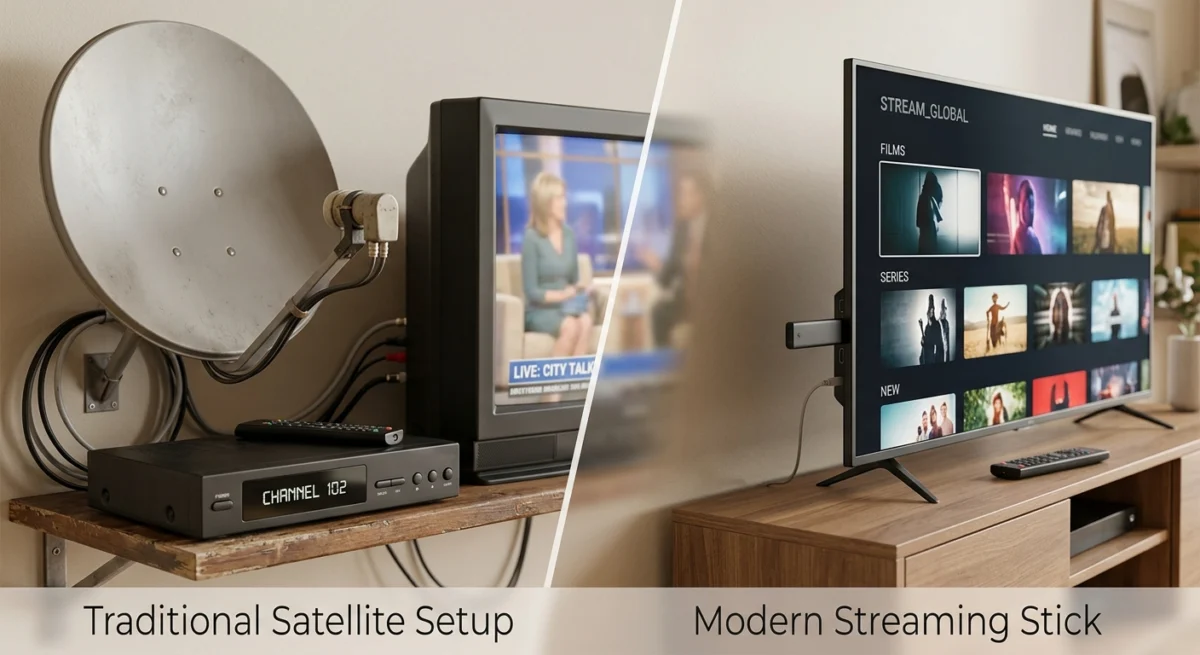
Sky delivers TV through its own boxes, satellite dishes or streaming devices, with channels, sport and films packaged into plans. IPTV delivers TV over your broadband to an app on a device you may already own. The two are not identical products, so the best comparison is not which is better, but which fits your household.
IPTV vs Sky TV: Compare the Total Bill
Choosing between IPTV vs Sky TV comes down to cost, flexibility, sport and how reliable your broadband is. This guide compares both options honestly so you can decide which suits your home.
Sky prices depend on the package, the extras and the contract, and they can change over time, so check your own latest bill and the current offer on Sky’s website rather than relying on a figure from an article. Add up the monthly fee, any extras for sport or films, equipment charges, and what the price becomes after any introductory period ends.
Want to test it on your own TV first? Try AtlasStream Live free for 24 hours on your Firestick, Smart TV or phone. No payment needed.
For IPTV, add up the plan price for the length you would choose. Our plans are £15 for 1 month, £27 for 3 months, £40 for 6 months and £55 for 12 months, listed in the plans section. Compare what you would really pay across a year, and what you would be giving up.
IPTV vs Sky TV: Contract and Flexibility
Check how long your Sky contract runs and whether there is a charge for leaving early. Check the same for any IPTV service: the minimum term, the renewal rules and how to cancel. Our guide to renewals and cancellation lists the questions to ask.
Sport is the deciding factor for many
Live sport is where many households decide. In the UK, rights to the major competitions are held by specific broadcasters, and some matches are not shown live at all, such as Saturday 3pm Premier League kick-offs. A service claiming to show every match for a few pounds a month deserves a careful look. Test the particular matches and events you care about, and check whether the provider can explain what it is licensed to show. Read whether IPTV is safe and legal in the UK before you subscribe.
IPTV vs Sky TV: Side-by-Side Comparison
Factor
Sky TV
Licensed IPTV service
Contract
Usually 18 or 24 months
Monthly or prepaid, no long contract
Installation
Engineer or Sky Glass setup
App on a device you already own
Price changes
Annual price rises during contract
Fixed for the period you pay for
Devices
Sky box, Sky Glass, Sky Stream
Firestick, Smart TV, Android box, phone, tablet
Connection
Satellite or broadband
Broadband only
Recording
Built-in on Sky Q and Stream
Depends on app and service
Support
Large UK call centres
Usually chat or email
Neither option is better for everyone. The right choice depends on how you watch, your budget and how much you value flexibility.
Working Out the Real Cost of Sky
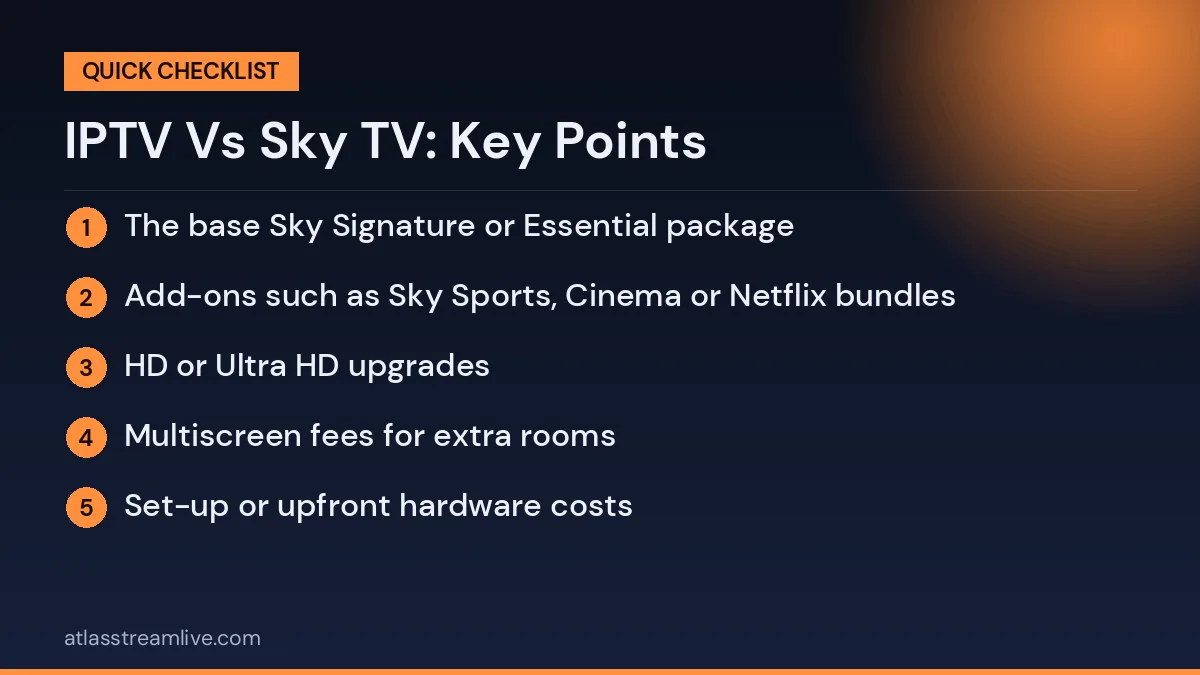
When comparing IPTV vs Sky TV, look beyond the headline monthly price. A full Sky bill often includes several parts:
The base Sky Signature or Essential package
Add-ons such as Sky Sports, Cinema or Netflix bundles
HD or Ultra HD upgrades
Multiscreen fees for extra rooms
Set-up or upfront hardware costs
Yearly price rises applied during the contract
Add these up over the whole contract, not just the first month. Then compare the total with what a licensed IPTV plan would cost over the same period. Ofcom publishes guidance on in-contract price rises that is worth reading before you sign or renew any TV deal.
Picture Quality and Broadband Needs
Sky via satellite does not depend on your broadband, which helps in areas with slow connections. IPTV relies fully on your internet. For steady HD viewing you need around 10 to 15 Mbps per stream, and 25 Mbps or more for 4K. Run a test on Speedtest at the time you normally watch, because evening speeds are often lower. A wired Ethernet connection or a good mesh Wi-Fi system makes a big difference to IPTV quality.
What You Keep and What You Lose When Switching
Switching from Sky to IPTV changes more than the channel list. You keep the ability to watch live TV, sport and films, often on more devices around the home. You gain flexibility, because there is usually no long contract, and you can watch on a Firestick, Smart TV, phone or tablet. You also avoid the yearly price rises that come with many traditional TV contracts.
On the other hand, you may lose some features that Sky users are used to, such as the Sky Q or Sky Stream interface, built-in recording, integrated apps and the familiar Sky remote. Some households, especially older viewers, find this change harder than expected. Planning for it, by setting up favourites and a simple app layout, makes the transition smoother. Understanding these trade-offs is central to the IPTV vs Sky TV decision.
Switching summary
You keep
You may lose
Live TV and sport
The Sky interface and remote
Films and series
Built-in Sky recording
Viewing on several devices
Engineer support visits
Lower, fixed costs
Satellite reliability without broadband
Costs Over Two Years: A Simple Way to Compare
Many Sky contracts run for 18 or 24 months, so comparing over two years gives a fair picture. Start by listing everything you pay Sky each month: the base package, sport, cinema, HD or Ultra HD, Multiscreen and any other add-ons. Multiply by 24, then add any set-up fees and estimated yearly price rises. Do the same for IPTV, using the cost of the plan length you would choose, multiplied over two years, plus any device you need to buy, such as a Firestick.
Remember to include broadband in both cases if it is part of a bundle, because switching TV providers may change your broadband price too. Compare the final totals side by side. For many households, the difference is significant, but the decision should also consider reliability, support and how your family prefers to watch.
Two-year comparison template
Cost item
Sky
IPTV
Monthly TV package x 24
Your figure
Your figure
Sport and add-ons x 24
Your figure
Usually included
Set-up or devices
Your figure
Device cost if needed
Expected price rises
Your estimate
Fixed for each plan
Two-year total
Total
Total
Filling in this table with your own figures takes only a few minutes and gives a clear, honest view of whether switching makes financial sense. It turns the IPTV vs Sky TV question from a guess into a simple calculation based on your real bills.
Talking It Through as a Household
Before switching, talk with everyone who uses the TV. Explain what will change, which channels and apps they will use, and how long it will take to get used to. Set up the new system together during a trial, so nobody feels left out or confused on the first evening.
Channels, on-demand and devices
Write down the channels and programmes you actually use, and check those first. A big channel count tells you very little. Check the devices you will use too. Sky’s own app and boxes are designed for Sky, while IPTV apps run on Smart TVs, streaming sticks, phones and computers. See our honest comparison of IPTV and cable or satellite for more.
Sport: The Biggest Factor for Many Homes
For a lot of UK households, sport decides the IPTV vs Sky TV question. Sky holds major rights for Premier League, EFL, F1, golf and cricket, while TNT Sports and Amazon Prime Video hold other matches. Watching everything legally through traditional providers can mean paying for several subscriptions at once.
A licensed IPTV service may bring channels together in one app, but always check exactly which competitions and channels are included before you pay. Ask the provider directly about the sports that matter most to you, and use a trial during a busy matchday to see how streams hold up when demand is highest.
Questions to ask about sport
Which leagues and channels are included in the plan?
Are matches available in HD or 4K?
Is there catch-up or replay for games you miss?
How do streams perform on Saturday afternoons and big European nights?
Is there a backup feed if a channel has problems?
On-Demand, Box Sets and Catch-Up
Sky includes a large on-demand library, box sets and apps like Netflix within its interface. Many IPTV services offer video-on-demand sections with films and series too, but the range, quality and organisation vary a lot. Free UK catch-up services such as BBC iPlayer, ITVX, Channel 4 and My5 work on most streaming devices regardless of which option you choose, so you may not need a paid service for every programme you watch.
Devices and Rooms Around the House
Sky Multiscreen lets you watch in extra rooms for an additional monthly fee and usually needs extra Sky hardware. With IPTV, the number of screens depends on the connections in your plan. A two-connection plan lets two devices stream at the same time, such as a Firestick in the lounge and a Smart TV in the bedroom. Check how many connections you need before choosing a plan, as this affects both price and convenience.
Reliability and support
Sky’s service does not depend on how good your home Wi-Fi is, but IPTV does, so check your connection first. See Wi-Fi or Ethernet for IPTV. Also compare how to get help. IPTV support differs between providers, so find out how to reach them before you pay.
Which Option Suits Which Household?
Household type
Likely better fit
Why
Slow or unreliable broadband
Sky via satellite
Does not rely on internet speed
Wants no long contract
IPTV
Monthly or prepaid plans
Renting or moving often
IPTV
No dish or engineer needed
Prefers phone support and engineers
Sky
Large support network
Several TVs on a budget
IPTV
Multi-connection plans, existing devices
Older viewers who dislike change
Sky
Familiar remote and interface
Common Myths About IPTV vs Sky TV
“IPTV always buffers.” Most buffering comes from weak Wi-Fi or slow speeds at peak times. With a good connection, streams can be very stable.
“Sky never has problems.” Satellite can be affected by heavy rain, snow or a misaligned dish, and Sky Stream relies on broadband too.
“IPTV is complicated.” Most apps install in a few minutes, and good providers guide you step by step.
“You do not need a TV Licence with IPTV.” Wrong. The same licence rules apply to live TV however you watch it.
A Simple Way to Decide
Write down the five channels or competitions your household watches most, your current total monthly bill and your broadband speed in the evening. If your broadband is strong and you want flexibility without a long contract, IPTV is worth testing. If your internet is weak or you value engineer support above all, Sky may still be the safer choice. Many people run both side by side for a few weeks before their Sky contract ends, then decide based on real use rather than guesswork.
Test before you cancel anything
Do not cancel Sky first. Run IPTV alongside it for a while, test your own devices and the programmes you care about, and only then decide whether it could replace all of your current service or just part of it. AtlasStream Live offers a free 24-hour trial with no card needed. Start here: free 24-hour trial, or ask a question on WhatsApp.
Reliability and Customer Support Compared
Sky is a large company with phone support, engineers and a long track record. If something goes wrong, you can call and often get an engineer visit. IPTV services are usually smaller, with support by chat, WhatsApp or email. A good provider replies quickly and helps with setup, but the experience varies between services.
Reliability for IPTV depends on two things: the provider’s servers and your home network. You control the second part. Using Ethernet, restarting your router occasionally and keeping your streaming app updated solve most buffering problems. If issues continue, compare performance at different times of day and share the results with support.
Leaving Sky: What to Check First
Find your contract end date in your Sky account.
Check whether you would pay an early exit fee.
Note any broadband or phone services bundled with Sky.
Decide whether you need to return any equipment.
Test your replacement service fully before cancelling.
Citizens Advice explains your rights when ending phone, broadband and TV contracts, which is useful if you are unsure about fees.
Do You Still Need a TV Licence?
Yes, in most cases. Whichever option you choose, you need a TV Licence to watch or record live TV on any channel or device, or to use BBC iPlayer. Switching from Sky to IPTV does not change this. Check the rules on the official TV Licensing website if you are unsure.
IPTV vs Sky TV: Frequently Asked Questions
Is IPTV cheaper than Sky TV?
Often, yes, especially compared with Sky packages that include sport, cinema and HD. But the true saving depends on what you watch and which plan you choose. Compare the total over 12 months, including any add-ons.
Can I keep Sky Broadband and use IPTV?
Yes. IPTV works on any reliable broadband, including Sky Broadband, BT, Virgin Media or full-fibre providers. Just make sure the speed is enough for the number of streams you need.
Will my Sky box work with IPTV?
No. Sky boxes only run Sky services. For IPTV you need a compatible device such as an Amazon Firestick, a Smart TV with a supported app, an Android box or a phone or tablet.
Can I record shows with IPTV like on Sky Q?
Some apps support recording or catch-up, but it depends on the player and the service. If recording matters to you, ask the provider before you buy and test it during a trial.
What happens if my internet goes down?
IPTV stops until your connection returns. Sky via satellite keeps working for live channels. If outages are common where you live, factor this into your choice or consider a backup such as mobile data on a tablet.
How long should I test IPTV before cancelling Sky?
At least a week, covering weekday evenings and a weekend with live sport. This shows how the service performs when demand is highest.
Is it hard for older relatives to switch?
It can take a short adjustment. Setting up favourites, a simple app layout and a clear remote helps a lot. Many families write a one-page guide next to the TV for the first few weeks.
Final Verdict
The IPTV vs Sky TV decision is personal. Sky offers a polished, familiar service with strong support but higher costs and long contracts. A licensed IPTV service offers flexibility, lower costs and works on devices you already own, but depends on your broadband and the quality of the provider. Compare the full cost, test during busy times and check your contract before switching, and you will make the right choice for your home.