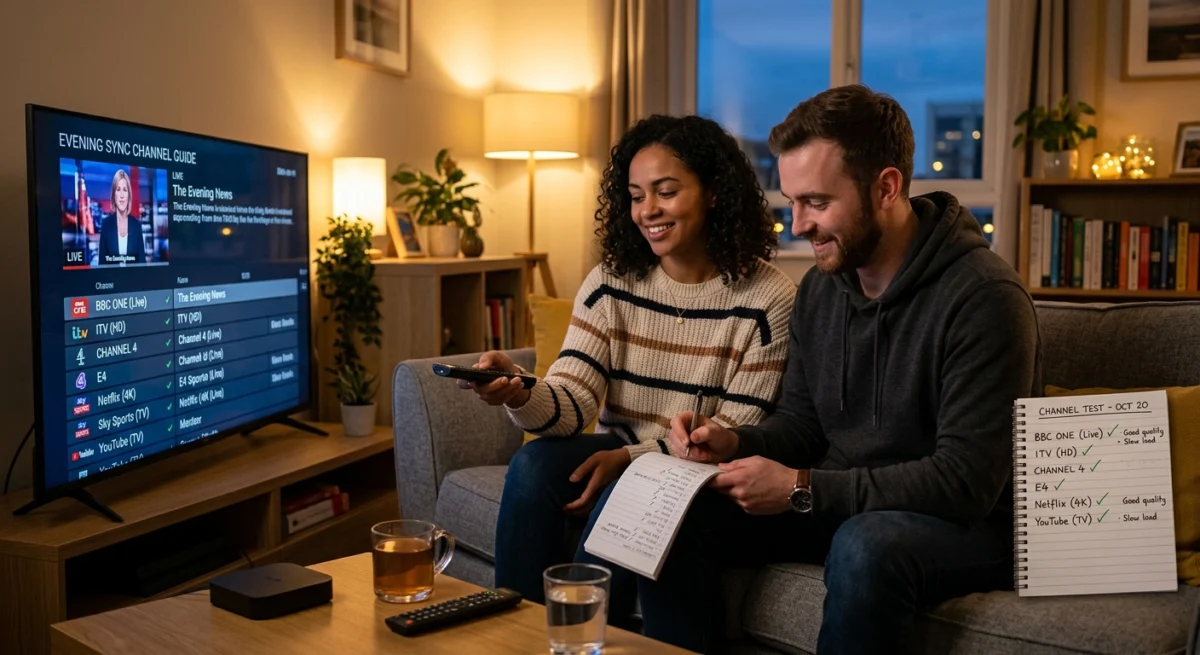
A free IPTV trial UK viewers can request is only useful if you know exactly what to test before you subscribe.
A free IPTV trial sounds like a straightforward deal. You get access, have a look around and decide whether to subscribe. In practice, most people spend their trial browsing the channel list and watching a bit of on-demand content, then subscribe on that impression and find the problems later, when it matters. The point of a trial is to find the issues before you pay, and that only works if you know what to look for.
This is what to test during any free IPTV trial in the UK before committing to a subscription.
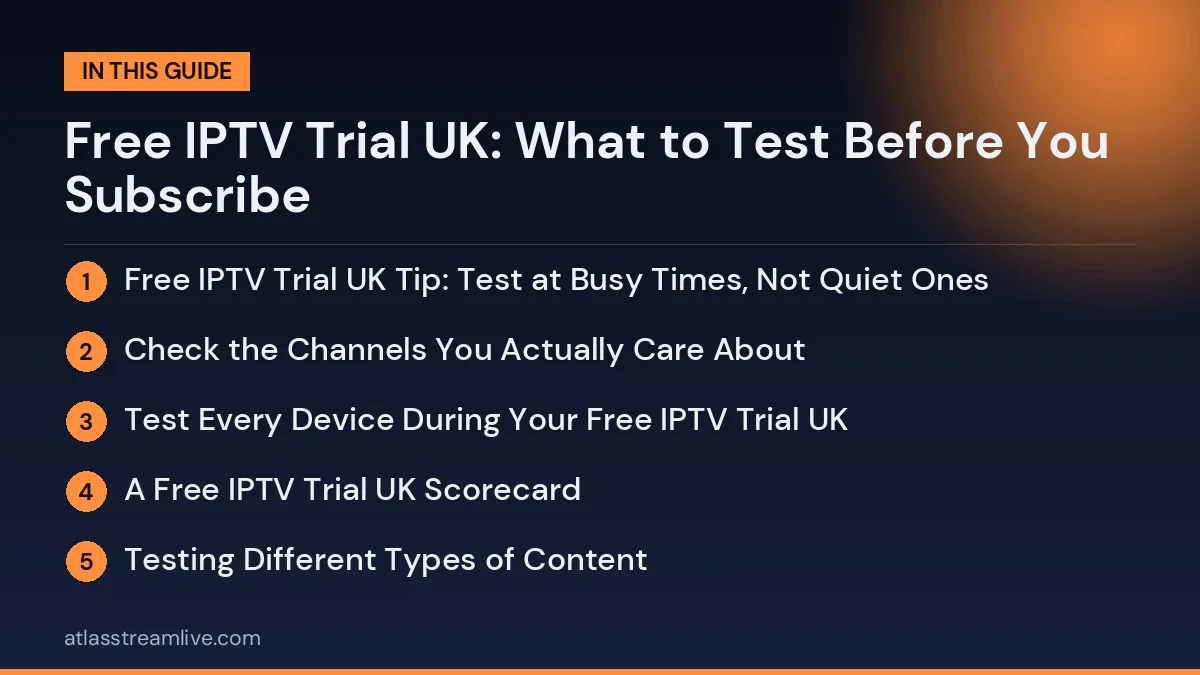
Free IPTV Trial UK Tip: Test at Busy Times, Not Quiet Ones
The most important thing you can do is test the service during busy viewing hours: evenings, weekends and, above all, live sport. If you are judging a service for football, test it during an actual broadcast, not a quiet Tuesday afternoon when the servers are handling a fraction of their normal load.
Want to test it on your own TV first? Try AtlasStream Live free for 24 hours on your Firestick, Smart TV or phone. No payment needed.
Some services look fine off-peak and struggle when a big event starts and many people watch at once. A service that buffers during a live match is not a good fit however smoothly it ran during your afternoon test. Note that 3pm Saturday Premier League kick-offs are not shown live on UK TV, so pick a match that is actually broadcast. Our guide to watching football without buffering explains what to look for.
Check the Channels You Actually Care About
Do not spend your trial scrolling through thousands of channels you will never watch. Go straight to the ones you are subscribing for: your usual sports channels, main UK channels, news and entertainment. Open each one and watch for at least five minutes. Check that the stream loads quickly, holds its quality and does not drop or freeze.
Watch for channels that show a holding screen rather than a programme. If several of your most-watched channels are not working properly during the trial, they are unlikely to work properly after you subscribe.
Test Every Device During Your Free IPTV Trial UK
Many households watch on more than one device: a Smart TV in the living room, a Firestick in the bedroom, perhaps a phone or tablet. Test the service on each one, not just the main one, because a service that works well on one device can behave differently on another. Setup help is in our Firestick guide.
A Free IPTV Trial UK Scorecard
A scorecard turns your free IPTV trial UK test into a clear result. Give each area a score from one to five as you go, then add them up at the end.
| Area | What a 5 looks like | What a 1 looks like | Your score |
|---|---|---|---|
| Setup | Logged in within ten minutes | Could not get it working | |
| Evening stability | No buffering between 7pm and 10pm | Constant pauses | |
| Channel switching | Channels open in a few seconds | Long black screens | |
| Your channels | All your regular channels work | Many missing or broken | |
| Programme guide | Accurate for your region | Empty or wrong | |
| On demand | Films start and skip quickly | Slow or failing | |
| Support | Fast, helpful human reply | No reply | |
| Second device | Works just as well | Does not work |
A total of 32 or more out of 40 is a strong result. Between 24 and 31 is reasonable, but test the weak areas again. Below 24, look elsewhere or check whether your own Wi-Fi was the problem.
Testing Different Types of Content
Live sport
The most demanding content of all. If there is a live match during your trial, watch it. Fast motion and big audiences expose any weakness.
Live news
A good everyday test. Leave a news channel playing for half an hour in the evening and watch for pauses.
Films and series on demand
Start a film, skip forward and back, and pause for a few minutes before resuming. Playback should pick up quickly each time.
Children channels
If children will use the service, check their favourite channels and test the parental PIN on adult categories.
Regional and local content
Check that regional news and listings match where you live in the UK.
Testing on the Devices You Actually Own
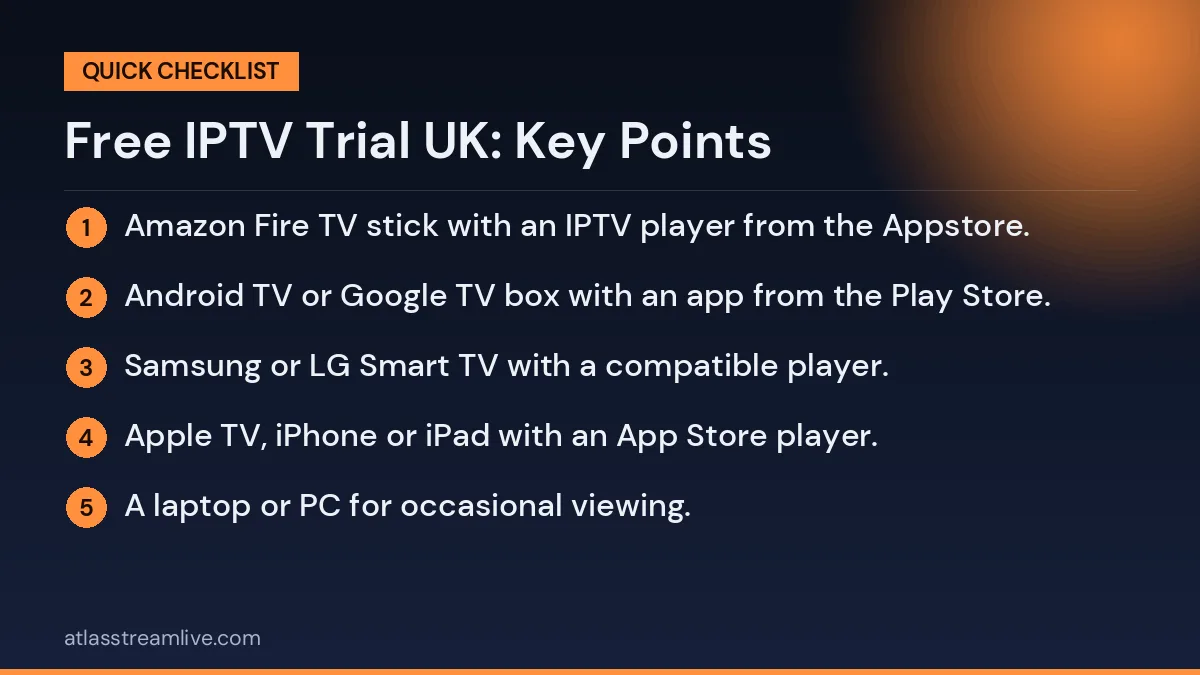
A trial on a phone tells you very little about the living room TV. Test on your main screen first. Common UK setups include:
- Amazon Fire TV stick with an IPTV player from the Appstore.
- Android TV or Google TV box with an app from the Play Store.
- Samsung or LG Smart TV with a compatible player.
- Apple TV, iPhone or iPad with an App Store player.
- A laptop or PC for occasional viewing.
If your main device struggles, try the same login on another device. If the other device works well, the problem is likely your hardware rather than the service.
Is It the Service or Your Connection?
If you see problems during your trial, find the cause before you judge. A quick check:
- Open another streaming app on the same device, such as BBC iPlayer or YouTube.
- Play something for a few minutes at the same time of day.
- If that also buffers, your connection or Wi-Fi is the likely cause.
- If other apps are smooth, the service may be the problem.
Run a speed test on the same network using Speedtest. Around 10 Mbps is comfortable for HD and 25 Mbps or more for 4K. If your evening speed is much lower than your daytime speed, your broadband is under pressure at peak times, and Ofcom has guidance on what to do.
What a Good Support Test Looks Like
Support is a big part of what you pay for, so treat it as part of the trial. Send one simple question and one slightly technical one, for example how to add favourites, and why a channel is missing from the guide. A good provider replies quickly, writes instructions for your specific device and checks that the fix worked. A copied, generic reply or no reply at all tells you a lot about what to expect later.
Keeping Track as You Test
A few quick notes on your phone make the final decision easy. Write down the time, what you watched, whether it was smooth and anything that annoyed you. If you test more than one provider, use the same scorecard for each. When you compare notes at the end, the better option is usually obvious.
After Your Free IPTV Trial UK Ends
A no-card trial ends automatically, with nothing to cancel and nothing charged. If you scored the service well, start with a one-month plan and use the same email address as your trial, so your line, login and favourites carry over. Watch normally for a couple of weeks. If it behaves just as it did during the trial, a longer plan gives you a much lower monthly cost.
Testing Features You Will Rely On Every Day
Favourites
Save five or six channels to a favourites list and check they stay there after closing and reopening the app.
Catch up
Find a programme from yesterday evening and play it. Note how far back catch up goes on the channels you watch most.
Subtitles and audio
Turn subtitles on for a film and a live channel. Try switching the audio language on a film that offers more than one.
Search
Search for a channel and a film by name. Fast, accurate search saves a lot of scrolling once you have a large library.
Start-up speed
Close the app completely and reopen it. A long wait every evening becomes frustrating quickly.
Free IPTV Trial UK Rules to Know
- One trial per person or household is the usual rule.
- Real email addresses are required; temporary inboxes are often declined.
- One screen at a time during the trial, even if paid plans include more.
- Limited daily trials may apply. If none are available, live chat can often help.
Preparing Before You Request Your Trial
The trial clock usually starts as soon as your login is sent, so a little preparation pays off:
- Update your streaming device and its software.
- Install the player app you plan to use.
- Clear storage on Firesticks and smaller Android boxes.
- Connect the TV by Ethernet if possible, or check the Wi-Fi signal near it.
- Pick a day when you will be home in the evening.
- Ask others at home to pause large downloads during your test.
Making the Trial Work for Everyone at Home
The best test involves the people who will actually use the service. Let a sport fan watch a match, a film lover try the on-demand section and children check their channels. Because trials usually allow one screen at a time, take turns. Each person notices different things, and the final decision will be far better informed.
Common Mistakes to Avoid
- Requesting the trial late at night so it ends before the next evening.
- Testing only on a phone.
- Browsing the channel list without watching anything for long.
- Skipping the support test.
- Blaming the service for problems caused by weak Wi-Fi.
- Buying a twelve-month plan straight after a single day.
Avoid these and your free IPTV trial UK test will give you a clear, reliable answer.
The Short Answer
Test at busy times, on your main device, with your own channels, and contact support at least once. Use the scorecard, keep a few notes and compare fairly if you try more than one provider. Then start with a short plan before committing for longer. That simple approach turns a 24-hour trial into a confident, well-informed decision.
Comparing Trials From More Than One Provider
If you are deciding between services, run each trial the same way. Use the same TV, the same internet connection and the same evening hours. Watch the same channels, try the same film and send each provider the same support question. Fill in the scorecard for each one. Comparing like with like is the only fair way to choose, and it stops you favouring whichever service happened to be tested on the quietest night of the week.
Space the trials a day or two apart rather than running them at the same moment. Most trials allow one screen, and running two services side by side on the same connection can make both look worse than they really are.
Thinking About the Long Term
A single day shows you how a service performs today. It cannot fully show how it copes with major sporting events, holiday periods or maintenance over the coming months. That is why a short first plan is the natural follow-up to a good trial. It lets you keep testing in real everyday use without a big commitment. After a few weeks of smooth viewing, choosing a longer plan becomes an easy, confident decision rather than a gamble based on one evening.
Keep your scorecard and notes. Running the same simple test again before a big tournament, or after six months, is a quick way to check the service is still as good as when you first chose it.
If you plan to watch on several screens at the same time, check the number of simultaneous connections the plan includes and test that too, so you know it covers what you need.
Scoring Your Trial Results
To make your free IPTV trial UK test easy to judge, give each area a score from one to five. Score picture quality, stability at peak time, channel switching speed, guide accuracy, on-demand playback and support. A total of 25 or more out of 30 usually means the service suits your home. Between 18 and 24 means it may work but has weak points worth checking. Below 18 suggests looking elsewhere.
Scoring sounds formal, but it takes only a minute and removes guesswork. It also helps when comparing two trials, because you can see clearly which one performed better on the things that matter to you.
| Area | What to look for |
|---|---|
| Picture quality | Sharp HD on your main TV |
| Stability | No freezing during evenings or live sport |
| Switching speed | Channels open in a few seconds |
| Guide | Programmes match what is on screen |
| On-demand | Films start quickly and play smoothly |
| Support | Clear replies within hours |
Testing on More Than One Device
Many households watch on more than one screen, so test that during the trial. Try the main TV, a second TV or tablet and a phone. Check that each device can sign in easily and that streams stay stable when two are used at the same time. If your plan allows only one connection during the trial, test each device in turn. This shows you whether the service works across your whole home, not just in the living room.
Send a Message to Customer Support
This is the test most people skip, and it is one of the most revealing. Send a simple question about your setup or your subscription options. You are not testing the answer so much as how quickly you get a reply and how helpful it is.
If support takes a day or two to reply while a provider is trying to win you as a customer, it is unlikely to get quicker once you have paid. Support through WhatsApp or live chat is often easier to reach than email tickets alone.
Check the Programme Guide (EPG)
The electronic programme guide shows what is on now and what is coming up on each channel. If the data is missing, inaccurate or days out of date, the service is much less useful for everyday viewing. Open the guide during your trial and compare it with the real schedule on a few channels whose programmes you already know.
How the AtlasStream Live Trial Works
AtlasStream Live offers a free 24-hour trial and you do not need a credit card to request it. Because the window is short, plan your tests before you start: decide which channels and devices to check, when you will watch, and what to ask support. You can request it on the free trial page or by messaging us on WhatsApp. For the full process, see how an IPTV UK free trial works.
The Short Version
Test at busy times. Check your actual channels. Try every device. Contact support with a question. Check the programme guide. Done properly, those five checks tell you more than any review. If a service passes them, you have a good reason to subscribe. If it does not, you have lost nothing.
Frequently Asked Questions
How long does the trial last?
Usually 24 hours. Start in the afternoon so it covers one full evening.
Do I need a card?
Not for a no-card trial. Nothing is charged at the end.
Can I test 4K?
Yes, if your TV, device and connection support it. Check that your broadband can handle around 25 Mbps or more at peak times.
What if my login does not arrive?
Check your spam folder, then contact live chat with the email address you used.
Can I keep my setup if I buy a plan?
Usually yes, if you use the same email address. Your line is upgraded and your favourites stay in place.
Want to test it yourself? Request your free 24-hour trial.
Already sure? See plans and subscribe → · from £15, no contract.