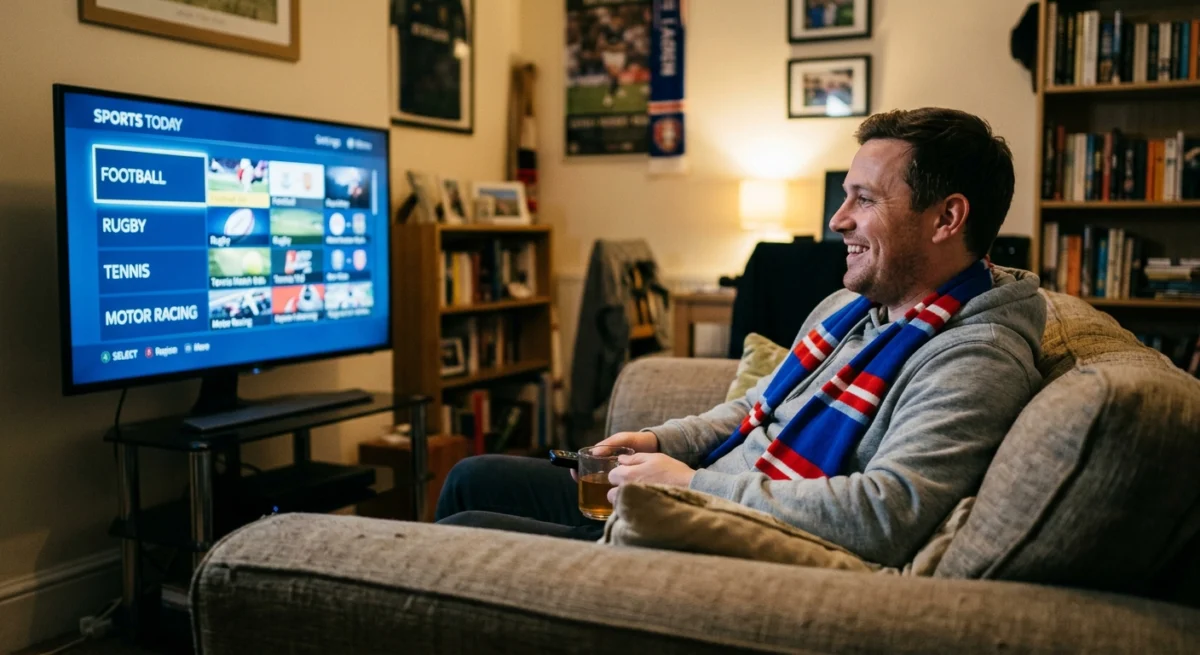
For many UK viewers, live sport is the main reason to look at IPTV at all. It is also the toughest test. Fast action, busy evenings and a viewer who cannot wait for a buffer all show up weaknesses that a film on a quiet afternoon never would. This guide explains what to check, and what to be careful about, before you subscribe.
Why Sport Is Complicated for IPTV Sports Fans in the UK
Choosing IPTV for sports fans in the UK means looking beyond channel lists at how a service copes on the busiest match days of the year.
Live sport rights in the UK are split between several broadcasters and streaming services, and they change from season to season. Some events are free to air, some need a subscription and some are pay-per-view. Because of that, a service that promises every sport and every event for a low price should make you ask where the rights come from. Our guide to whether IPTV is safe and legal in the UK explains the risks of unofficial services.
Want to test it on your own TV first? Try AtlasStream Live free for 24 hours on your Firestick, Smart TV or phone. No payment needed.
Check the Official Schedule First
For any event you care about, check which broadcaster or service shows it in the UK, and whether it is free to air. Some fixtures, such as Saturday 3pm Premier League kick-offs, are not shown live on UK TV at all. Knowing this saves you from judging a service on something nobody can legitimately show.
What IPTV Sports Fans in the UK Should Test During a Trial
Test the channels you actually watch, at the time you actually watch them, on the device you will use. Pick a live event with plenty of viewers. Watch a whole match, not five minutes. Note whether the picture holds, whether the sound stays in sync and how the stream behaves at key moments. Our trial checklist lists the other checks.
Get Your Home Setup Right
Much of what goes wrong with live sport is at home. Use a cable to the router if you can, check your refresh rate and decoder settings, and make sure your broadband copes with the number of streams in use. Our guide to streaming live sport smoothly and internet speed guide cover these. If something fails, start with IPTV not working: troubleshooting.
Do Not Judge by the Price Comparison
You will often see claims that IPTV saves hundreds of pounds a year compared with official sports packages. Be sceptical. The packages are not like for like: you may be comparing a service with proper rights and support against one without. Work out what you actually watch, and what it costs through official routes, before you decide.
Building Your Sports Viewing Plan
Sports fans get the most from IPTV with a little planning. At the start of each season, list the competitions you follow most: Premier League, EFL, Champions League, rugby, cricket, F1, boxing or darts. Note which channels usually show them and add those channels to a sports favourites group, in the order you use them most. Add backup feeds where available.
Next, think about timing. Saturday afternoons, Sunday afternoons and midweek European nights are the busiest periods for streaming. Test your setup at those times early in the season, so you can fix Wi-Fi or device issues before the big fixtures. If you often watch two events at once, such as football on the TV and cricket on a tablet, check that your plan has enough connections.
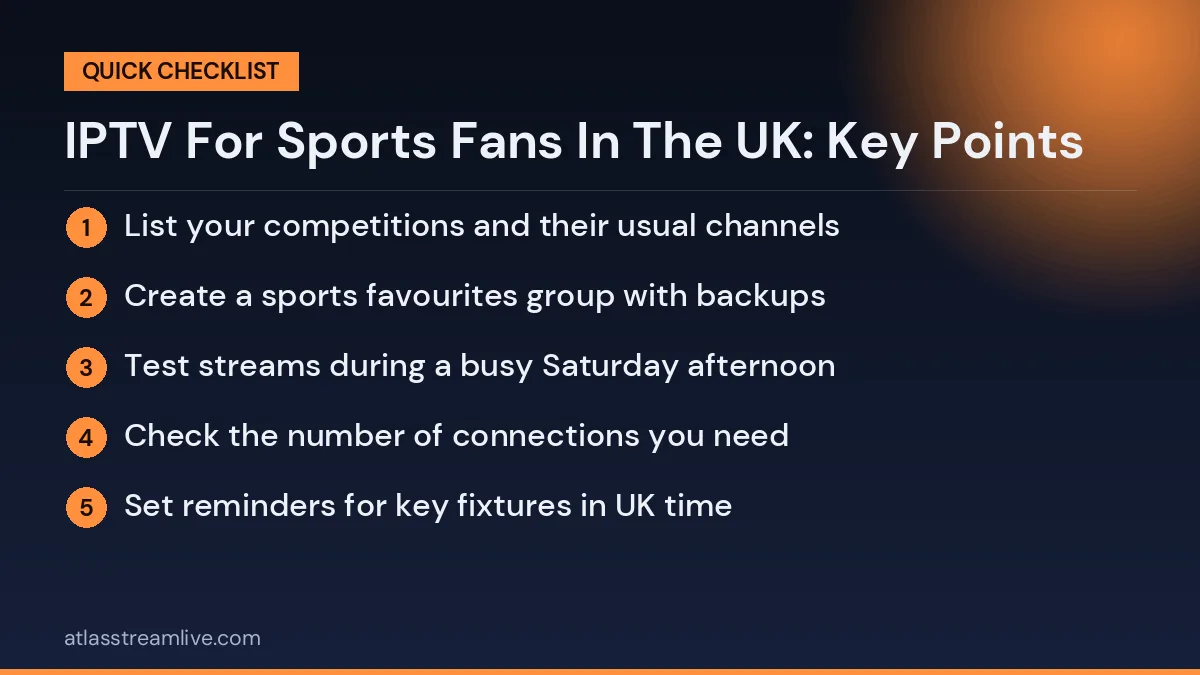
Season-start checklist for IPTV for sports fans in the UK
- List your competitions and their usual channels
- Create a sports favourites group with backups
- Test streams during a busy Saturday afternoon
- Check the number of connections you need
- Set reminders for key fixtures in UK time
This small amount of preparation makes every matchday calmer and means you spend your time watching rather than troubleshooting.
Watching Several Sports at Once
Busy weekends often bring football, rugby and cricket at the same time. If you like to follow more than one event, use a second screen such as a tablet, and make sure your plan has enough connections. Some apps support picture-in-picture or multi-view, which lets you keep an eye on two games on one TV, but test it first as it uses more bandwidth.
Support at the Moment It Matters
If a stream fails during a match, you need an answer quickly. Send a question during your trial and see how fast and how clearly you are answered, because that is what you will get when something goes wrong later.
AtlasStream Live Prices
Our plans are £15 for 1 month, £27 for 3 months, £40 for 6 months and £55 for 12 months. Each plan lists the number of devices you can use at the same time: 2, 3, 4 and 5 respectively. Start with the free 24-hour trial (no credit card needed), watch a live event, and choose a plan only if you are happy with what you saw. You can see the plans on our plans section.
The UK Sporting Year at a Glance
Choosing IPTV for sports fans in the UK starts with knowing when your sports are on. Demand on every streaming service rises and falls with the sporting calendar.
| Months | Main events |
|---|---|
| August to May | Domestic football leagues and European club competitions |
| February to March | Six Nations rugby |
| March to November | Formula 1 season |
| April to September | English cricket season |
| Late June to July | Wimbledon |
| July | The Open golf championship |
| November | Autumn rugby internationals |
| December to January | Festive football fixtures and the darts world championship |
Major tournaments such as the World Cup, European Championship, Rugby World Cup and Olympics add extra peaks every few years.
How UK Sport Broadcasting Is Divided
UK sport rights are split between several broadcasters. Premium football, cricket and Formula 1 are mostly on pay TV, while some major events are shown free-to-air on BBC and ITV by law or by agreement. Some streaming platforms also hold rights to specific matches. Because rights are sold separately for each competition and change every few years, no single service shows everything. Checking the official broadcast schedule for the sports you follow is always the first step.
What Sports Fans Should Test
Live stability at peak times
Saturday afternoons and big evening fixtures are the hardest moments. Test during a live event, not a studio show.
Channel switching on busy days
On days with several matches, you may switch often. Check how quickly channels open.
Catch up and replays
Late kick-offs and overseas events make catch up essential. Check how far back it goes on sports channels.
Programme guide accuracy
Fixtures move at short notice. An accurate guide helps you find the right channel quickly.
Multi-view
If you like following several matches, check whether your player supports multi-view and how many connections it uses.
Support during live events
Send a message during a match and see whether anyone replies while it still matters.
Matching IPTV for Sports Fans in the UK to Your Sport
Different sports put different demands on a service, so the best IPTV for sports fans in the UK depends on what you follow most.
| If you mainly watch | Prioritise |
|---|---|
| Football | Stability at kick-off, fast channel switching, weekend performance |
| Rugby | Sharp motion, weekend afternoon stability |
| Cricket | Long-session reliability, catch up for overseas tours |
| Formula 1 | High frame rate, wired connection, replays of qualifying |
| Tennis and golf | Multi-court or multi-hole coverage, long days of play |
| Boxing and UFC | Late-night stability and catch up |
Getting Your Home Setup Ready for Sport
- Ethernet for the main TV. The most effective upgrade for live sport.
- A modern streaming device. Newer 4K sticks and boxes handle fast motion and big playlists better.
- Frame rate matching. Turn it on in your device settings for smoother motion.
- Sport picture mode. Try it, but reduce heavy motion smoothing if it looks artificial.
- A soundbar. Crowd noise and commentary sound far better than through thin TV speakers.
You can check your connection with a free tool such as Speedtest. Around 10 to 15 Mbps per HD stream and 25 Mbps or more for 4K is a comfortable guide.
Avoiding Spoilers
Streams run a few seconds behind traditional broadcast, and catch-up viewing can be hours behind. Turn off score alerts, mute group chats and stay off social media until you have watched. For overseas events that end in the middle of the night, set your phone to a focus or do not disturb mode before bed.
Free-to-Air Sport You Should Not Miss
Many big events are shown free on BBC and ITV in the UK, including some major football tournaments, the Six Nations, Wimbledon and highlights programmes. These are available through the official BBC iPlayer and ITVX apps, which you can install alongside your IPTV player. A TV Licence is required for live viewing. Combining free-to-air coverage with your service gives sports fans the widest possible choice.
Connections for Sport-Loving Households
Sport households often need more connections than they expect. On a busy Saturday, one person may watch football on the main TV, another may follow rugby on a tablet, and a third may check a different match on a phone. Count the screens likely to be in use at the same time during your busiest sporting weekend, and choose a plan that covers them. Multi-view features usually use one connection per channel shown.
Planning for the Biggest Days
Some days are far busier than others: the final day of the football season, cup finals, title deciders, the first day of a major tournament. For these, prepare in advance:
- Restart the router and device in the morning.
- Add the right channels to favourites.
- Ask others at home to avoid big downloads during the match.
- Open the channel fifteen minutes before kick-off.
- Keep a phone handy for other scores rather than switching channels.
IPTV for Sports Fans in the UK: Red Flags
- Every premium sport channel for a couple of pounds a month. Rights are expensive; tiny prices raise questions.
- No trial, so you cannot test during a live event.
- Support that disappears at weekends, exactly when sport is on.
- Payment only by crypto or gift card.
- Promises of zero buffering on any connection.
Sport fans are often targeted with unrealistic offers before big events. Check the business, pay by card through a secure checkout and test first.
Legal Points for Sports Fans
Live sport rights in the UK are held by licensed broadcasters. A service that offers every competition from every broadcaster for very little money is unlikely to hold all those rights. The UK Government and industry bodies have warned about unlicensed sport streaming, and enforcement has targeted sellers and operators. Always check the official broadcast schedule and choose a legitimate way to watch the fixtures you care about.
Building a Sports Favourites List
Sports fans benefit most from a well-organised favourites list. Create a group with only the sports channels you watch, ordered by how often you use them. On big weekends, you can find each match in seconds. If several people at home follow different sports, give each their own group: football, rugby, cricket, motor racing. It sounds simple, but it removes most of the frustration of scrolling through long channel lists while the match is already under way.
Watching Sport With Friends and Family
Sport is best shared. If you are hosting a match, test the exact setup the day before: same TV, same device, same channel. Ask guests not to stream other matches on your Wi-Fi at the same time, since each stream uses bandwidth and can slow the main screen. One TV in the living room counts as a single connection, so watching together is both the most sociable and the most reliable way to enjoy a big game. Have snacks ready before kick-off, keep the remote in one safe place, and enjoy the match without technical worries.
Looking After Your Device on Long Sport Days
Cricket Tests, golf majors, Grand Slam tennis and long football weekends keep streaming devices running for hours. Heat and memory build-up can slowly reduce performance. Keep sticks away from the hot back of the TV using the HDMI extender, place boxes on open shelves and restart during natural breaks such as lunch, tea or between matches. A quick restart clears memory and often restores a sharp, smooth picture for the next session.
Reviewing Your Season
At the end of a season, think back over the big moments. Did the stream hold up during the biggest matches? Did support help quickly when you needed it? Did you have enough connections on the busiest weekends? Your answers tell you whether to keep your current plan, change the number of connections or test an alternative before the next season begins.
Following Your Team Across Competitions
Supporting a club often means following it across several competitions in one season: the league, domestic cups and European matches, each with different broadcasters and kick-off times. Keep a simple calendar of your team’s fixtures with the channel for each one. Many clubs publish their full broadcast schedule on their official website, updated as television picks are confirmed. Checking it each month helps you plan which evenings and weekends your setup needs to be ready, and avoids last-minute searching for the right channel when the match is about to start.
Testing AtlasStream Live
AtlasStream Live offers a free 24-hour trial with no credit card needed. Tell us on WhatsApp which sport and channels matter to you, request the trial on the free trial page, and check them yourself during a live event before you choose a plan.
The Short Version
Check where each event is officially shown, be careful with promises of every sport for a low price, test a whole live event during your trial, get your home setup right and test support. Decide from what you see yourself.
Frequently Asked Questions for Sports Fans
Which sport is hardest to stream?
Live football on a busy Saturday or a big evening fixture, because huge audiences watch at exactly the same moment and fast motion needs a lot of data.
Is 4K worth it for sport?
On a large 4K TV with a fast, stable connection, it can look superb. If your connection is borderline at peak times, stable HD often looks better than stuttering 4K.
How do I watch overseas cricket or F1 at night?
Use catch up or replays the next morning, and avoid spoilers by muting notifications.
Can I watch several matches at once?
If your player supports multi-view and your plan has enough connections, yes. It also needs more bandwidth.
Will a VPN help with sport?
Usually not. It adds an extra step to your connection and can make buffering worse.
What is the best single upgrade for sport?
An Ethernet cable from the router to your TV device.
The Short Version
The best IPTV for sports fans in the UK is one that stays stable at the busiest moments, switches channels quickly, offers good catch up, keeps an accurate guide and provides support when it matters. Check the official schedule for your sports, test during a live event, set up your home with Ethernet and a modern device, and choose enough connections for your busiest weekend.
Want to test it during a live event? Request your free 24-hour trial.
Already sure? See plans and subscribe → · from £15, no contract.