What matters when you pick a streaming device
There is no single best device for every home. A stick that suits a small bedroom TV may not suit a living room with a soundbar and a wired network. The right choice depends on your TV, your connection and how many connections you use.
When people search for the best streaming device for live TV, they usually want three things: a smooth picture, simple controls and an app that works. Everything else is a bonus. Streaming media puts the same demands on every device, so focus on the basics.
Before you buy, check that the app you want is available on that device, and consider testing it with our free trial on a device you already own.
6 things to compare before you buy
- App support. Check the app is available for the device before you pay for the device.
- Ethernet port. A wired connection is steadier, so look for a port or an adapter.
- Wi-Fi quality. If you use Wi-Fi, check it supports modern networks.
- Remote and menus. A simple remote makes everyday use easier for everyone.
- Speed and memory. A slow device makes menus feel sluggish, even with a fast connection.
- Updates and price. Choose a device that gets regular updates at a price you are comfortable with.
Stick, box or Smart TV?
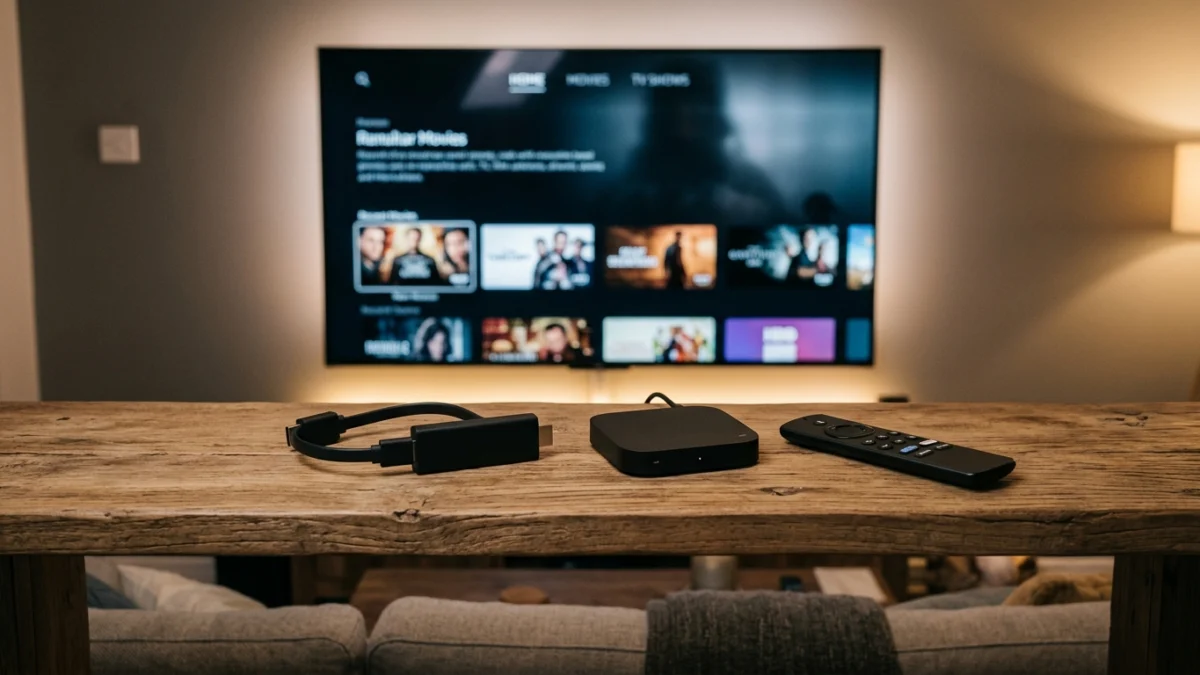
A streaming stick is small, cheap and easy to move between rooms. A box usually offers more ports, including Ethernet, and may feel faster. A Smart TV needs nothing extra if the app is available on it.
If your TV is more than a few years old, a stick or box often adds support for newer apps. If your Smart TV already runs the app well, you may not need anything new.
Setting up your streaming device
Plug the device into an HDMI port, connect it to your network and sign in. Then install the app, enter your login details and test a live channel. Our Setup & Apps guide walks you through each step in about 15 minutes.
Place the device where it can breathe, away from heat, and use Ethernet if you can. Our Wi-Fi or Ethernet guide explains the difference.
Devices the service works on
Most households already own something that works. A Firestick or Android TV box is a popular choice for the main TV, many Smart TVs run the app directly, and phones and tablets make handy second screens.
Every plan includes 1 connection. You can add up to 5 connections when you order. Our compatible devices guide lists what works best, and our Setup & Apps guide takes about 15 minutes to follow.
Choose a plan that fits your viewing
Atlas Stream Live offers 1, 3, 6 and 12 month plans, each billed once for the period you choose, with no automatic renewal. Longer plans usually cost less per month, but it is wise to commit only after a trial.
Compare every length in our plans guide, and visit the subscribe page when you are ready.
Common problems and quick fixes
If the picture freezes, restart the app first, then your device, then your router. If nothing loads, check that your login details are typed exactly as we sent them.
Our guide to IPTV not working lists more fixes, and our support team is available 24/7 on WhatsApp.
Remotes, menus and everyday comfort
A device you enjoy using is a device you will actually use. Try the remote, the menus and the speed before you commit if you can. A remote that feels awkward or a menu that lags becomes annoying very quickly, especially when you want to change channel during a match.
Think about who will use it. A household with children or older relatives needs simple controls, while an enthusiast may care more about ports and settings.
How long should a streaming device last?
Streaming devices age quickly, because apps need regular updates. A device that no longer receives updates may stop running newer apps, even if it still works as a gadget. Check how long the maker supports its devices before you buy.
A fair price for a device that will last several years is usually better value than the cheapest option replaced after a year. Always test the app on the device you already own first.
Frequently asked questions
What is the best streaming device for live TV?
It depends on your TV and connection. A Firestick, an Android TV box or a Smart TV can all work. Check app support first, and test with the free trial.
Do I need to buy a new device?
Often not. Many Smart TVs, Firesticks and Android TV boxes work. Test the app on a device you own before you buy anything.
Can I try before I pay?
Yes. The free trial gives you 24 hours of access with no credit card. Trials are limited to one per person and household.
Does my subscription renew automatically?
No. Subscriptions do not renew automatically, and we let you know before your plan ends.
How many connections can I use at once?
Every plan includes 1 connection. You can add up to 5 connections when you order.
Is a more expensive device always better?
Not always. Check app support, an Ethernet option and regular updates first.
Can I use the same device in two rooms?
A stick can move between TVs, but each screen watching at the same time needs its own connection on your plan. You can choose up to 5 at checkout.