Many UK viewers ask whether they can watch BBC iPlayer through IPTV, and the honest answer is that the best way is usually to use both together.
BBC iPlayer is one of the most used streaming apps in the UK, so it is no surprise that it comes up whenever someone thinks about switching to IPTV. The short answer is that iPlayer and IPTV are separate things. You do not get iPlayer through an IPTV subscription, but you can run both on the same device. This guide explains how each one works, how to use them together and what to watch out for.
Want to test it on your own TV first? Try AtlasStream Live free for 24 hours on your Firestick, Smart TV or phone. No payment needed.
When a provider advertises a long list of UK channels, test the ones you care about rather than relying on the list. Open them at the times you normally watch, including busy evenings, and check that the picture holds up and the guide matches what is on. Our guide to what to do when IPTV is not working shows how to tell whether a problem comes from your connection, your device or the service.
Where You Can Install BBC iPlayer Officially
Before looking for BBC iPlayer through IPTV, it helps to know how many official ways there already are to watch it. The app is free to download on almost every modern device in the UK, and it often sits right next to an IPTV player on the same home screen.
| Device | How to get BBC iPlayer |
|---|---|
| Smart TVs (Samsung, LG, Sony, Panasonic and others) | Built in or in the TV app store |
| Amazon Fire TV and Firestick | Amazon Appstore |
| Android TV and Google TV boxes | Google Play Store |
| Apple TV, iPhone and iPad | Apple App Store |
| Android phones and tablets | Google Play Store |
| Games consoles | The console store |
| PC or laptop | The BBC iPlayer website in a browser |
| Freeview Play and YouView boxes | Built in |
The full list of supported devices is on the official BBC iPlayer help pages.
Watching BBC iPlayer Through IPTV Devices: The Easy Way
For most people, the simplest way to enjoy BBC iPlayer through IPTV hardware is to install both apps on the same streaming device. A Firestick, Android TV box or Smart TV can run your IPTV player and the official BBC iPlayer app side by side. You switch between them with the home button, the same way you switch between any other apps.
Benefits of using the official app
- Full catch-up library of BBC programmes, often going back months.
- Box sets of popular series that are not available on live channels.
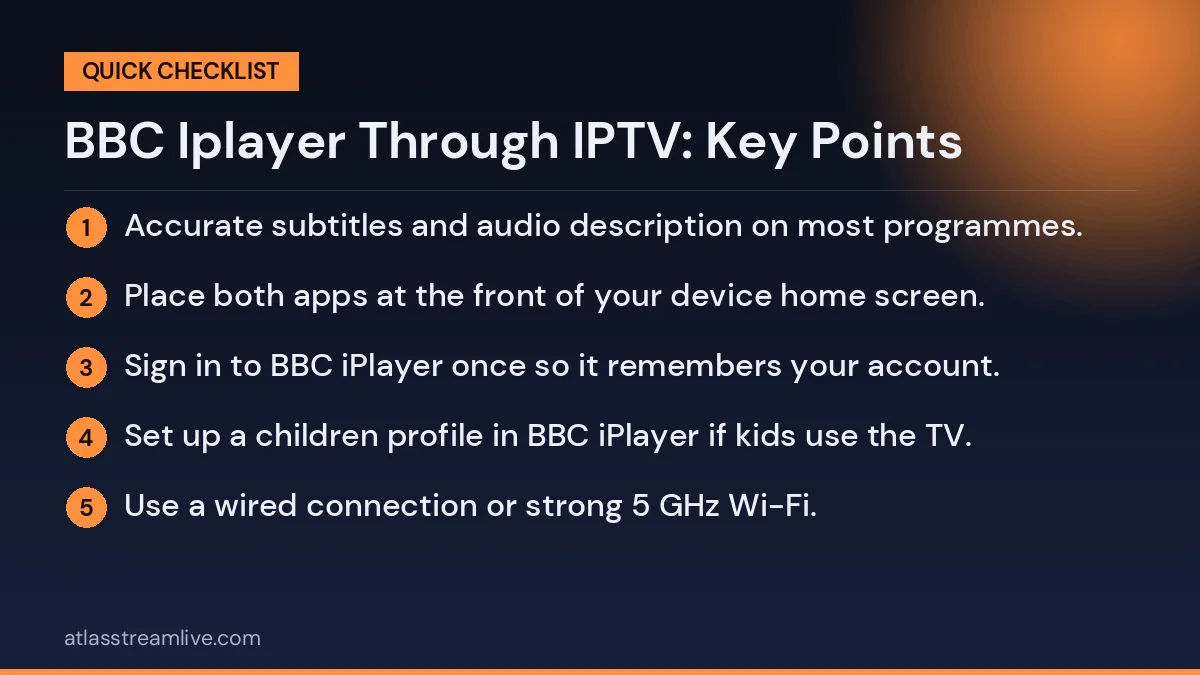
- Accurate subtitles and audio description on most programmes.
- Downloads on phones and tablets to watch offline on a train or plane.
- Personal profiles and a separate children profile with suitable content.
The TV Licence and BBC iPlayer Through IPTV
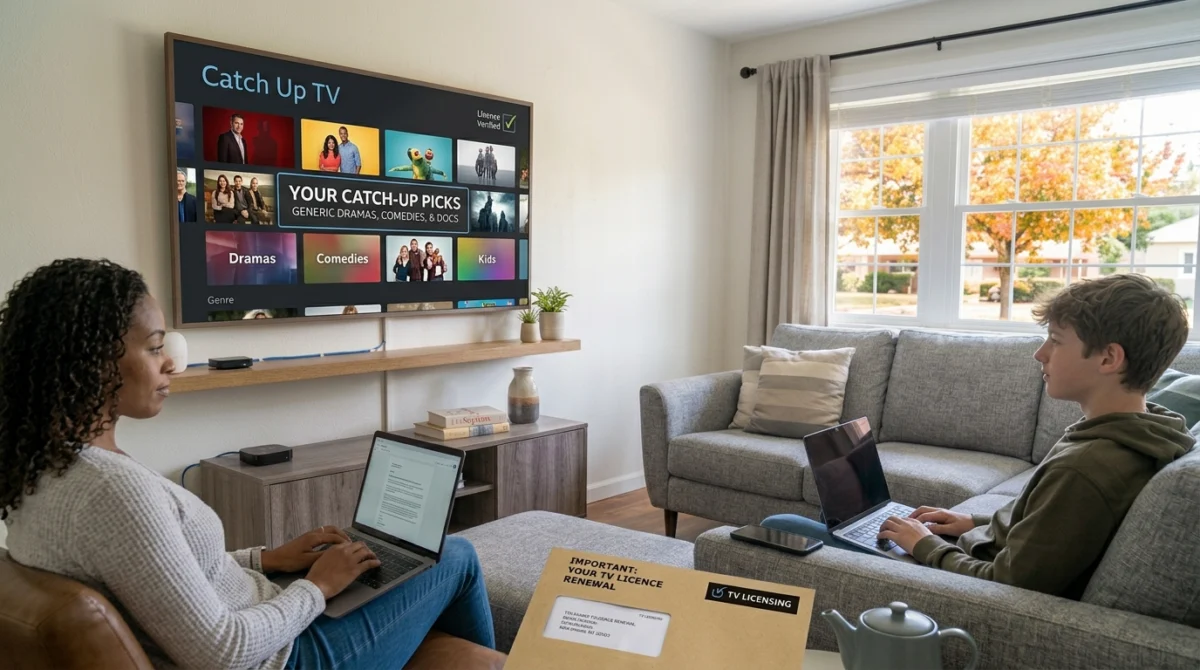
In the UK, you need a TV Licence to watch or download any programme on BBC iPlayer, whether it is live or on demand. You also need one to watch or record live TV on any channel, through any service or device, including IPTV. The way the programme reaches your screen does not change the rule.
The official TV Licensing website has a short checker that explains exactly when a licence is required. If you share a house, a single licence may cover everyone, but rules differ for separate tenancy agreements, so it is worth checking.
Why BBC iPlayer Only Works in the UK
BBC iPlayer is designed for viewers in the UK, and it checks where you are when you try to watch. If you travel abroad, most programmes will not play. This is because the BBC holds rights to show programmes in the UK, not worldwide. If you are going on holiday, downloading programmes on your phone before you leave is the official way to take them with you, though downloads still need to be watched within the time limit shown in the app.
Combining IPTV and BBC iPlayer at Home
Many households use both. IPTV handles the channels and live programmes they enjoy, and BBC iPlayer handles BBC catch-up and box sets. To make this smooth:
- Place both apps at the front of your device home screen.
- Sign in to BBC iPlayer once so it remembers your account.
- Set up a children profile in BBC iPlayer if kids use the TV.
- Use your IPTV favourites for live channels, and iPlayer for anything you missed.
Used this way, there is no need for workarounds, and you get the best picture quality and the most reliable playback for BBC programmes.
Other Free Catch-Up Services in the UK
BBC iPlayer is not the only free catch-up service available. The other main UK broadcasters all run their own official apps, and installing them next to your IPTV player gives you a huge library of on-demand programmes at no extra cost.
| Service | What it offers | Cost |
|---|---|---|
| BBC iPlayer | BBC channels live and on demand, box sets | Free with a TV Licence |
| ITVX | ITV channels live and on demand, with an optional paid tier | Free with adverts |
| Channel 4 | Channel 4 programmes and box sets | Free with adverts |
| My5 | Channel 5 programmes and catch up | Free with adverts |
Remember that watching live TV through any of these apps still requires a TV Licence, just as it does through IPTV.
Getting the Best Picture From BBC iPlayer
BBC iPlayer offers many programmes in HD, and some in Ultra HD, depending on your device and connection. To get the best picture:
- Use a wired connection or strong 5 GHz Wi-Fi.
- Check the video quality setting in the app and set it to the highest your connection allows.
- Make sure your TV and streaming device support Ultra HD if you want to watch in 4K.
- Keep the app updated, as new versions often improve playback.
Children and BBC iPlayer
BBC iPlayer includes a dedicated children profile that only shows content suitable for younger viewers, including CBeebies and CBBC programmes. Setting this up takes a minute and gives parents peace of mind, which works well alongside the parental PIN in your IPTV player. Together, they let you keep live channels and on-demand content age-appropriate across every app in the home.
Bringing It All Together
Rather than trying to force BBC iPlayer through IPTV, treat them as two tools that work best side by side. Your IPTV player covers the live channels you enjoy, while the official BBC app gives you dependable catch-up, box sets and children programming with full quality and accurate subtitles. With both installed on the same Firestick, Android box or Smart TV, switching takes a single press of the home button, and you get the most from each service without workarounds.
Common Problems With BBC iPlayer on Streaming Devices
The app says the programme is not available
Each programme stays on BBC iPlayer for a limited period, set by the rights the BBC holds. If a programme has disappeared, it has usually reached the end of its availability window. Box sets often stay longer than single episodes.
The app will not sign in
Check your email and password on the BBC website first. If you can sign in there, remove and reinstall the app on your TV device, then try again. Signing in on a TV usually involves entering a short code on your phone or computer.
Playback keeps pausing
Run a speed test on the same network. If your connection is slow at peak times, lower the video quality in the BBC iPlayer settings, or connect the device with an Ethernet cable.
Subtitles do not appear
Press the subtitles button on the player screen. If it is missing, the programme may not have subtitles yet, which sometimes happens with very recent live broadcasts.
Planning Your Evening Viewing
A simple routine makes the most of both services. Check the programme guide in your IPTV player for live channels you want to watch tonight. Then open BBC iPlayer to see what is new in catch-up and add anything interesting to your watch list. By combining live viewing with on-demand programmes, you rarely miss anything worth watching and you never need to stay up late for a broadcast you could simply watch tomorrow.
It is a small habit, but it turns two separate apps into one easy evening routine for the whole household.
BBC iPlayer Through IPTV: Key Points to Remember
- The official app is free and available on almost every UK device.
- A TV Licence is needed for all BBC iPlayer viewing and for any live TV.
- BBC iPlayer only works in the UK because of programme rights.
- Installing it next to your IPTV player is the simplest and most reliable setup.
- Children profiles and parental PINs keep viewing suitable for every age.
Keep these points in mind and you will get the full value from BBC iPlayer and your IPTV service together, with no confusion about what each one does.
Sharing BBC iPlayer Across the Household
One BBC account can be used on several devices in the same home, and each person can have their own profile with separate recommendations and watch history. This makes it easy for everyone to pick up a series where they left off without spoiling it for anyone else. Combined with separate favourites lists in your IPTV player, each member of the household gets a personal experience on the same TV.
If you have guests staying, they can watch on your TV through your account while they are in your home. Just remember that TV Licence rules are based on the address and the type of household, so check the official guidance if you are unsure whether you are covered. A few minutes spent understanding the rules saves any worry later and lets you enjoy every service with confidence.
In short, the official app and your IPTV player are partners, not rivals. Keep both installed, keep both updated, and let each do the job it does best.