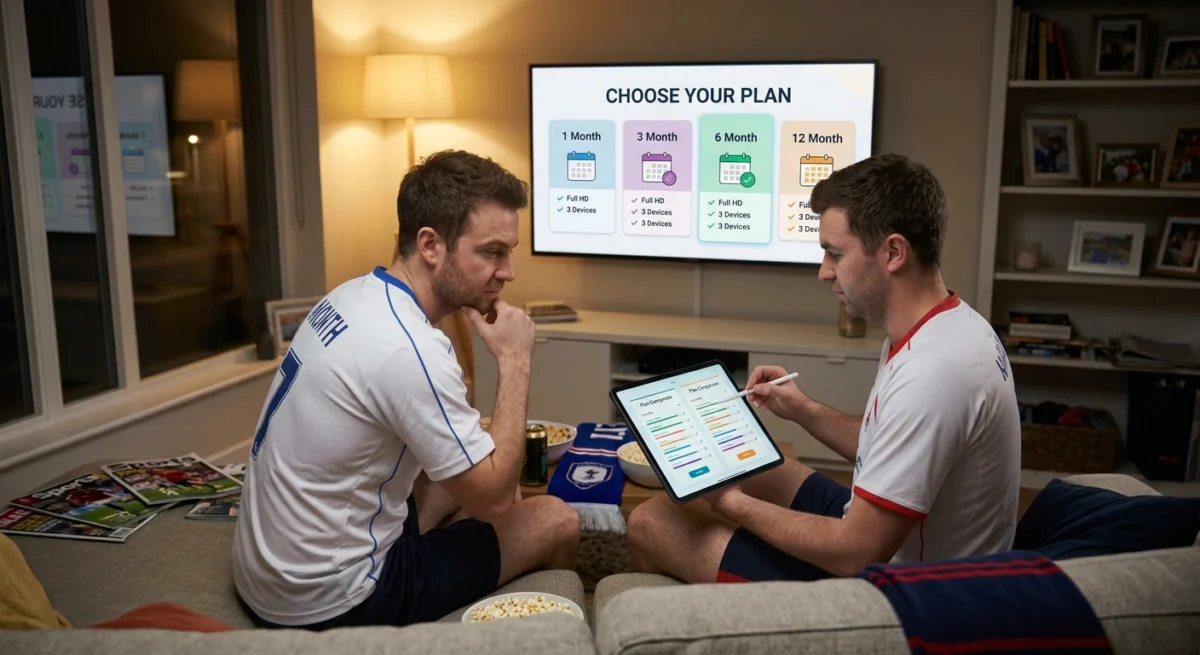
Finding the best IPTV subscription UK households can rely on is less about the lowest price and more about choosing the right plan for how you watch.
Choosing an IPTV subscription is mostly a decision about risk. You are paying in advance for a service you cannot fully judge until you have used it for a while, so the aim is to keep what you commit small at first and learn as much as possible before you commit more. This guide explains what you are actually paying for, how plan lengths work, what to compare, and how to protect yourself at checkout.
Want to test it on your own TV first? Try AtlasStream Live free for 24 hours on your Firestick, Smart TV or phone. No payment needed.
What You Pay for in the Best IPTV Subscription UK
An IPTV subscription is the service that supplies your channels. It is separate from the player app on your device and from the device itself. A Firestick, a smart TV or a phone only plays what the service sends, so the quality of what you get depends mostly on the service: how stable it is when many people are watching, how well the channel list is kept up to date, how accurate the programme guide is, and how quickly support replies when something goes wrong.
How Plan Lengths Work
Most providers sell the same service for different lengths of time, and the longer the plan, the lower the cost per month. To make this concrete, here is how our plans work at AtlasStream Live: one month costs £15, three months cost £27, six months cost £40 and twelve months cost £55, which works out at under £5 a month for the annual plan. You can see the current plans on our plans section.
The trade-off is the same with any provider. A short plan costs more per month but lets you leave quickly if the service does not suit you. A long plan saves money, but only if you are happy with the service for the whole period.
Start With a Trial
Before you pay for anything, use a free trial. A 24-hour trial is short, so plan it: choose a time when you would normally watch, ideally a busy evening or a live match, and test the channels you actually use rather than browsing the list. You can try AtlasStream Live free for 24 hours, no card needed.
Check the same things with any provider. Do the channels you watch open quickly and stay smooth? Is the picture steady when other people in the house are online? Does the programme guide match what is really on? Does support answer a genuine question in a useful way?
Monthly or Long-Term?
If you are not sure, a shorter plan is the safer first step, because it lets you see how the service holds up over several weeks of normal viewing before you commit to more. If the service works well for you, moving to a longer plan usually saves money. If you already know what you want, for example because the trial went well during a busy period, a longer plan is a reasonable choice.
Matching the Plan to Your Household
The best IPTV subscription UK households can choose depends on how many people watch and when. A single viewer who mainly watches on one TV needs only one connection. A family with children watching cartoons while adults watch football needs at least two. Shared houses and larger families may need three or more. Think about the busiest evening of the week and count how many screens are in use at the same time. That number is the minimum connections you need.
Next, think about commitment. If you are new to IPTV, start with a trial and then a short plan. Once you are confident the service works well on your connection, a longer plan usually lowers the monthly cost and saves you from remembering frequent renewals. Always check what happens at the end of the plan, and set a reminder a week before it expires.
What to Compare When Choosing the Best IPTV Subscription UK
Ignore the headline channel count and look at the things that affect your viewing. Compare how the service performs during busy periods, whether your specific channels are available, how many devices can stream at once, which devices and apps are supported, and what the support options are. Ask about anything that is not stated clearly, and note how the provider answers. Also read the renewal terms, so you know what happens when the plan ends.
Check the Payment Process
A normal checkout with a card or a recognised payment method, a receipt, and a refund policy is a good sign. Be careful with providers that only accept bank transfers to a personal account, cryptocurrency, or gift cards, or that ask you to pay through a private message. Those payment routes are hard to reverse if something goes wrong.
Is It Legal?
The technology is legal. Whether a service is legal depends on whether it has the rights to the content it shows, and a very low price for a huge amount of premium content is worth questioning. Our guide to whether IPTV is safe and legal in the UK explains what to check.
Comparing Plan Lengths for the Best IPTV Subscription UK
The best IPTV subscription UK viewers can choose is the one that matches how sure they are about a service. Longer plans usually cost less per month, but they only make sense once you know the service works well in your home. This example shows how the monthly cost typically falls as the plan gets longer.
| Plan length | Example price | Cost per month | Best for |
|---|---|---|---|
| 1 month | £15.00 | £15.00 | Testing a service after a free trial |
| 3 months | £27.00 | £9.00 | A football season run-in or a few months of use |
| 6 months | £40.00 | £6.67 | Viewers who are happy after a short plan |
| 12 months | £55.00 | £4.58 | Long-term users who want the lowest monthly cost |
These are the current AtlasStream Live prices, used here as a real example. Whatever provider you choose, work out the cost per month for each plan length, and compare like with like.
Hidden Costs to Check Before You Subscribe
The headline price is only part of the picture. Before you choose the best IPTV subscription UK option for your home, check for the costs that are easy to miss.
- Extra connections. Is a second or third screen included, or does it cost more?
- Renewal price. Will the price stay the same when the plan renews, or is the first payment a discount?
- Payment fees. Are there extra charges for certain payment methods?
- Equipment. Do you need a new device to get the best picture, such as a 4K streaming stick?
- Broadband. Will your current internet package handle HD or 4K at busy times?
How Many Connections Do You Need?
A connection is one screen watching at the same time. A single person usually needs one. A couple who watch different things in different rooms need two. A family with children watching on tablets may need three or more. Choosing a plan with too few connections is one of the most common reasons people end up unhappy, because a second screen may stop working when someone else starts watching.
Count the screens that are likely to be in use at the same time on a busy evening, not the total number of devices you own. Most homes have more devices than they ever use at once.
What a Good Subscription Should Include
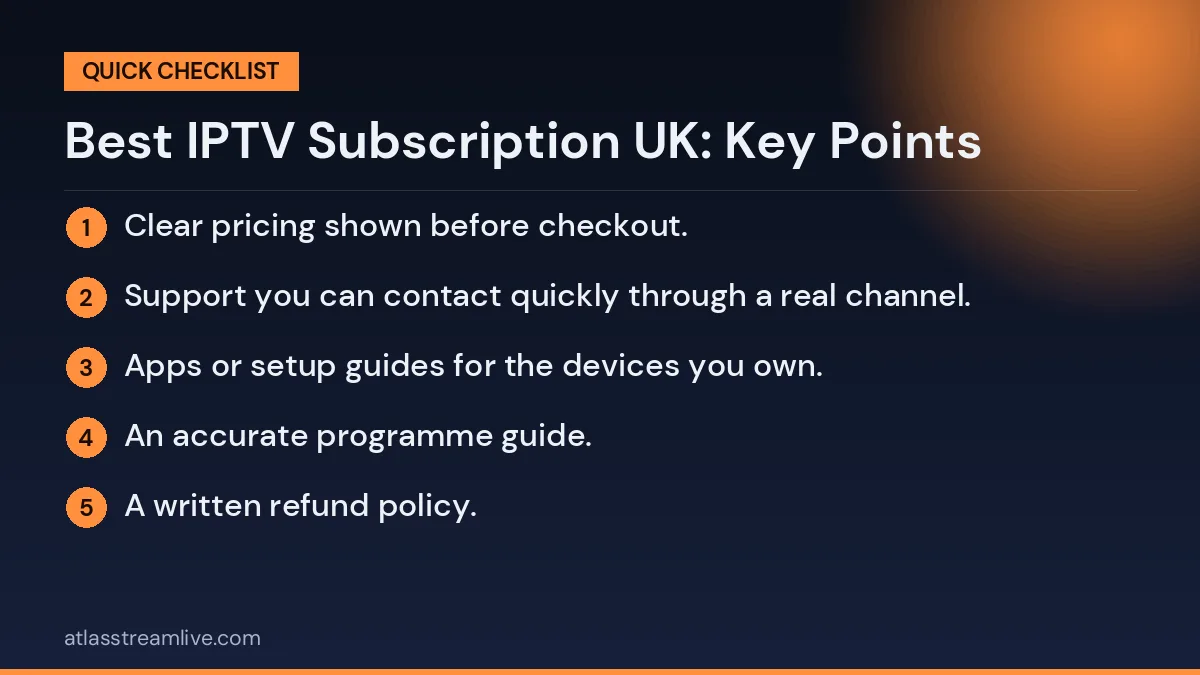
- A free trial with no card required, so you can test before paying.
- Clear pricing shown before checkout.
- Support you can contact quickly through a real channel.
- Apps or setup guides for the devices you own.
- An accurate programme guide.
- A written refund policy.
If a provider cannot offer most of these, it is not the best IPTV subscription UK households should consider, however low the price looks.
A Step-by-Step Way to Choose Your Plan
- List what you watch. Write down the twenty or thirty channels and programmes that matter most to your home.
- Count your screens. Decide how many devices will be watching at the same time on a busy evening.
- Check your broadband. Run a speed test at around 8pm, when connections are busiest.
- Take a free trial. Test those channels on those screens at that time.
- Start with a short plan. A one-month plan lets you confirm the service holds up over several weeks.
- Move to a longer plan. Once you are confident, a longer plan lowers the monthly cost.
Paying Safely for Your Subscription
How you pay matters as much as what you pay. A card payment through a proper checkout gives you a receipt and, in many cases, protection from your card provider if something goes wrong. Which? explains how chargeback works and when you can use it. Be cautious about paying through private messages, gift cards or transfers to personal accounts, as these offer little or no protection.
Keep your confirmation email and receipt somewhere safe. If you ever need to contact support about your account, having your order details to hand makes everything quicker.
When to Renew and When to Switch
A week or two before your plan ends, think back over the period. Did live sport stay stable at busy times? Did support reply quickly when you needed it? Did the programme guide stay accurate? If the answer to all three is yes, renewing for a longer period is a sensible way to save money.
If you had repeated problems, use the end of the plan as a natural point to test another option with a free trial. Switching is easy when you have not committed to a long plan, which is exactly why starting short is such good advice.
Subscriptions for Different Types of Households
Single viewers
One connection is usually enough. Focus on the channels you watch and the device you use most, and consider a longer plan once you are happy to keep the monthly cost low.
Couples
Two connections avoid arguments over the remote. Check that both people can watch different channels at the same time during the trial.
Families
Three or more connections, a parental PIN and a good selection of children content are the priorities. Test on the tablets and phones the children actually use.
Sport fans
Stability at peak times matters more than anything else. Test during a live match, ideally at the weekend, before you pay for a long plan.
Questions to Ask Support Before Choosing a Plan
A short conversation with support before you subscribe tells you a lot. Ask clear questions and note how quickly and how well they answer.
- How many connections does each plan include, and can I add more later?
- Is the renewal price the same as the price I pay today?
- Which devices and apps do you recommend for my TV?
- Is the programme guide included, and how is it updated?
- What happens if I have a problem during a live event?
- How do refunds work if the service does not suit me?
A provider that answers these quickly, clearly and politely is far more likely to treat you well once you are a paying customer.
Getting Value After You Subscribe
Once you have chosen a plan, a few habits help you get the most from it. Set up favourites on each device so everyone finds their channels quickly. Keep your apps and streaming devices updated. Restart your router and device once a week. And keep your login details safe, since sharing them outside your household can lead to connection limits being reached at the worst possible moment.
Review your plan every few months. Your household may change, with someone moving out, a new TV or a new interest in a sport, and your plan should change with it. Adjusting connections or plan length is usually simple, and making sure you only pay for what you use is the best way to keep any subscription good value over time.
Why the Cheapest Option Is Rarely the Best
It is tempting to pick the lowest price on the page. But a subscription that buffers during every big match, has a broken guide, or offers no support is poor value at any price. The extra pound or two a month for a stable, well-supported service is almost always worth it when you consider how many hours of viewing a month you get. Judge value by how well the service works in your home, not only by the number on the price tag.
Measured that way, the best plan is simply the one that works reliably every evening and stays easy to manage month after month.
Understanding Free Trials and Refunds Together
A free trial and a refund policy work as a pair. The trial lets you test quality and stability before you pay anything. The refund policy tells you what happens if the service stops meeting your expectations after you have paid. Read both before you choose. A provider with a no-card trial and a clear written refund policy is showing confidence in its service and respect for its customers.
If anything is unclear, ask support to explain it in writing. A short email reply you can refer back to later is far more useful than a vague promise made in a chat window. It also gives you something concrete to show your bank if you ever need to dispute a payment, which is another reason to always pay by card through a proper checkout page.
After You Subscribe
Once you have your details, the next step is setting up a player app. Our Firestick with IPTV setup guide and our guide to installing IPTV on an iPhone or iPad walk through the steps. If something does not work, our guide to what to do when IPTV is not working helps you find the cause.
Frequently Asked Questions
Which plan is best value? The longest plan has the lowest cost per month, but only makes sense once you know the service suits you.
Should I start with a month? If you are unsure, a shorter plan is the lower-risk way to find out.
How do I know a provider is trustworthy? Look for a clear company name, terms, a normal payment process, a refund policy and support that answers plain questions properly.
What do I need to watch? A subscription, an internet connection and a compatible device with a player app.
Is a 12-month plan always the best value? It has the lowest monthly cost, but it is only good value if you are confident in the service. Start short, then move to a longer plan.
Can I upgrade my plan later? Most providers let you move to a longer plan or add connections. Ask support how upgrades work before you subscribe.
What happens if I am not happy? Check the refund policy before paying, so you know exactly what you are entitled to.
Best IPTV Subscription UK: Final Checklist
- Free trial completed at a busy time of day.
- The right number of connections for your household.
- Clear price per month, including renewal.
- Safe card payment with a receipt.
- Support that replies quickly with real answers.
- A short first plan before any long commitment.
Tick every point and you will have chosen a subscription that suits your home, your budget and the way you actually watch TV.