Deciding on a Firestick vs Android TV box for IPTV comes down to how you watch, how big your playlist is and how much flexibility you want.
A Firestick is small, cheap, easy to set up and works with most TVs, which makes it a good choice for most households. An Android TV box is usually larger and costs more, but it tends to offer more ports and storage and can feel more like a small computer. Neither is automatically better for IPTV. What matters is whether the device is fast enough, has a stable connection and runs the app you want.
A Firestick plugs straight into an HDMI port on the back of the TV and is powered by USB. It uses Amazon’s Fire OS, which is based on Android, and it has its own app store. For many viewers the benefits are simplicity and price. There is one small remote, set-up is guided, and the device can be moved between TVs easily, for example to take on holiday. The trade-offs are limited storage, no Ethernet port on most basic models unless you add a small adapter, and an interface that promotes Amazon content.
Want to test it on your own TV first? Try AtlasStream Live free for 24 hours on your Firestick, Smart TV or phone. No payment needed.
Pick a Firestick if you want the simplest and cheapest route, if your Wi-Fi signal is good where the TV is, or if you want something to take away from home. Pick an Android box if you want a wired connection, plan to run several apps, or want more room to grow. If you already own a Smart TV with a good app store, you may not need either, so read IPTV on a Smart TV first.
Firestick vs Android TV Box for IPTV: Detailed Comparison
When choosing a Firestick vs Android TV box for IPTV, the differences come down to flexibility, connections and convenience.
| Feature | Firestick | Android TV box |
|---|---|---|
| Size | Small stick hidden behind the TV | Small box on a shelf |
| App store | Amazon Appstore | Google Play Store (certified boxes) |
| Ethernet | Needs an adapter on most models | Usually built in |
| Storage | Limited on many models | Often more, sometimes expandable |
| USB ports | Limited or none | Often several |
| Remote | Simple, with voice control | Varies by brand |
| Updates | Regular from Amazon | Depends on the manufacturer |
| Price | Low to moderate | Wide range |
| Portability | Very easy to travel with | Less portable |
Who Should Choose a Firestick
- People who want a simple, affordable setup that works out of the box.
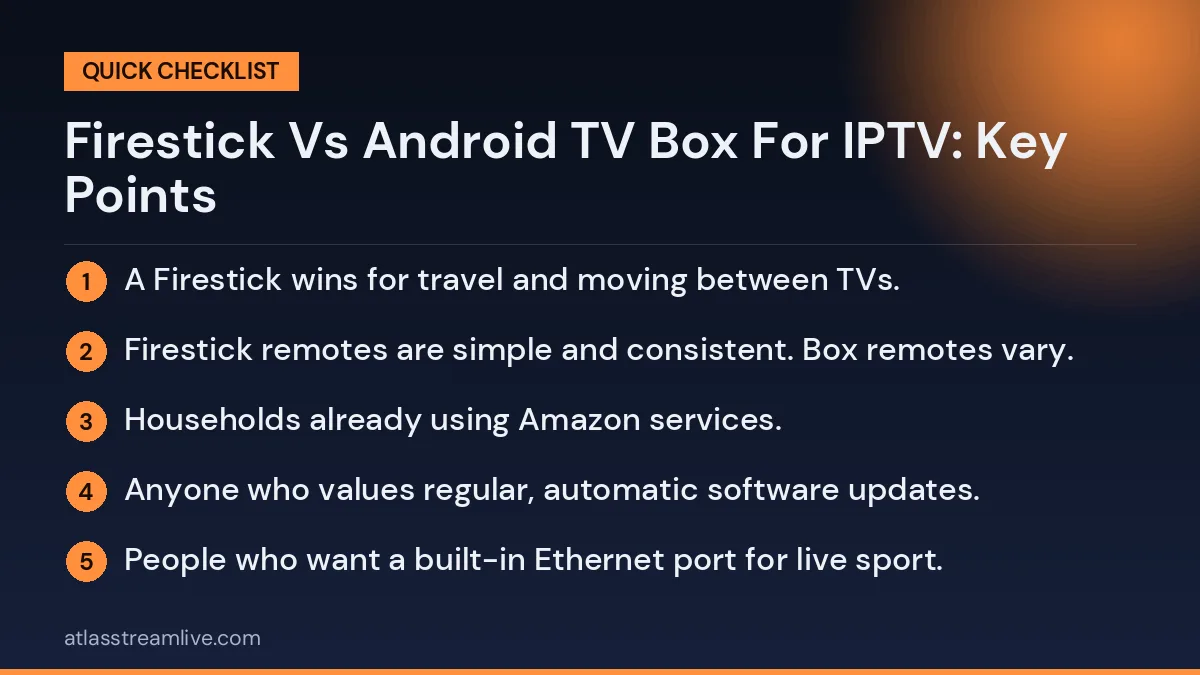
- Households already using Amazon services.
- Viewers who want to move the device between TVs or take it on holiday.
- Anyone who values regular, automatic software updates.
Who Should Choose an Android TV Box
- Viewers with large playlists and programme guides who need more memory and storage.
- People who want a built-in Ethernet port for live sport.
- Users who want USB ports for storage, keyboards or other accessories.
- Anyone who prefers the Google Play Store and Google services.
Avoiding Cheap Unbranded Boxes
Not all Android boxes are equal. Cheap unbranded boxes often run uncertified software designed for phones, lack the Play Store, rarely receive updates and may overstate their specifications. Some come with unwanted pre-installed apps. Choose a certified Android TV or Google TV box from a known brand. You can find certified partners on the official Android TV website.
Performance in Real Use
Live sport
Both work well for live sport when connected properly. The Android box often has an advantage because most include an Ethernet port, while a Firestick usually needs an adapter for a wired connection.
Large programme guides
Big guides and playlists need memory. Higher-end Firesticks handle them well, but entry-level models can feel slow. A well-specified Android box with more memory usually copes better.
4K and HDR
4K Firesticks and good 4K Android boxes both support 4K and HDR. Check that the model you choose supports the HDR formats your TV uses.
Everyday menus
Firestick menus are designed around Amazon content, while Google TV focuses on recommendations across apps. Both let you place your IPTV player on the home screen for quick access.
Setup Differences
On a Firestick, many players are available in the Amazon Appstore. If a player is not listed, some people use the Downloader app with installs from unknown sources enabled, then switch the setting off afterwards. On a certified Android TV or Google TV box, many players are available directly in the Google Play Store, which makes setup simpler and updates automatic.
Storage and Maintenance
Firesticks have limited storage, so clearing app caches regularly is important. Android boxes often have more storage, and some accept a USB drive or memory card for extra space. On either device, uninstall apps you never use, keep the system updated and restart once a week.
Using What You Already Have
If you already own one of these devices, start with it. Test your IPTV service during a busy evening with the device connected as well as possible. If it performs well, there is no need to buy anything new. If it struggles with large guides or buffers on Wi-Fi, try a wired connection first before deciding to upgrade.
Cost Over Time
A Firestick is usually cheaper upfront. A good Android box costs more but may last longer if it has more memory and storage. Consider how long the manufacturer typically supports the device with updates. A slightly more expensive device that stays fast and secure for several years is often better value than a cheap one that slows down quickly.
Choosing Based on Your Household
| Household | Better choice | Why |
|---|---|---|
| Single viewer, simple needs | Firestick | Affordable, easy and portable |
| Sport-focused home | Android box | Built-in Ethernet for stable live matches |
| Large playlists and guides | Android box with more memory | Handles big lists more smoothly |
| Older viewers | Firestick | Simple remote with voice control |
| Frequent travellers | Firestick | Fits in a pocket |
| Tech enthusiasts | Android box | More flexibility, USB and storage |
Remotes and Voice Control
The Firestick remote is small, simple and includes voice control through Alexa. You can say the name of an app to open it, search for programmes or control volume on many TVs. Android TV and Google TV boxes usually include a remote with Google Assistant, offering similar voice features. Remote quality on cheaper Android boxes can be poor, with sluggish response or no voice button. If the remote matters to you, check reviews of the specific model before buying.
Keeping Each Device Cool
Firesticks plug directly into the back of the TV, where heat from the screen can build up. Use the HDMI extender supplied in the box to move the stick into cooler air. Android boxes sit on a shelf, which usually keeps them cooler, but avoid enclosing them in a cabinet without airflow. An overheating device slows down, causing buffering and sluggish menus, so good ventilation helps either option perform at its best.
Security Considerations
Both devices are safest when you install apps from official stores and keep the system updated. If you enable installs from unknown sources on a Firestick to add a player, switch the setting off afterwards. On Android boxes, avoid uncertified devices that do not receive security updates. Use a strong Wi-Fi password at home and unique passwords for your accounts. The National Cyber Security Centre has simple advice on securing home devices.
Using Both in One Home
Many households use both: an Android box with Ethernet for the main living room TV and a Firestick for a bedroom or kitchen TV. Install the same IPTV player on both and set up matching favourites, so the experience feels familiar in every room.
Testing Before You Buy
If you are unsure which device suits you, test your IPTV service on whatever you already have during a free trial. Watch live channels in the evening, open the programme guide, try on-demand films and check how quickly channels switch. Note any problems. If the guide is slow or the app crashes, that points to memory or storage limits and suggests a more powerful device. If live channels buffer on Wi-Fi but work on a cable, the issue is your connection rather than the device, and a cheaper upgrade such as an Ethernet adapter may be all you need.
Setting Up Either Device Well
- Update the device software before installing anything.
- Connect by Ethernet or strong 5 GHz Wi-Fi.
- Install your IPTV player from the official store where possible.
- Enter your login carefully, ideally by copying and pasting.
- Set the display resolution and turn on frame rate matching if available.
- Create favourites for each member of the household.
- Turn on parental controls if children use the TV.
- Restart weekly and clear caches every few weeks.
Planning for the Future
Streaming devices typically last several years, but software support eventually ends. When choosing, consider how long the manufacturer is likely to keep releasing updates. A device that stays secure and compatible with new apps for longer is worth a little more upfront. When the time comes to upgrade, moving to a new device is simple: install your player, log in and set up favourites again, or restore from a backup if your player offers one.
Whichever you choose, a well-connected, well-maintained device will give you smooth, reliable IPTV for years to come.
Common Problems on Each Device
Firestick: storage full
Clear the cache of your player under Settings, Applications, Manage Installed Applications, and uninstall apps you never use.
Firestick: Wi-Fi drops
Use the HDMI extender, connect to 5 GHz, or add an Ethernet adapter.
Android box: slow menus
Check for system updates, free storage and close background apps. Very cheap boxes may simply lack the power for large guides.
Android box: remote not responding
Replace batteries and re-pair the remote in the settings. A phone remote app can help in the meantime.
Either device: no sound
Change the audio output from surround or Dolby to stereo or PCM in the device settings.
Either device: picture judder
Turn on frame rate matching in the display settings if available.
Most problems on both devices come down to connection, storage, heat or settings, and can be fixed in a few minutes without replacing anything. Only consider a new device once these simple checks have been tried, because the right setup on your current hardware often performs far better than you expect.