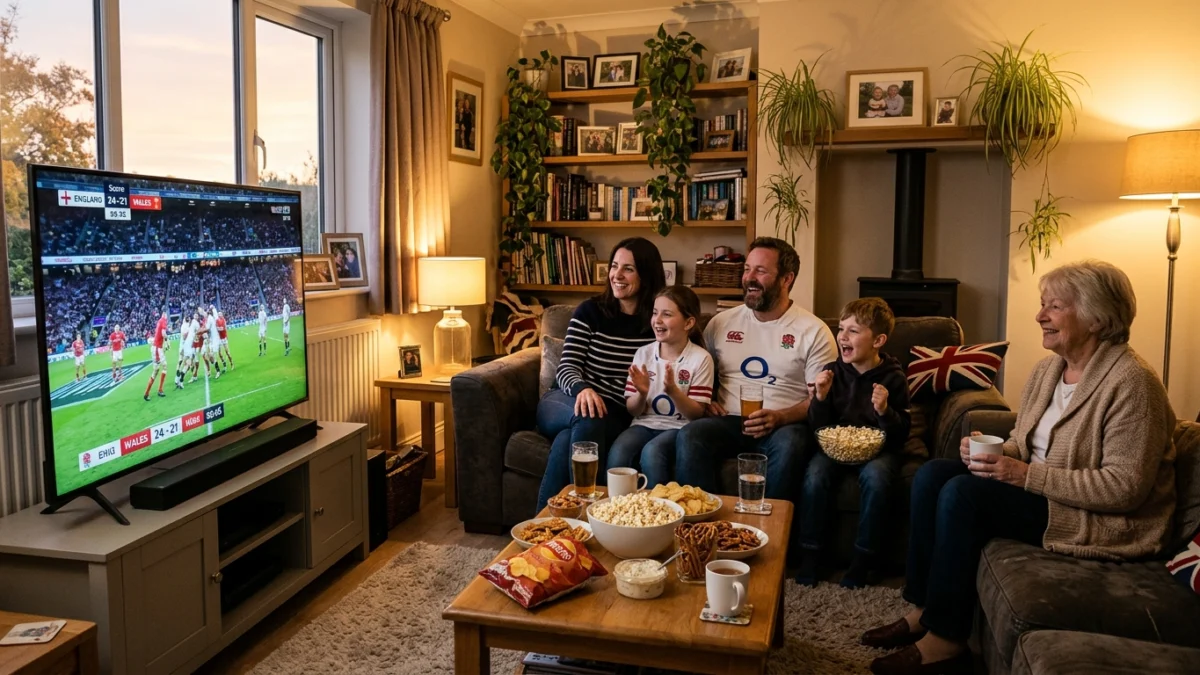
Why live sport needs a steadier setup
Live sport is different from a film or a series. You cannot pause and wait for it to load, and the most important moments often arrive when the whole country is online. A setup that is fine for ordinary evening viewing can struggle on a big matchday.
To watch live sport online UK viewers need the same basics as for any streaming: a steady connection, a compatible device and a service that works on it. The difference is timing, so test at the same hour as the event rather than at lunchtime. Live television has always rewarded preparation, and streaming is no exception.
Check the official fixture list for kick-off times in UK time, and decide in advance which events matter most to your household.
6 easy steps to watch live sport online UK
- Check the fixture list. Note the start time in UK time for every event you care about.
- Test at event time. Run a speed test at the hour the event starts, when broadband is busiest.
- Use Ethernet. A cable from your router to your TV box is steadier than Wi-Fi.
- Close other apps. Pause downloads and game updates before the event.
- Restart the day before. Restart the router and your streaming device.
- Keep a backup device. Install the app on a phone or tablet, within the number of connections you chose.
What to do when two events clash
Weekends often bring several events at the same time. Decide your priority in advance, and use a second screen, such as a phone or tablet, for the other event rather than switching back and forth.
If you add a second screen, you can watch two events in different rooms. Keep the volume sensible, and agree who controls the main TV before kick-off.
Use the TV guide and favourites
Learning the TV guide and setting up favourites and channel groups saves time when events start together. A short favourites list means you reach the right channel in seconds.
For more tips, read our guide to streaming live sport smoothly and our football matchday guide.
Devices to watch live sport online UK
You rarely need to buy anything new. A Smart TV can run the app directly, a Firestick or Android TV box adds support to an older screen, and a phone or tablet is ideal for watching in another room.
Remember the connection limit: every plan includes 1 connection, and you can add up to 5 connections when you order. See our devices guide for what works best and our setup guide for a quick start.
Choose a plan that fits your viewing
Pick the length that matches how long you expect to watch. A shorter plan suits a single season or event, while a longer plan usually works out cheaper per month.
See the plans guide for every option, and read our 12-month guide if you are considering a full year.
Common problems and quick fixes
Most problems fix themselves with a restart: close the app, restart the device, then restart the router. Also check that the app is up to date and that your login details are correct.
For more help see IPTV not working, or message our support team on WhatsApp, available 24/7.
Decide which events deserve your attention
Live sport can fill every evening, and nobody can watch it all. Pick the events that matter most to your household, and write them in a shared calendar. That makes it easier to prepare your connection and your room, and it protects the evenings when you want to do something else.
For each event, note the start time in UK time, the screen you will use and who is watching. A small plan avoids the arguments that usually happen five minutes before kick-off.
Connections for a busy sports household
If two people want different events at the same time, you need 2 connections. You can choose up to 5 at checkout, and the price is shown on the subscribe page before you pay.
Extra connections cost less than a second plan. For example, 2 connections on a 6-month plan cost £74, compared with £80 for two separate 6-month plans. Count only the connections that really stream at the same time.
Frequently asked questions
How can I stop buffering during live sport?
Use a cable, test at the event hour, pause other downloads and restart your router the day before. Our evening buffering guide has more tips.
Can I watch live sport online UK on my phone?
Yes. Install the app on a phone or tablet, within the number of connections you chose. It is also a useful backup screen.
Can I try before I pay?
Yes. The free trial gives you 24 hours of access with no credit card. Trials are limited to one per person and household.
Does my subscription renew automatically?
No. Subscriptions do not renew automatically, and we let you know before your plan ends.
How many connections can I use at once?
Every plan includes 1 connection. You can add up to 5 connections when you order.
Can two people watch different events at the same time?
Yes, if your plan includes 2 connections. You can choose up to 5 at checkout.
How early should I open the app before an event?
About ten minutes before the start, so you can check the picture and fix small problems.