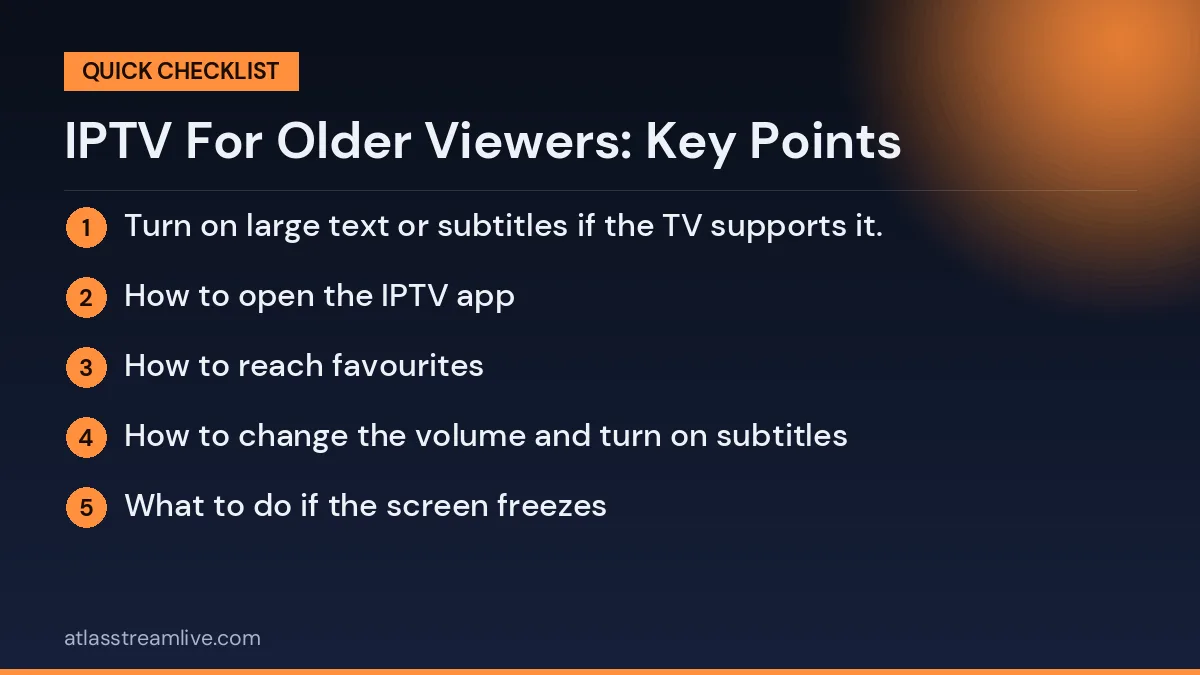
Many older viewers like traditional TV because it is simple: switch on, pick a channel, watch. IPTV can feel complicated at first, with apps, logins and menus. The good news is that most of the effort happens once, at setup, and a family member can do it in an afternoon. After that the daily routine can be almost as simple as before.
Setting up IPTV for older viewers is mostly about making daily use simple, even if the initial setup takes a little effort.
The fewer boxes and remotes, the better. A Smart TV with the app installed directly uses one remote and one power button. A Firestick or Android box adds a second device but is very flexible. Whichever you choose, aim for one remote that does everything, and consider a universal remote or the TV’s own remote if the streaming remote is confusing. Our guide to IPTV on a Smart TV shows the Smart TV route.
Want to test it on your own TV first? Try AtlasStream Live free for 24 hours on your Firestick, Smart TV or phone. No payment needed.
Most problems are fixed by the same few steps: check the TV is on the right input, check the internet is working on another device, close and reopen the app, then restart the streaming device and the router. Put those steps on the sheet in order. If they do not solve it, our troubleshooting guide goes further.
Making IPTV for Older Viewers Easy to See and Hear
Small adjustments make IPTV for older viewers far more comfortable. Most can be done in a few minutes in the device and TV settings.
| Adjustment | Where to find it | Why it helps |
|---|---|---|
| Larger text | Device accessibility or display settings | Menus and guides are easier to read |
| High contrast | Device accessibility settings | Text stands out more clearly |
| Subtitles on by default | Player and device settings | Helps with hearing loss and unclear dialogue |
| Clear voice or dialogue mode | TV or soundbar sound settings | Speech stands out from music and effects |
| Audio description | Player and official apps | Narrates what happens on screen for sight loss |
| Screen reader | Device accessibility settings | Reads menus aloud |
Choosing the Right Remote
Many older viewers struggle with small remotes covered in buttons. Options include:
- Simple remotes that come with streaming sticks, which have fewer buttons.
- Big-button universal remotes, designed for older users, which can control the TV and some streaming devices.
- Voice control, where the remote has a microphone button and can open apps or channels by voice.
- Labels and stickers on the buttons that matter most: power, home, back and OK.
Whatever you choose, keep spare batteries in an obvious place.
Building a Simple Favourites List
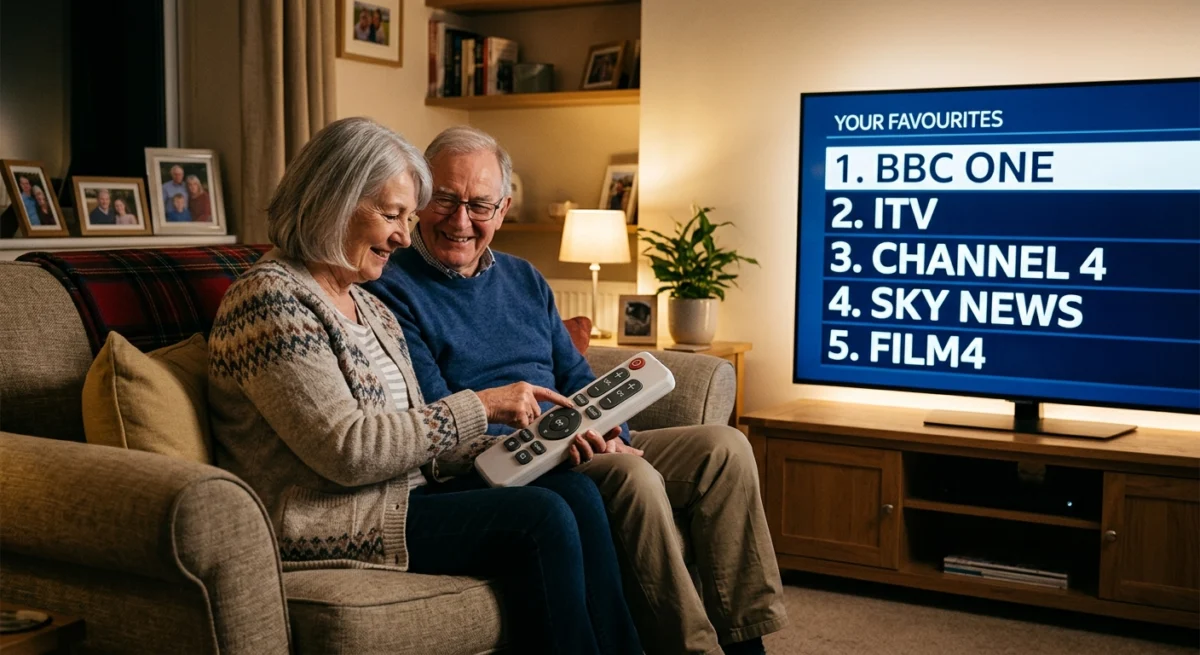
A short favourites list is the single most helpful thing you can set up. Include only the channels they actually watch: regional news, their favourite drama channel, a film channel, perhaps a sports channel. Put them in the order they use most. Set the player to open directly on favourites if it allows. Then they never need to scroll through thousands of channels.
Writing the Basics on a Card
A simple card next to the TV, written in large letters, answers most questions:
- Turn on the TV with the red button.
- Press Home on the small remote.
- Choose the TV app and press OK.
- Choose Favourites.
- Pick a channel and press OK.
- If it freezes, press Back, wait, then try again.
- If it still does not work, call [family member] on [number].
Helping From a Distance
Many families support an older relative who lives elsewhere. A few things make remote help much easier:
- Keep a note of their device, app, login and Wi-Fi details in a secure place.
- Use video calls so they can point their phone camera at the TV and you can see the problem.
- Agree simple words for buttons and screens, such as the home button or the list of channels.
- Set up the same device and app at your home if possible, so you can follow along step by step.
- Visit regularly to update apps, check settings and tidy favourites.
Never ask them to give remote access to their device to strangers who call claiming to help. Only trusted family members should assist.
Protecting Older Relatives From Scams
Older viewers are common targets for scams involving TV deals, fake TV Licence messages and calls claiming a subscription has expired. Explain the warning signs in simple terms:
- Never pay for TV with gift cards or by sending money to a person.
- Never give card details to someone who called unexpectedly.
- Never click links in messages about TV Licences or subscriptions; go to the official website instead.
- Never let anyone take control of the TV or computer remotely.
- If unsure, hang up and call a family member.
Age UK has clear guidance on avoiding scams, and suspected fraud can be reported to Action Fraud.
TV Licence Reminders
Watching live TV on any channel, including through IPTV, requires a TV Licence in the UK. Some people aged 75 and over who receive Pension Credit can get a free TV Licence. Details are on the official TV Licensing website. Be wary of emails or texts claiming a licence has expired and asking for card details; these are a common scam. Always go directly to the official website.
Reliable Connections for Peace of Mind
Nothing is more frustrating for a less confident viewer than a picture that freezes. A wired Ethernet connection to the TV device removes most Wi-Fi problems. If that is not possible, place the router close to the TV, or use a powerline adapter. A stable connection means fewer calls for help and more relaxed evenings.
Comparing Devices for Older Viewers
| Device | Ease of use | Notes |
|---|---|---|
| Smart TV app | Very easy: one remote only | Best if the TV app works well |
| Streaming stick | Easy, but adds a second remote | HDMI-CEC can let the TV remote control it |
| MAG box | Very easy: feels like a traditional set-top box | Popular with people used to cable TV |
| Tablet | Easy with large icons | Good for watching in another room |
If you use a streaming stick, turn on HDMI-CEC (sometimes called Anynet+, SimpLink or Bravia Sync) in the TV settings. This often lets one remote control both the TV and the stick, removing a common source of confusion.
Using Official Apps for Familiar Channels
Many older viewers watch mainly the familiar UK channels. Official apps such as BBC iPlayer and ITVX, placed at the front of the home screen, give a familiar experience with regional news and catch up. Combined with a short IPTV favourites list, they cover most daily viewing in a simple, reliable way.
A Gentle First Week
The first week matters most. Plan it carefully:
- Day one: set everything up together, show the three or four steps needed, and leave the help card by the TV.
- Day two: call in the evening to ask how it went and answer any questions.
- Midweek: check whether any favourite channels are missing and add them.
- End of week: visit or video call to tidy anything confusing and confirm they feel comfortable.
Patience in this first week makes the difference between someone who gives up and someone who enjoys the service for years.
Keeping Things Consistent
Older viewers often rely on familiar routines. Avoid changing apps, layouts or remotes unless necessary. If an update changes how something looks, visit or call to explain the change. Keep the favourites list in the same order, and leave the help card updated. Consistency builds confidence.
Making It Social
Streaming can help older relatives stay connected. Recommend programmes you both enjoy and chat about them afterwards. Watch the same match or quiz show at the same time and talk on the phone. Sharing viewing gives a natural reason to stay in touch and makes the technology feel like a friendly part of everyday life rather than a puzzle.
When Hearing or Sight Changes
Needs change over time. If hearing becomes more difficult, a soundbar with a dialogue mode, wireless headphones for the TV or subtitles on every channel can help. If sight changes, larger text, high contrast menus, audio description and voice control become more useful. Review settings every few months and adjust them as needed.
Payments and Plans for Older Viewers
Choose a plan with clear, simple terms. A plan that does not renew automatically can give extra peace of mind, because nothing is charged without a decision. If it does renew, set up payment notifications in their banking app and add the renewal date to a calendar they use. Pay by card through a secure checkout so there is protection if something goes wrong, and keep receipts in one place. Explain clearly how much the service costs each month and how to stop it, so there are no surprises on their bank statement.
Wireless Headphones for TV
For people with hearing loss living with others, wireless TV headphones can be a great solution. They let the viewer set their own volume without making the TV too loud for everyone else. Some connect by Bluetooth to the streaming device or TV, while others use a small transmitter. Check compatibility with your TV before buying, and look for comfortable, lightweight models with simple volume controls.
Getting Help From Support
If you choose a provider with friendly, patient support, write their contact details on the help card. Some older viewers prefer to contact support directly rather than asking family. A provider that answers clearly and kindly is worth a lot for less confident customers. Test support during a trial by asking a simple question, and see how understandable the answer is.