F1 IPTV UK: Late-Night Races and How to Prepare Your Setup
The final races of the F1 season often start late at night or in the early hours UK time. Here is how to be ready without losing sleep to technical problems.
Last updated: 18 October 2026
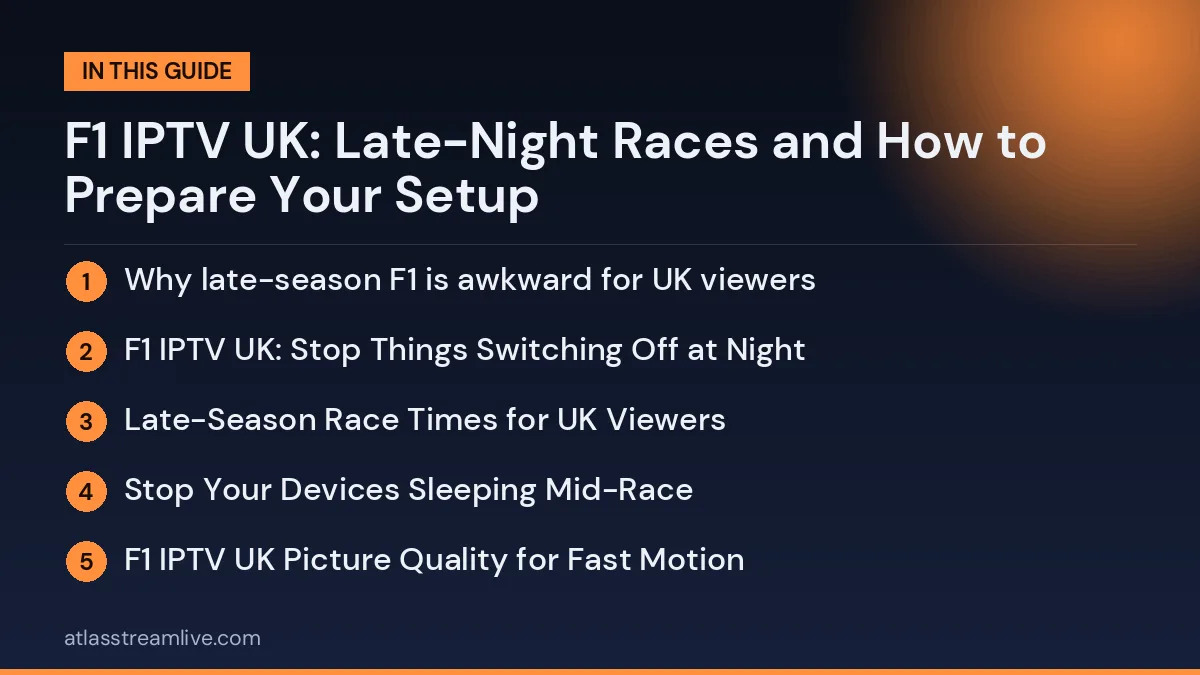
Why late-season F1 is awkward for UK viewers
Getting your F1 IPTV UK setup right matters most at the end of the season, when races fall late at night or early in the morning UK time.
The closing stretch of the Formula 1 season takes the sport to the far side of the world, and the time difference means some sessions and races start late in the evening or in the early hours in the UK. Check the official race calendar for exact start times, because they differ from one weekend to the next.
Want to test it on your own TV first? Try AtlasStream Live free for 24 hours on your Firestick, Smart TV or phone. No payment needed.
Watching at odd hours brings its own technical issues. Nobody wants to be troubleshooting at 2am, so the aim is to sort everything in advance.
F1 IPTV UK: Stop Things Switching Off at Night
Many problems that show up overnight are not about your provider at all:
Check whether your TV has a sleep timer or auto power-off, and disable it for race night.
Look at when your router or streaming device is set to update or restart. Many do it overnight.
Pause automatic app and system updates on the box or Firestick for that evening.
Plug the device in properly and keep the remote batteries fresh. It sounds small, but it matters at 3am.
Late-Season Race Times for UK Viewers
The final races of the F1 season often fall at awkward hours in the UK. Races in the Americas and the Las Vegas night race can start late on Saturday night or in the early hours of Sunday morning UK time, while Middle East rounds usually suit afternoon viewing. Always check the official schedule in UK time, because the clocks change at the end of October and some apps show times in a different time zone.
Region
Typical UK start
Tip
Americas (USA, Mexico, Brazil)
Evening or late night
Set an alarm and test the stream earlier in the evening
Las Vegas
Early Sunday morning
Disable sleep timers and night-time updates
Middle East (Qatar, Abu Dhabi)
Afternoon
Busy broadband time, so prefer Ethernet
Stop Your Devices Sleeping Mid-Race
TV auto power-off: many TVs switch off after a few hours without a button press. Turn this off in eco settings.
Firestick sleep: set the screensaver and sleep timer to Never during race weekends.
Router schedules: some routers restart or switch off Wi-Fi overnight. Check the schedule in your router settings.
Automatic updates: devices often install updates at night. Update in advance so nothing restarts during the race.
Parental timers: app or Wi-Fi time limits for children can also block the main TV at night.
Over a full season, these habits make every race weekend more relaxed and enjoyable, whatever the start time.
F1 IPTV UK Picture Quality for Fast Motion
F1 is fast, with onboard cameras and rapid pans, so a poor stream is obvious. A steady HD picture is usually better than a higher-resolution one that keeps stalling. If you are weighing up 4K, read what you need for 4K IPTV and check your speed against the internet speed guide.
Best Settings for Fast-Moving F1 Footage
F1 cars move at over 300 km/h, so smooth motion matters. Choose a stream at 50 frames per second if your service offers one, use the TV’s Sport or Standard mode and turn off heavy noise reduction. A steady connection is more important than raw resolution: an HD stream at 50 fps often looks better than a 4K stream that keeps buffering. For steady HD, aim for 15 Mbps or more per stream; test with Speedtest at the time the race starts.
Onboard cameras and extra feeds
Some services include extra channels such as onboard cameras, pit lane feeds or data channels. If yours does, add them to a race-weekend favourites group so you can switch quickly. These extra feeds use the same bandwidth as a normal channel, so watching several at once on different TVs needs more speed and more connections.
Understanding the Late-Season Calendar
The last part of the Formula 1 season moves around the world quickly, from the Americas to the Middle East, with races on consecutive weekends. For UK viewers, this means start times change a lot from week to week. A race in the Middle East may start in the afternoon UK time, while the next race in the Americas could start late at night. Keeping track is key to a smooth F1 IPTV UK experience.
At the start of the final stretch of the season, write down every remaining race with its UK start time. Add practice and qualifying too if you like to watch them. Set calendar reminders one hour before each session, so you have time to restart your devices and open the right channel. Double-check times the week before each race, especially around the clocks changing in late October.
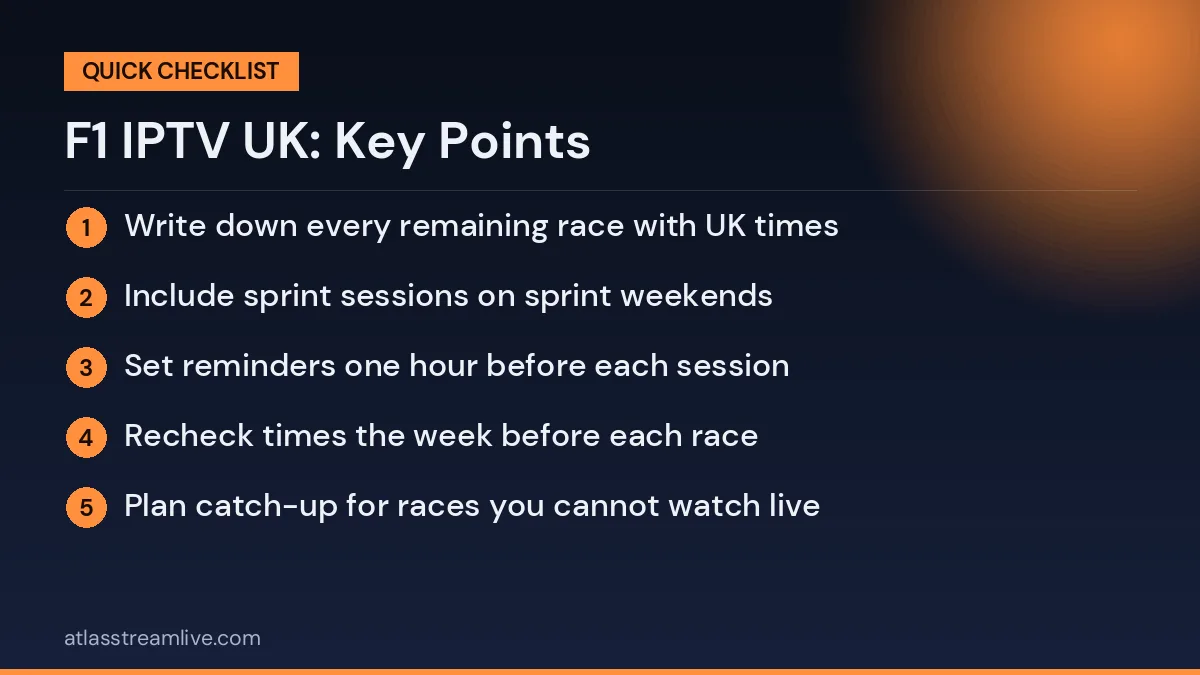
Late-season planning list
Write down every remaining race with UK times
Include sprint sessions on sprint weekends
Set reminders one hour before each session
Recheck times the week before each race
Plan catch-up for races you cannot watch live
Staying Comfortable for Night Races
Night races in the UK can mean staying up very late or waking early. Prepare snacks and drinks beforehand, keep the lights low, and use headphones if others are sleeping. If you plan to wake up early, set the TV and device ready the night before so you only need to press play.
Why Night Races Stress Home Networks
Late-night races might seem like a quiet time for broadband, but many devices in the home are busy overnight. Phones back up photos, games consoles download updates, smart TVs install firmware and computers run scheduled tasks. Any of these can compete with your stream at exactly the wrong moment. Before a night race, check that console and computer updates are set to install at a different time, or pause them manually.
Some internet providers also carry out maintenance overnight, which can cause short drops in service. If your connection often drops late at night, check your provider’s service status page or contact them. Keeping a phone with mobile data as a backup is especially useful for night races, when there may be nobody else awake to help fix problems.
Night race network checklist
Pause console and computer updates
Turn off automatic phone backups for the night
Check router schedules and parental timers
Restart the router an hour before the race
Keep mobile data ready as a backup
Making Practice and Qualifying Part of Your Weekend
Many fans enjoy practice and qualifying almost as much as the race itself. These sessions are also perfect test runs for your F1 IPTV UK setup. Watching Friday practice at a similar time to the race shows whether your stream, device and settings are ready. Qualifying adds excitement and context for Sunday, helping you understand the starting grid and tyre strategies.
If you cannot watch every session live, use catch-up or highlights where available. Avoid social media between sessions if you plan to watch later, as results spread quickly online.
Keeping Younger Fans Involved
Formula 1 has a growing number of younger fans. Night races can be difficult for children, so consider recording or using catch-up for them to watch the next morning, spoiler-free. Explain the basics of strategy, pit stops and tyres while you watch together, and let them follow a favourite driver or team through the season.
Recording Your Own Race Notes
Some fans enjoy keeping simple notes during the race: pit stop laps, safety car periods, overtakes and final positions. This makes discussing the race with friends more fun and helps younger viewers follow strategy. A notebook or a notes app on your phone works well. It also helps you remember which races were most exciting, so you can rewatch highlights later in the season.
Test on a normal evening first
A late-night race is not the moment for a first test. Run a live channel for 20 to 30 minutes on your own TV in the evening and watch for stalls. The free 24-hour trial needs no card, so you can check the channel list and the picture quality before race weekend. We do not promise any specific race or session, since rights differ between services and events.
Race Weekend Checklist
Session
What to check
Friday practice
Test your stream at the same time of day as the race
Saturday qualifying
Confirm favourites, sound and picture settings
Before the race
Restart router and device, close other streams
Lights out
Keep a backup feed and a phone ready
Using practice sessions as a test run is the easiest way to avoid surprises on Sunday. If something does not work on Friday, you still have two days to fix it.
Sprint Weekends
Sprint weekends add a short race on Saturday, which means more live sessions and more chances for things to go wrong. Check the schedule carefully, as the session order differs from a normal weekend. Add the sprint to your calendar with a reminder in UK time.
Watching with Headphones Late at Night
If the race starts while the rest of the house is asleep, headphones are a great option. Many Firesticks, Android TV devices and Smart TVs support Bluetooth headphones. Pair them before race night, as pairing can take a few tries. Wireless headphones can add a slight audio delay; if commentary feels out of sync, use the AV sync setting on the device or app.
Catch-up and recording
If the start time is too late, a recording or catch-up option can help. Availability varies by provider and by channel, so look at the details in our catch-up and recording guide and test it during your trial rather than assuming. Also keep notifications muted if you plan to watch later, so results are not spoiled.
Catch-Up When You Cannot Stay Up
Not everyone wants to watch at 4 am. If your F1 IPTV UK service offers catch-up or replays, you can watch the race later in the morning. To keep it spoiler-free:
Turn off sports and news notifications on your phone.
Avoid social media and group chats until you have watched.
Mute F1 keywords in apps that allow it.
Do not open YouTube or news homepages, which often show results.
Check in advance how long replays stay available, because some services keep catch-up only for a limited time.
Licensing and Staying Safe
Use a properly licensed service and a valid TV Licence if you watch live TV in the UK. Details are on the TV Licensing website. Be careful with free race streams advertised on social media: many are scams designed to steal payment details or install unwanted software.
Watching F1 with Friends
Late-season races that decide the championship are great for a watch party. If you host friends, run Ethernet to the main TV, create a guest Wi-Fi network, and pause downloads on consoles and computers. Use a soundbar or speaker so engine noise and commentary come through clearly, and set the lip-sync option so the sound matches the picture. Keep a second device ready with live timing or a backup stream in case anything goes wrong.
Keeping Track of the Championship
The final rounds often decide the drivers’ and constructors’ titles. Many fans like to follow live timing and championship standings alongside the race. You can do this on a phone or tablet while the main TV shows the race, which keeps the big screen clear. If your IPTV app supports multi-view or picture-in-picture, you might be able to show an onboard camera in one corner, but this uses more bandwidth and processing power, so test it during practice first.
Planning Around the Clock Change
UK clocks go back at the end of October, while other countries change on different dates or not at all. This can shift race times by an hour compared with what you expect. Double-check start times in the week before each race, and update any reminders you set earlier in the season. A quick look at the official F1 website or app in UK time avoids missing the start.
If something fails during the race
Close and reopen the app, restart the device, then the router, and try a second device to find out whether it is the network. See buffering causes and fixes for more. AtlasStream support is available around the clock on WhatsApp, including at awkward hours.
A Step-by-Step Recovery Plan
Switch to a backup feed from your race-weekend favourites.
If the app freezes, close it fully and reopen it.
Restart the streaming device by unplugging it for 30 seconds.
Check whether other devices in the house are online; if the whole connection is down, restart the router.
Use a phone or tablet on mobile data as a temporary backup.
Note the time and channel, then report it to support after the race.
Stay calm: a full router restart takes a few minutes, so try the quicker fixes first. During a safety car period is the best moment to restart anything.
Choosing a Device for Race Weekends
A device with an Ethernet port, such as an Android TV box or the Google TV Streamer, gives the most stable connection for F1. If you use a Firestick, fit the HDMI extender so it does not overheat behind the TV during long sessions, and add an Ethernet adapter if your router is nearby. Smart TV apps are convenient, but older TVs can be slow to update and may struggle with high frame-rate streams.
F1 IPTV UK: Frequently Asked Questions
What time do late-season races start in the UK?
Races in the Americas usually start in the evening or late at night UK time, and Las Vegas often runs in the early hours of Sunday. Always check the official schedule in UK time.
Why did my TV turn off during the race?
Most likely an eco auto power-off or sleep timer. Turn these off in the TV and device settings before race night.
What speed do I need for F1 in HD?
Around 15 Mbps per stream for steady HD at 50 fps. More if others use the internet at the same time.
Can I watch onboard cameras and the main feed together?
Only if your plan has enough connections and your broadband can handle multiple streams.
Is there a delay compared with live TV?
Usually a short one, often under a minute. Turn off result notifications to avoid spoilers.
How do I avoid spoilers if I watch later?
Mute notifications, stay off social media and avoid news and video app homepages until you have watched the race.
Final Lap
A reliable F1 IPTV UK setup comes down to preparation: check race times in UK time, stop devices sleeping, choose smooth picture settings, test during practice and keep a backup ready. With these steps in place, late-night races become easy to enjoy, from lights out to the chequered flag.