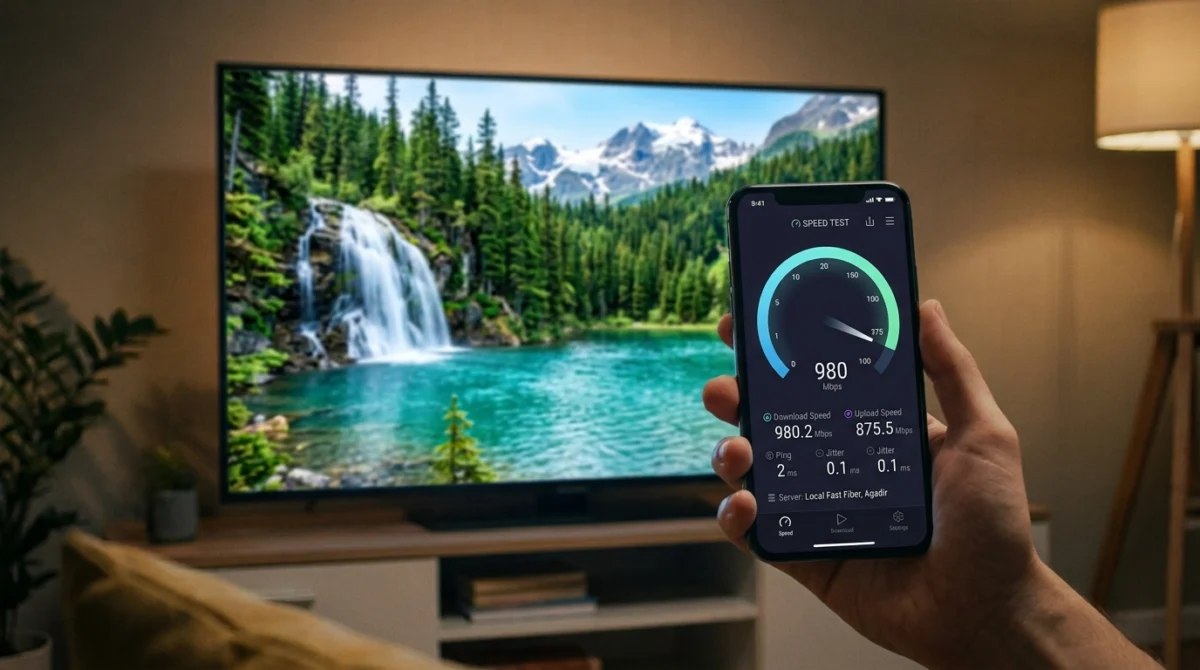
Working out the right internet speed for IPTV is simpler than it looks once you know how much each screen and picture quality needs.
When IPTV buffers, the first suspicion is usually the service. Often the cause is closer to home: a slow or unstable connection, weak Wi-Fi or an old device. This guide explains how much speed you need, what else affects a stream and how to test your setup before a busy evening or a big live event.
How Much Internet Speed for IPTV Do You Need?
There is no single number that applies to every service, because streams differ in quality and compression. As a rough guide, many streaming services suggest around 5 Mbps per stream for HD and around 15 Mbps per stream for 4K. Check what your provider recommends, and remember that these are minimums for one stream, not a target for your whole household.
Want to test it on your own TV first? Try AtlasStream Live free for 24 hours on your Firestick, Smart TV or phone. No payment needed.
If several people stream at once, add up the streams. A household with two HD streams, a video call and a game download needs more headroom than a single viewer on a quiet evening.
Speed Is Not the Only Factor
A fast headline speed does not guarantee a smooth stream. Stability matters just as much. A connection that regularly drops or has high latency can buffer even when a speed test looks healthy. Wi-Fi interference, a congested router, an overloaded device or a busy evening network can all cause trouble. Our IPTV troubleshooting guide helps you sort out which one you have.
Wired Connection or Wi-Fi?
If you can, connect your main streaming device to the router with an Ethernet cable. It removes most of the variables that cause intermittent buffering. If you rely on Wi-Fi, keep the device close to the router, use the 5GHz band where possible, and consider a mesh system if your router is in another part of the house. If your device is in a bedroom or a room far from the router, test it there at a busy time rather than assuming the living-room result applies.
Test Your Internet Speed for IPTV Properly
Run a speed test on the device you actually watch on, at the time you actually watch, rather than once at a quiet time on a laptop next to the router. Repeat it at a few different times, including an evening, and note both the speed and how steady it is. If the result varies a lot or falls well below what you pay for, speak to your broadband provider.
How to Test Your Speed Properly
Many people run one speed test in the morning and assume the result applies all day. In reality, home broadband often slows in the evening, when neighbours are online too. To understand the internet speed for IPTV you really have, test at the times you watch. Run a test at 8 pm on a weekday and during a weekend afternoon. Test on the streaming device itself if possible, or on a phone held next to the TV, because Wi-Fi speed near the router can be much higher than in the living room.
Run each test two or three times and note the lowest result, not the highest. That lowest figure is what your streams have to cope with at the worst moment. Compare it with the speeds needed: around 10 to 15 Mbps per HD stream and 25 Mbps or more per 4K stream. If several people watch at the same time, add the numbers together and leave some headroom for phones, laptops and game downloads.
Typical household needs
| Household | Suggested minimum speed |
|---|---|
| One HD stream | 15 Mbps |
| Two HD streams | 30 Mbps |
| One 4K stream plus phones | 35 Mbps |
| Family with three streams and gaming | 60 Mbps or more |
If your evening speed is close to the minimum, use Ethernet for the main TV, choose HD over 4K during busy times, and pause large downloads while watching.
When to Upgrade Your Broadband
If your evening speed regularly falls below what your household needs, it may be time to upgrade. Check whether full-fibre broadband is available at your address, as it usually gives faster and more consistent speeds than older copper lines. Ofcom offers a checker that shows which broadband types are available where you live. Before upgrading, make sure the problem is not your Wi-Fi, since a faster line will not help if the signal near the TV is weak.
Check Your Device
An old or underpowered device can stutter even on a fast connection. Keep the device and the app updated, free up storage if it is nearly full, and restart now and then. If a basic stick struggles, a more capable box or a newer Smart TV can help. We cover the options in our Android TV box guide and our Firestick setup guide.
Plan for Late-Night Viewing
If you watch late at night from bed on a tablet or phone, check that your Wi-Fi really reaches that room. Test it there before you need it. A late-night live event is the wrong time to discover a dead spot.
Test During a Busy Event
The best stress test is to watch something live at a busy time. Do this with your free trial, not after you have paid. Our guide on what to check in a free IPTV trial lists what to look for, and our tournament checklist covers preparing for a big event.
Internet Speed for IPTV: A Quick Reference Table
The right internet speed for IPTV depends on the picture quality you want and how many screens watch at once. These are comfortable rough guides rather than strict minimums.
| Quality | One screen | Two screens | Three screens |
|---|---|---|---|
| SD | Around 5 Mbps | Around 10 Mbps | Around 15 Mbps |
| HD (720p to 1080p) | Around 10 Mbps | Around 20 Mbps | Around 30 Mbps |
| 4K | Around 25 Mbps | Around 50 Mbps | Around 75 Mbps |
Remember that other activity in the home, such as video calls, gaming and downloads, also uses bandwidth. Leave some headroom above these figures, especially at peak times.
Download Speed, Upload Speed and Latency
A speed test shows several numbers. For IPTV, the most important is download speed, because that is how quickly video arrives at your TV. Upload speed matters far less for watching TV. Latency, sometimes called ping, measures delay. Low latency helps channels start quickly, but for streaming it matters less than a stable download speed. Jitter, the variation in latency, can cause occasional stutters if it is very high.
UK Broadband Types and What They Mean for Streaming
| Broadband type | Typical speeds | Streaming experience |
|---|---|---|
| Standard ADSL | Up to around 10 Mbps | SD is fine; HD can struggle at busy times |
| Superfast fibre (FTTC) | Around 30 to 80 Mbps | Comfortable HD on several screens |
| Full fibre (FTTP) | 100 Mbps to 1 Gbps or more | 4K and many screens with ease |
| Cable | Often 100 Mbps or more | Strong performance for most homes |
| 4G or 5G home broadband | Varies widely by location | Can work well but test at peak times |
You can check which broadband is available at your address using the Ofcom coverage checker.
Why Evening Speeds Drop
Between around 7pm and 10pm, many people on your street and across your provider network are online at the same time. Shared parts of the network become congested, and real speeds can fall well below the advertised figure. That is why a daytime speed test can be misleading. Always test again in the evening, ideally during a live event, to understand what your connection really delivers when you need it most.
Getting the Most From the Speed You Have
Many homes already have enough internet speed for IPTV but lose much of it inside the house. These steps help you use what you pay for.
Router position
Place the router high up, in the open and near the centre of the home. Walls, mirrors, fish tanks and kitchen appliances all weaken Wi-Fi.
Wired connections
An Ethernet cable from the router to your TV device delivers the full speed without Wi-Fi interference. For rooms far from the router, powerline adapters send a wired connection through your home electrics.
5 GHz Wi-Fi
The 5 GHz band carries more data over shorter distances, ideal for a TV in the same or next room as the router. The 2.4 GHz band reaches further but is slower and busier.
Mesh Wi-Fi
In larger homes, a mesh system places extra units around the house to keep the signal strong everywhere.
Fewer competing devices
Phones backing up photos, consoles downloading games and laptops syncing files all compete with your TV. Schedule big downloads overnight.
How to Run a Proper Speed Test
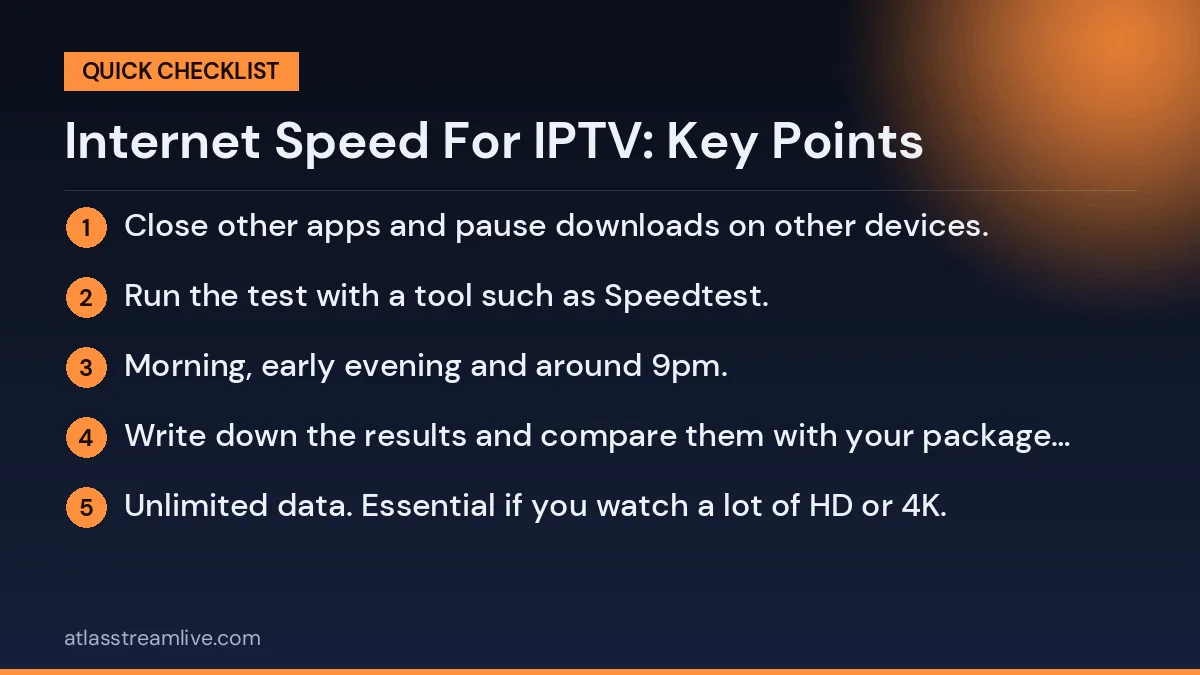
- Use a device on the same connection type as your TV, ideally the TV device itself.
- Close other apps and pause downloads on other devices.
- Run the test with a tool such as Speedtest.
- Repeat at three times: morning, early evening and around 9pm.
- Write down the results and compare them with your package speed.
If evening results are consistently far below what you pay for, contact your broadband provider with your notes. Clear evidence makes it much easier to get help.
Choosing Picture Quality to Match Your Speed
Most IPTV apps let you choose a stream quality. If your connection is borderline, choosing HD instead of 4K usually gives a smoother picture with very little visible difference on most TVs. Some apps also let you increase the buffer size, which helps smooth out short dips in speed. A slightly larger buffer means a few seconds more delay but far fewer pauses.
How Much Data Does IPTV Use?
If you have a data cap, for example on some 4G or 5G home broadband packages, it helps to know roughly how much data streaming uses. These are typical figures per hour and vary between channels and apps.
| Quality | Approximate data per hour | Per month at 3 hours a day |
|---|---|---|
| SD | Around 0.7 GB | Around 60 GB |
| HD | Around 1.5 to 3 GB | Around 135 to 270 GB |
| 4K | Around 7 GB or more | Around 630 GB or more |
Most fixed-line UK broadband packages are unlimited, so this mainly matters for mobile and some wireless home broadband plans.
Choosing a Broadband Package for Streaming
If you are thinking of changing broadband, consider these points rather than just the headline speed:
- Peak-time performance. Some providers manage evening congestion better than others. Independent reviews and Ofcom research can help.
- Router quality. A good router makes a big difference to Wi-Fi coverage.
- Contract length. Longer contracts may be cheaper but are harder to leave if performance is poor.
- Full fibre availability. If full fibre reaches your home, it usually offers the most consistent speeds.
- Unlimited data. Essential if you watch a lot of HD or 4K.
Common Myths About Speed
Faster is always better
Beyond a certain point, extra speed makes no difference to a single stream. A stable 50 Mbps is often more useful than an unstable 500 Mbps.
Buffering always means slow broadband
Not always. Weak Wi-Fi, an overheating device or a full storage can cause buffering on a fast connection.
A VPN makes streaming faster
Usually the opposite. A VPN adds an extra step and often reduces speed slightly.
The advertised speed is what you get
Advertised speeds are often averages at busy times or maximums. Your real speed depends on your line, your router and the time of day.
Speed Needs for Different Households
Single viewer, one TV
A stable 10 to 15 Mbps connection is usually plenty for HD. If you want 4K, aim for at least 25 Mbps at peak times.
Couple with two TVs
Around 20 to 30 Mbps covers two HD streams with room for phones and laptops in the background.
Family with several screens
With two TVs, tablets and gaming at the same time, 50 Mbps or more gives a comfortable margin. Full fibre is ideal if available.
Shared house
Housemates often stream, game and video call at the same time. A faster package and a good router matter more than in smaller households.
Home workers
Daytime video calls and evening streaming put demand on the network all day. A wired connection for the TV keeps evenings smooth even if others are still online.
Signs Your Speed Is the Problem
- Buffering happens on every streaming app, not just one.
- Problems appear mostly in the evening and at weekends.
- Speed tests in the evening are far lower than in the morning.
- Lowering the stream quality to HD or SD fixes the issue.
Signs Something Else Is the Problem
- Only one device buffers while others on the same network are fine.
- Problems get worse the longer the device is on, suggesting overheating.
- Buffering started after an app or device update.
- The device storage is almost full.
Knowing which group your symptoms fall into tells you whether to talk to your broadband provider, improve your Wi-Fi or look after your streaming device.
Testing AtlasStream Live on Your Connection
AtlasStream Live offers a free 24-hour trial with no credit card needed. Use it on the device you plan to watch on, over your normal connection, at the time you usually watch. Request it on the free trial page or message us on WhatsApp if you need help with setup.
The Short Version
Know how many streams your household runs, prefer a wired connection, test your speed on the real device at a busy time, keep your device and app updated, and rehearse with a trial. If those are in order and a stream still struggles, the problem is more likely to be the service, and a trial will show you that before you pay.
Internet Speed for IPTV: Frequently Asked Questions
Is 10 Mbps enough for IPTV?
It is usually enough for one HD stream if the connection is stable. For several screens or 4K, you will need more.
Why does my speed test look fine but the stream buffers?
The test may have run at a quiet time, or on a different device closer to the router. Test on the TV device itself during the evening.
Does Wi-Fi 6 help?
A Wi-Fi 6 router and device can improve speed and reliability when many devices are connected, but only if both the router and the device support it.
Will upgrading my broadband fix buffering?
Only if your current speed is genuinely too low. If the problem is weak Wi-Fi inside the home, a faster package may make little difference.
How do I check my speed on a Firestick?
Several free speed test apps are available in the Amazon Appstore. You can also check the network status in the Firestick settings.
Does 5G home broadband work for IPTV?
It can, especially with good signal. Test carefully at peak times and check any data limits on your plan.
The Short Version
For most homes, around 10 Mbps per HD screen and 25 Mbps for 4K is a comfortable guide. Test your real speed in the evening on the TV device itself, use Ethernet or strong 5 GHz Wi-Fi, keep other heavy downloads away from match times, and choose HD over 4K when your connection is under pressure. Get those basics right and the internet speed for IPTV you already have is often more than enough for smooth, reliable viewing.
Want to test it on your own connection? Request your free 24-hour trial.
Already sure? See plans and subscribe → · from £15, no contract.