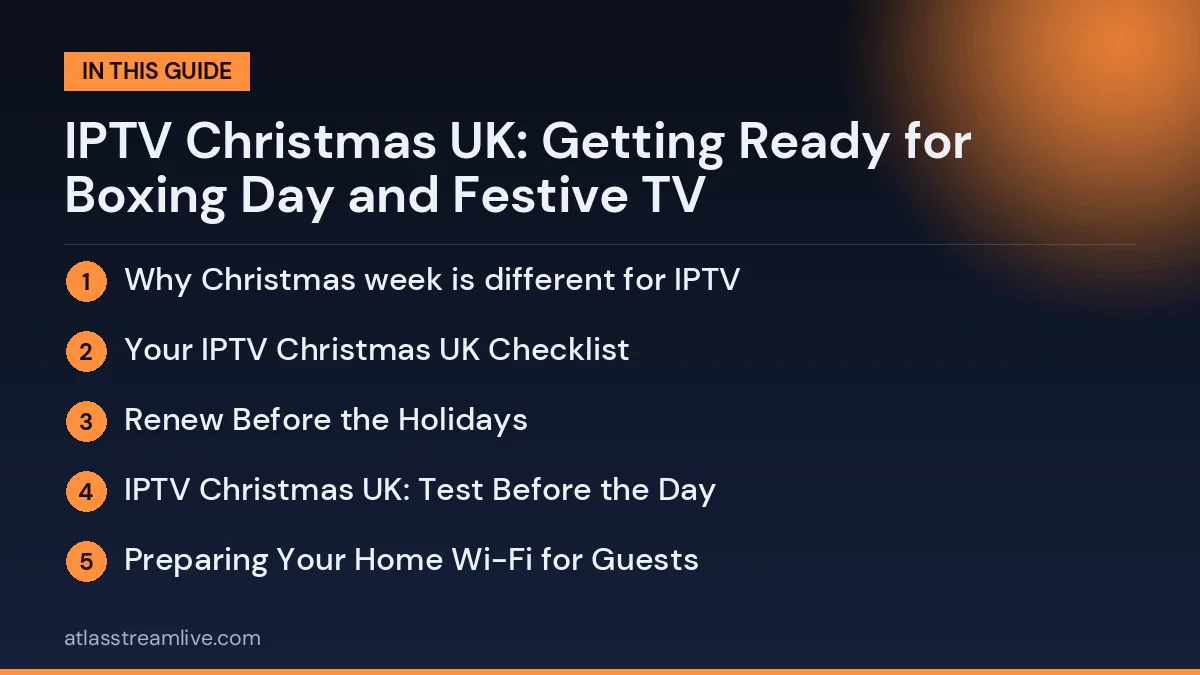
Why Christmas week is different for IPTV

Getting your IPTV Christmas UK setup ready early means no stress when the family gathers for festive films, Christmas Day TV and Boxing Day football.
Christmas week is one of the busiest viewing periods of the year at home. Films, family favourites and, traditionally, a full programme of football and other sport around Boxing Day all land within a few days, and most households have more people and more devices online than usual.
Want to test it on your own TV first? Try AtlasStream Live free for 24 hours on your Firestick, Smart TV or phone. No payment needed.
That pressure falls on your own network as much as on any provider. A setup that runs perfectly on a quiet Tuesday can struggle on 26 December when phones, tablets, consoles and brand-new gifts all share the same broadband line.
Your IPTV Christmas UK Checklist
| When | What to do |
|---|---|
| Early December | Check your subscription end date and renew if it runs out over the holidays |
| Mid December | Update all IPTV apps and streaming device software |
| A week before | Test every TV in the house, including spare rooms for guests |
| Christmas Eve | Set up favourites for festive films, kids channels and Boxing Day sport |
| Christmas Day | Keep a backup device ready, such as a tablet |
| Boxing Day | Start football streams 10 minutes before kick-off |
Support teams are busiest in the days around Christmas, so doing these checks early means you are not waiting for help when everyone wants to watch.
Renew Before the Holidays
Many people only notice their plan has expired when the screen goes blank on Christmas Eve. Check your account or welcome email for the end date. If it falls between mid December and early January, renew a few days early. Payment processing and account activation can take longer during the holiday period, and a short gap on Boxing Day is the last thing anyone wants.
IPTV Christmas UK: Test Before the Day
Do a proper test in the week before Christmas. Open the app on the main TV in the evening, when broadband is busiest, and play a live channel for 20 to 30 minutes. Watch for freezing, check that channels change quickly, and open the guide and on-demand sections.
Preparing Your Home Wi-Fi for Guests
Christmas guests bring phones, tablets and games consoles, all competing for the same broadband. A connection that copes well on a normal evening can struggle when ten devices join at once.
- Set up a guest network: it keeps visitors separate and makes it easier to manage traffic.
- Prioritise the main TV: many routers have a QoS or priority setting for streaming devices.
- Delay big downloads: new consoles and games often download huge updates on Christmas morning. Start them overnight on Christmas Eve if possible.
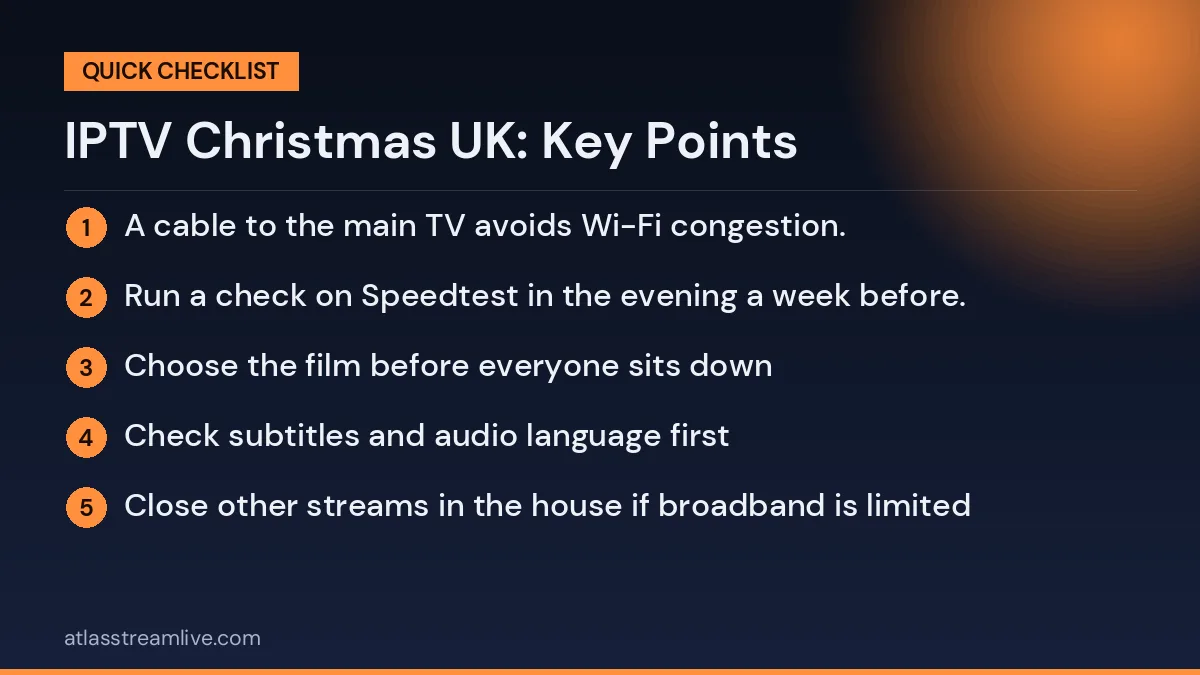
- Use Ethernet where you can: a cable to the main TV avoids Wi-Fi congestion.
- Test your speed at peak time: run a check on Speedtest in the evening a week before.
Festive Films and Family Viewing
Christmas TV in the UK means big films, soaps, the King’s Christmas Message and special episodes. Make the holidays easier by creating a festive favourites group with the channels your family watches most. Add children’s channels to a separate group so younger viewers can find their programmes without scrolling through everything. If your service includes on-demand films, check the festive section in advance and note a few choices for quiet afternoons.
Tips for a smooth family movie night
- Choose the film before everyone sits down
- Check subtitles and audio language first
- Close other streams in the house if broadband is limited
- Keep the remote charged or spare batteries nearby
If you are still choosing a service, the free 24-hour trial is designed for exactly this. No card is needed, so you can run it on your own TV and your own broadband before you commit. Request it early rather than on Christmas Eve.
Setting Up New Devices on Christmas Day
A new Firestick, Smart TV or Android box is a popular gift. Setting it up takes longer than people expect, because the device often needs software updates first. To make it smoother:
- Unbox and connect the device early in the day, before guests arrive.
- Connect to Wi-Fi and let all system updates finish.
- Install the IPTV app and enter your login details.
- Check how many connections your plan allows before adding another screen.
- Add favourites so family members find channels quickly.
- Write simple instructions on a card for older relatives.
If you are giving a device as a gift, consider setting it up in advance so it works the moment it is unwrapped.
Boxing Day Football and Busy Evenings
Boxing Day is one of the biggest days in the UK football calendar, with Premier League and EFL fixtures across the day. Demand on streaming services and home broadband peaks at the same time. Use a wired connection for the main TV, pause big downloads such as game updates, and start your stream a few minutes before kick-off. If a stream stutters, switching to a backup feed in your favourites list is quicker than restarting the app.
Check your broadband and Wi-Fi
Most festive problems are network problems, not provider problems. A few quick checks make a real difference:
- Use an Ethernet cable for the main TV or box if you can. It is steadier than Wi-Fi when the house is full (see Wi-Fi vs Ethernet for IPTV).
- Count how many devices will be online at once. Every extra stream, video call or game download takes a share of your speed.
- Check your speed against what you need for HD or 4K in our internet speed guide.
- Restart your router a day or two before, not in the middle of the big match or film.
What to Do If IPTV Stops Working on Christmas Day
- Restart the app, then the streaming device.
- Restart your router by unplugging it for 30 seconds.
- Try another channel to see if the problem is with one feed.
- Check your subscription has not expired.
- Try a different device, such as a phone, to see if the issue is the TV device.
- Contact support with the channel name, device and time of the problem.
Keep free UK catch-up apps such as BBC iPlayer and ITVX installed as a backup for key festive programmes. Remember that you need a TV Licence to watch live TV or use BBC iPlayer, whichever service you use. You can check the rules on the TV Licensing website.
Travelling Over Christmas
If you visit family, you may want to bring your Firestick or watch on a laptop. Check how many connections your plan allows, because using it at home and away at the same time may exceed the limit. Hotel and holiday-let Wi-Fi can be slow or block streaming devices, so a phone hotspot can help in a pinch, though watch your mobile data allowance.
Keeping Everyone Entertained Over the Holidays
The days between Christmas and New Year are often quiet at home, with family looking for something to watch together. Plan a few viewing sessions in advance so you are not scrolling for half an hour while everyone waits. Pick a classic Christmas film for Christmas Eve, a family favourite for Christmas afternoon and a lighter comedy for the evening. Add these to a festive favourites group or note them on a list near the TV.
For children, set up a kids group with their favourite channels and a few on-demand films, so they can choose without help. For sports fans, add Boxing Day football, darts and racing channels to a sports group. These small steps make your IPTV Christmas UK setup feel organised and stress-free.
Festive viewing ideas
- Christmas Eve: a classic family film
- Christmas Day: the King’s message and festive specials
- Boxing Day: football, darts and racing
- Between Christmas and New Year: box sets and documentaries
- New Year’s Eve: countdown shows and fireworks
New Year’s Eve Viewing
New Year’s Eve is another busy night for TV, with countdown shows, music specials and fireworks from London and other cities. Demand on broadband and streaming services rises close to midnight, so start your chosen channel early. If you are hosting a party, connect the TV by Ethernet and set up guest Wi-Fi for visitors. Keep a backup device ready in case the main stream struggles just before the countdown.
Remember that streams can run slightly behind traditional broadcast. If you want to count down together with neighbours or friends watching elsewhere, you may notice a short delay. Turn off notifications on phones so messages do not arrive before the fireworks appear on your screen.
New Year’s Eve checklist
- Open the channel at least 15 minutes before midnight
- Use Ethernet for the main TV
- Set up guest Wi-Fi for visitors
- Keep a backup device ready
- Mute notifications to avoid spoilers
Gift Ideas for Streaming Fans
If someone in your family loves streaming, practical gifts can improve their setup. A new Firestick 4K or Google TV Streamer, a mesh Wi-Fi system, a soundbar or a simple universal remote all make a noticeable difference. A long Ethernet cable or powerline adapters may not look exciting, but they often solve buffering problems more effectively than any new app. Pair the gift with help setting it up, and your IPTV Christmas UK preparations will benefit the whole household for months.
After the Holidays
Once the festive season ends, review how your setup performed. Did streams hold up on Boxing Day? Was the Wi-Fi strong enough with guests? Did older relatives find the TV easy to use? Note what worked and what did not, and make small improvements while things are quiet in January. Next Christmas will be even smoother.
A little planning before December means more time enjoying festive TV with family and less time worrying about the technology.
New devices and gifts
A new Firestick, Android box or Smart TV is a popular Christmas present, and it is often the person who unwraps it who ends up as the family IT department. Set the device up beforehand so Christmas Day is for watching, not for typing passwords.
The Festive Sports Calendar
Christmas week is packed with live sport in the UK, which is why so many households focus their IPTV Christmas UK plans around it. Typical highlights include:
- Boxing Day football: a full programme of Premier League and EFL matches.
- The PDC World Darts Championship: running through the festive period at Alexandra Palace.
- Festive rugby: Premiership Rugby derby matches around Christmas and New Year.
- Horse racing: the King George VI Chase at Kempton on Boxing Day.
- New Year football: another busy round of fixtures around 1 January.
Fixtures and broadcast details change every year, so check the official schedules closer to the time and add the right channels to your favourites in advance.
Keeping Children Safe Over the Holidays
Children often have more screen time over Christmas. If your IPTV app supports parental controls, set a PIN for adult categories and hide channels that are not suitable. Create a children’s favourites group so they can find their shows easily without browsing the full list. Internet Matters offers step-by-step guides for parental controls on popular devices.
Our guides cover the common routes: Firestick setup, choosing an Android TV box and Samsung and LG Smart TVs. Keep your login details somewhere safe, and read the account security tips before sharing anything with relatives.
Making It Easy for Older Relatives
Grandparents and older visitors may not be used to streaming apps. A few simple steps help them enjoy festive TV without asking for help every few minutes:
- Set the app to open straight on a favourites group with the main UK channels.
- Put BBC One, ITV1 and Channel 4 at the top of the list.
- Turn on subtitles by default if they prefer them, and increase the text size.
- Write a short card next to the TV explaining which buttons to press.
- Show them how to go back to favourites if they get lost in menus.
These small changes make a big difference, and they are worth keeping after Christmas too.
Power Cuts, Storms and Winter Weather
Winter storms can cause short power cuts or broadband faults. After power returns, routers and streaming devices may take several minutes to reconnect. Give them time, then restart the app. If your broadband is down for longer, check your provider’s service status page, and use mobile data on a phone or tablet as a temporary backup for important programmes or matches.
IPTV Christmas UK: Plan Around the Busiest Evenings
The peaks tend to be Christmas Day evening and Boxing Day afternoon and evening. A little planning keeps them smooth:
- Pause console updates, cloud backups and large downloads while people are watching.
- Set up favourites and channel groups so relatives can find what they want without scrolling.
- If children will be watching, check the parental control options in advance.
- Use the TV guide to see what is on rather than channel-hopping.
If something goes wrong
Work through the simple steps in order: close and reopen the app, restart the device, restart the router, then try a second device to see whether the problem is your network or the app. Our guides on evening buffering and IPTV not working go through the usual causes.
If you are still stuck, AtlasStream support is available around the clock on WhatsApp.
A note on what is available
What you can watch depends on the channels a provider carries, and sports rights differ from one service and one event to another. We do not promise any particular match or programme. Use the trial to check the channels and quality you actually care about before the busy week begins.
IPTV Christmas UK: FAQs
Should I renew my plan before Christmas?
Yes, if it expires between mid December and early January. Renewing a few days early avoids gaps during the busiest viewing days.
Why does my stream buffer on Boxing Day?
Demand is very high, and your home network is busier with guests. Use Ethernet, pause downloads and start streams early.
Can I add another TV for guests?
Only if your plan has enough connections. Check your plan and consider a temporary upgrade if needed.
Will support be available over Christmas?
Most providers offer support, but replies may be slower. Do your checks early so you are not relying on support on the day.
Do I need a TV Licence at Christmas?
Yes, the normal rules apply. You need a licence to watch live TV on any channel or device, or to use BBC iPlayer.
Final Thoughts
A little preparation makes all the difference. Renew early, update your apps, test every screen, prepare your Wi-Fi for guests and organise favourites for films, children and sport. With your IPTV Christmas UK setup ready before the big day, you can relax and enjoy the festive TV with your family.
Looking ahead to the day after? Read our Boxing Day IPTV UK guide.