Why El Clasico puts your setup under pressure
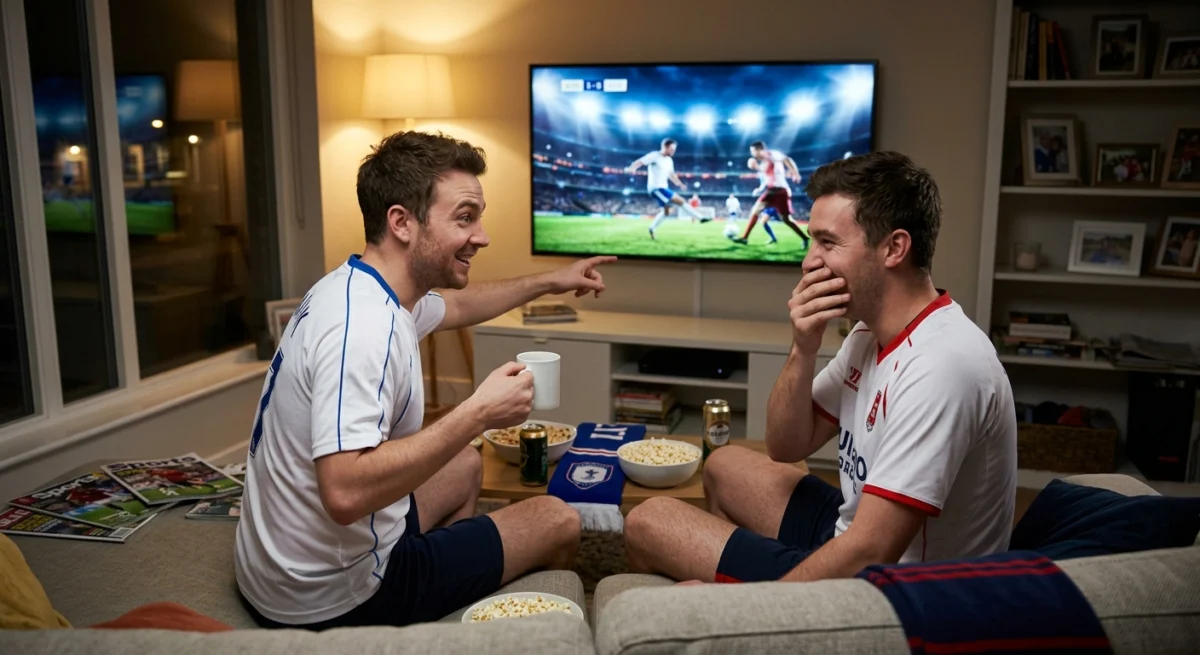
A reliable El Clasico IPTV UK setup means you see every moment of Real Madrid against Barcelona in sharp, smooth quality without buffering at the worst time.
El Clasico, the meeting of Real Madrid and Barcelona, draws a huge worldwide audience. When a match like this is on, many households are online at once, and any weak point in your own setup becomes obvious: a slow Wi-Fi signal, an old device or a router that has not been restarted in months.

Want to test it on your own TV first? Try AtlasStream Live free for 24 hours on your Firestick, Smart TV or phone. No payment needed.
The good news is that nearly all of these problems can be found and fixed before kick-off, in about half an hour.
Check the date and kick-off time
The fixture dates and kick-off times are set by the league and can change, so always confirm them on the official fixture list rather than relying on a post or a screenshot. Kick-offs are often in the afternoon or evening in Spain, which is an hour later than UK time. Put it in your diary and use the TV guide to see what is scheduled.
El Clasico IPTV UK Match-Day Timeline
| When | What to do |
|---|---|
| A week before | Confirm the fixture date and kick-off in UK time |
| Two days before | Update your IPTV app and device software |
| The evening before | Test your stream at the same time as kick-off |
| Match day | Add the right channels to a football favourites group |
| 30 minutes before | Restart router and device, pause downloads |
| 15 minutes before | Open the channel and check picture, sound and commentary |
Real Madrid against Barcelona is one of the most watched club matches in the world, so preparing early is worth it.
Kick-Off Times in UK Time
La Liga often schedules big matches for afternoon or evening slots in Spain, which is one hour ahead of the UK for most of the year. A 9 pm kick-off in Madrid is 8 pm in London. Fixture dates can also move a few weeks before the game because of television scheduling and European competitions. Check the official La Liga or club websites close to the match, and set a reminder in UK time.
El Clasico IPTV UK: Test Your Connection First
A test at 11am on a Tuesday tells you very little about a Saturday evening. Try to test at a similar time, with the same devices online:
- Play a live sports channel for 20 to 30 minutes and watch for stalls or blurry passages.
- Use an Ethernet cable for the main TV or box if you can (see Wi-Fi vs Ethernet).
- Compare your speed with the figures in the HD and 4K speed guide.
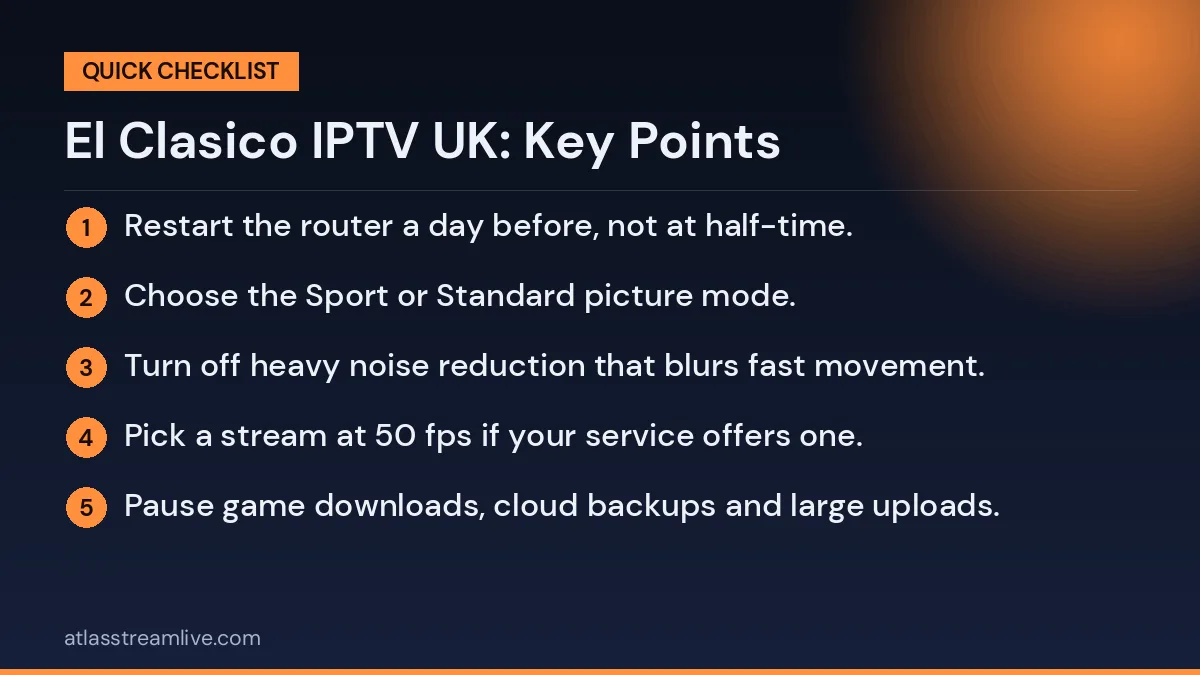
- Restart the router a day before, not at half-time.
Picture Settings for Live Football
- Choose the Sport or Standard picture mode.
- Turn off heavy noise reduction that blurs fast movement.
- Set motion smoothing to low or off, depending on what looks natural.
- Pick a stream at 50 fps if your service offers one.
- Choose steady HD over unstable 4K if your connection is borderline.
Wide shots of the pitch are where poor quality shows most. A smooth, stable stream makes it much easier to follow the ball and spot players off the ball.
Building a Football Favourites Group
Before the match, create a favourites group with the main channel showing El Clasico, any backup feeds and your preferred commentary option. Add other football channels you watch regularly, such as those for the Premier League and Champions League. When a feed stutters, you can switch in seconds rather than scrolling through hundreds of channels.
Choosing the Best Device
| Device | Why it helps |
|---|---|
| Android TV box or Google TV Streamer | Ethernet port for a stable connection |
| Firestick 4K | Easy setup; add an Ethernet adapter if possible |
| Smart TV app | No extra device, but older TVs can be slow |
| Phone or tablet | Good backup on mobile data |
With each big match, your setup gets a little better, and watching becomes easier for everyone involved. Simple preparation, a strong connection and a clear plan are all it takes to enjoy every Clasico from kick-off to the final whistle.
Check the channels and the commentary
Which channels carry a match depends on the provider, and sports rights differ from service to service and fixture to fixture. We do not promise any particular match. The only reliable check is to look at the channel list yourself.
Broadband and Wi-Fi Tips for the Big Match
- Use Ethernet: a cable to the main TV is the most reliable option for live football.
- Know your speed: aim for 15 Mbps or more per HD stream and 25 Mbps for 4K. Test with Speedtest at kick-off time.
- Clear the network: pause game downloads, cloud backups and large uploads.
- Use 5 GHz Wi-Fi: if Ethernet is not possible, connect the device to the faster band close to the router.
- Consider mesh: for TVs far from the router, a mesh system gives a much stronger signal.
Ofcom has simple advice on improving Wi-Fi at home.
Choosing English or Spanish Commentary
Some feeds carry English commentary and others Spanish or Catalan. Many fans enjoy the passion of Spanish commentary, while others prefer English analysis. Open the audio or tracks menu in your player to see which options the channel offers, and add your preferred feed to favourites. Subtitles are rarely available on live football, so commentary language matters.
Hosting an El Clasico Watch Party
El Clasico is one of the best matches of the season to watch with friends. If you are hosting, prepare your El Clasico IPTV UK setup a day early. Test the stream at the same time as kick-off, connect the main TV by Ethernet and set up a guest Wi-Fi network so visitors’ phones do not slow down the stream. Ask guests to avoid big downloads or video calls during the match.
Think about the room too. Arrange seating so everyone can see the screen, set the TV to Sport picture mode and connect a soundbar if you have one. Decide on commentary in advance, Spanish or English, so there is no fuss at kick-off. Keep a phone or tablet ready with a backup stream in case anything goes wrong.
Watch party checklist
- Test the stream the day before
- Use Ethernet for the main TV
- Set up guest Wi-Fi for visitors
- Choose commentary language in advance
- Prepare a backup device
- Mute score notifications to avoid spoilers
Following La Liga Beyond El Clasico
Many UK fans who enjoy El Clasico go on to follow La Liga more closely. Add other big Spanish fixtures to your favourites, check kick-off times in UK time and use catch-up for matches you miss. Following the league through the season makes each Clasico even more meaningful.
Understanding Kick-Off Times and TV Scheduling
El Clasico kick-off times are set by La Liga and broadcasters, often only a few weeks before the match. Times are chosen to reach global audiences, so they can fall in the afternoon or evening UK time. For a stress-free El Clasico IPTV UK setup, check the confirmed date and time about two weeks before, then again a few days before the game, in case of changes caused by European fixtures or cup matches.
Remember that Spain is usually one hour ahead of the UK. A match listed at 9 pm Spanish time starts at 8 pm in the UK. Set two reminders on your phone: one the day before to test your setup, and one 30 minutes before kick-off to restart devices and open the channel.
Pre-match timing plan
| When | Task |
|---|---|
| Two weeks before | Check confirmed date and kick-off |
| Day before | Test stream at kick-off time |
| One hour before | Pause downloads, charge devices |
| 30 minutes before | Restart router and device |
| 15 minutes before | Open channel, check sound and picture |
Getting the Best Sound for Big Matches
Crowd noise is a big part of El Clasico’s atmosphere. A soundbar or home cinema system brings the stadium into your living room. Set the soundbar to a sport or stadium mode if it has one, and use the TV’s AV sync or lip-sync setting if commentary does not match the picture. If you are watching late and do not want to disturb others, wireless headphones work well, but pair them before the match.
Making It a Family Occasion
Big matches are a great chance to watch together. Let children pick a team, explain the rivalry in simple terms and keep snacks ready before kick-off so nobody misses the action.
Comparing Your Setup After Each Clasico
After the match, think about how the evening went. Was the picture sharp throughout? Did the stream hold up during the busiest moments, such as goals and half-time? Were guests able to see and hear clearly? Make a short note of anything that could be improved, such as a better seat arrangement, a stronger Wi-Fi signal near the TV or a different commentary feed. These small notes help you prepare even better for the next big match of the season.
The free 24-hour trial needs no card, so you can browse the channels and test the picture on your own TV before the big day. If you prefer commentary in a different language, see our guide to subtitles and audio tracks, since the options depend on the channel.
Why El Clasico Matters to UK Fans
Real Madrid against Barcelona is more than a football match. It brings together two of the biggest clubs in the world, decades of rivalry and some of the best players in the game. In the UK, many fans follow La Liga alongside the Premier League, and El Clasico is often the most watched Spanish match of the season. That popularity is exactly why your El Clasico IPTV UK setup needs to be ready: huge audiences watching at the same moment put pressure on both streaming services and home broadband.
Other big La Liga matches worth preparing for
- The Madrid derby between Real Madrid and Atletico Madrid
- Barcelona against Atletico Madrid
- Copa del Rey and Spanish Super Cup Clasicos
- Champions League nights involving Spanish clubs
The same preparation steps apply to all of them, so once your setup works for El Clasico, you are ready for the rest of the season.
Expect a short delay
IPTV streams usually run a little behind the original broadcast, anywhere from a few seconds to longer. If you follow the match on social media or get score alerts on your phone, a goal can appear there before it appears on your TV. Muting notifications during the match is the easiest fix.
Avoiding Spoilers
Streams can run slightly behind the traditional broadcast. To avoid finding out about a goal from a phone notification or a neighbour’s cheer:
- Turn off football and news app notifications during the match.
- Stay off social media until full time.
- Ask friends in group chats to hold off on live updates.
Security and Licensing
Big matches attract fake streams and scam offers on social media. Stick with your trusted provider, never share your login details publicly and avoid clicking unknown links. The National Cyber Security Centre offers clear advice on avoiding online scams. Remember that you need a TV Licence to watch live TV in the UK on any device.
Watching with friends and family
If several people will watch in different rooms, remember that each screen uses its own stream. Check how many devices your plan allows in our guide to simultaneous connections, and ask others in the house to avoid big downloads while the match is on.
If the El Clasico IPTV UK Picture Struggles
Close and reopen the app, restart the device, then the router, and try a second device to see whether the problem is your network. Our guide to buffering causes and fixes covers the rest. AtlasStream support is available around the clock on WhatsApp if you need a hand.
Quick Troubleshooting Table
| Problem | Quick fix |
|---|---|
| Buffering | Switch to Ethernet or move closer to the router; lower quality to HD |
| No sound | Set device audio output to Stereo or PCM |
| Wrong commentary language | Change the audio track in the player menu |
| Channel not loading | Try a backup feed, then restart the app |
| App crashes | Clear the app cache and restart the device |
| Picture blurry in wide shots | Turn off noise reduction; choose a 50 fps feed |
After the Match
Note anything that went wrong, along with the time and channel. If problems only happened at peak moments, the cause is usually your home network or evening broadband speeds. Small fixes such as an Ethernet cable or a mesh Wi-Fi point often solve them before the next big game. Use quieter evenings to test changes so you know everything works when the next Clasico comes around.
Making the Match Accessible for Everyone
If you watch with family members who are new to streaming, a little setup helps them enjoy the game without asking for help. Open the app on the football favourites group, put the El Clasico channel at the top, and explain how to switch to the backup feed. For older relatives, increase the guide text size if the app allows it. If someone in the group has hearing loss, a soundbar with a dialogue boost setting can make commentary clearer, since live football rarely carries subtitles.
Planning a Season of Big Matches
El Clasico is usually played twice in La Liga each season, and the teams can also meet in the Copa del Rey, the Spanish Super Cup and occasionally in Europe. Add all the dates to your calendar once fixtures are confirmed, and check your subscription end date so it does not expire just before a big game. Renewing a few days early avoids any gap in service.
El Clasico IPTV UK: FAQs
What time is El Clasico in the UK?
Spain is usually one hour ahead of the UK, so subtract an hour from the Spanish kick-off time. Always check the official fixture list close to the match.
What speed do I need?
About 15 Mbps per stream for steady HD, and 25 Mbps or more for 4K.
Can I get English commentary?
It depends on the channel feed. Check the audio menu in your player, and add the feed you prefer to favourites.
Why does the stream buffer at kick-off?
Demand peaks at the start of big matches, and home networks are often busy. Use Ethernet, pause downloads and open the channel early.
Can I watch on two TVs?
Yes, if your plan includes enough connections and your broadband can support two streams.
Summary
Preparing your El Clasico IPTV UK setup is simple: confirm the kick-off in UK time, update your apps, test your connection at the right hour, choose your commentary and build a favourites group with backup feeds. Use Ethernet where you can and keep a phone ready as a backup. With everything ready before kick-off, you can enjoy one of the greatest rivalries in football without distractions.